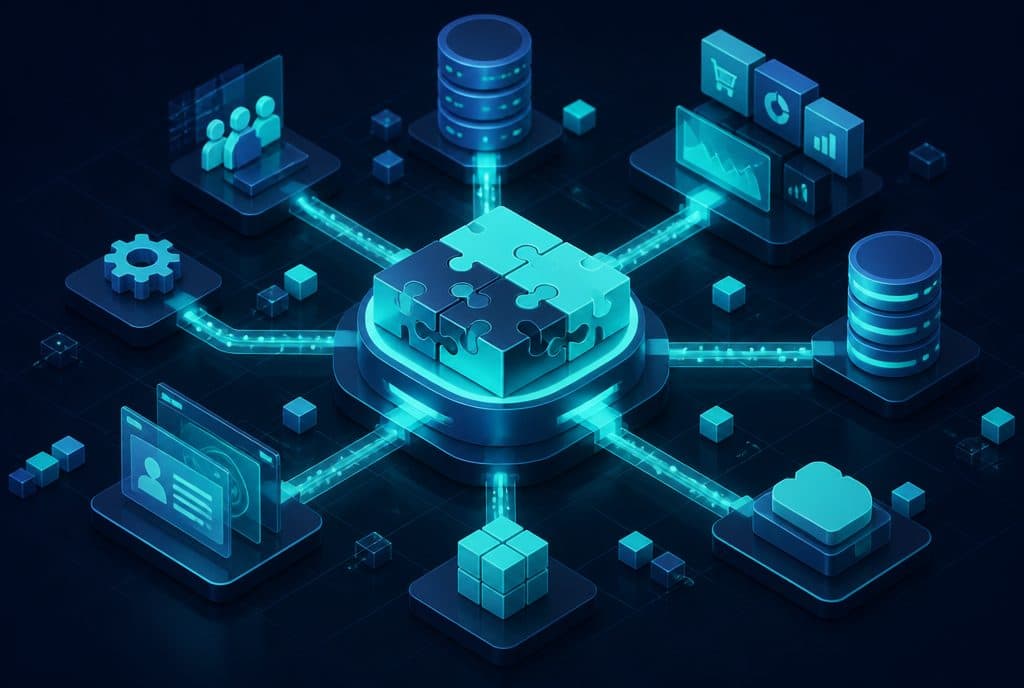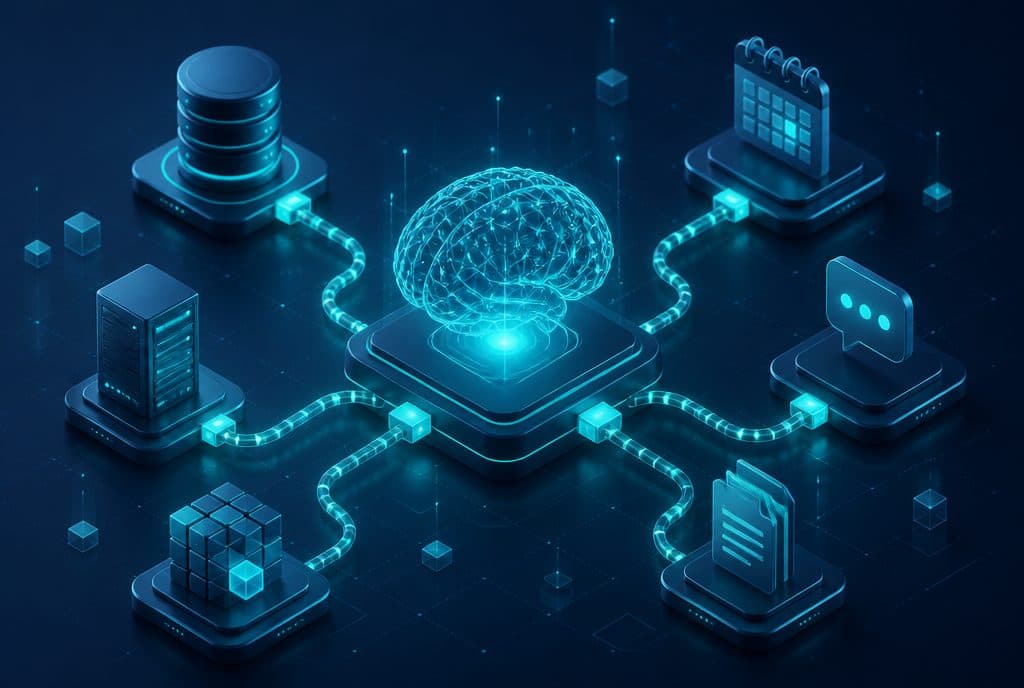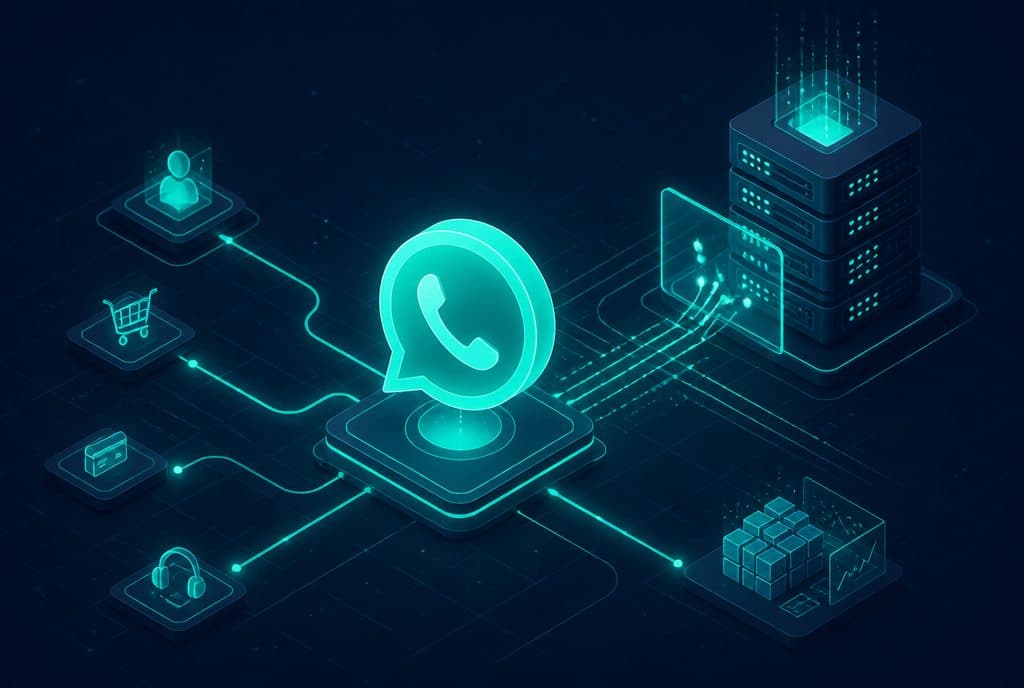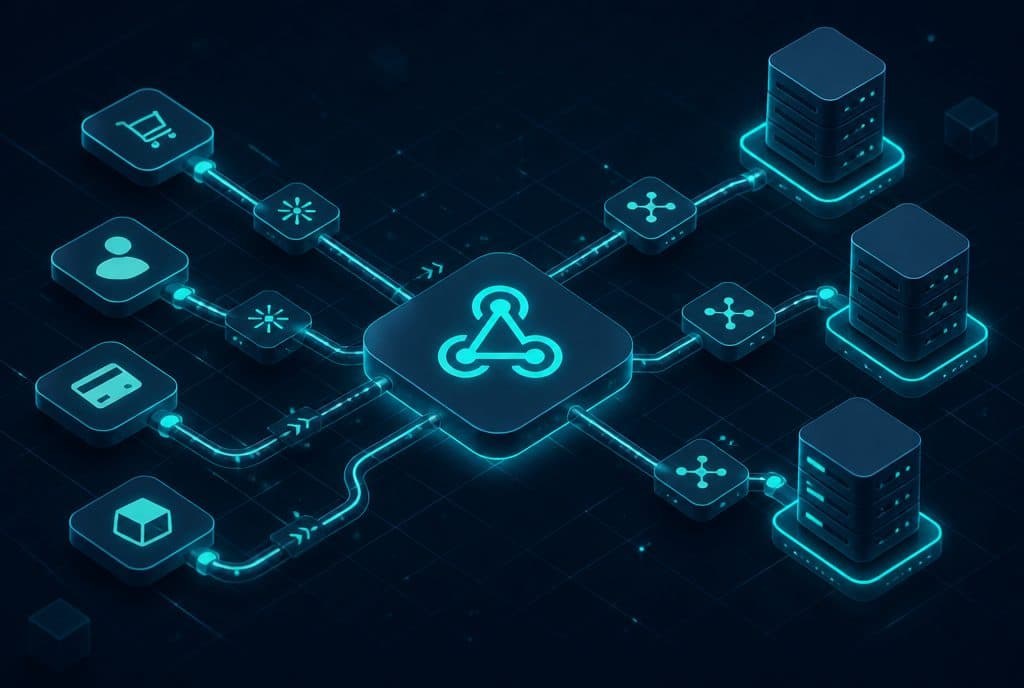
An API (Application Programming Interface) is a standard communication channel that allows two computer systems to send and receive information between each other. A Webhook is an automatic message that a system sends the moment something happens — a lead registers, a payment is received, or a meeting is scheduled. Both are the foundation for connecting CRM, WhatsApp, calendar, and more — into a single business process that runs on autopilot. At Automaziot AI, we build these connections for businesses on a daily basis.
These terms sound technical, but the idea behind them is simple — and understanding them can change the way you think about managing information in your business. Without diving into code and without explaining things that aren't relevant to you, here is the complete explanation every business owner needs.
What is an API?
An API (Application Programming Interface) is a defined communication channel between two computer systems. It determines: what questions can be asked, in what format the request is sent, and what the system returns in response. When one system wants information from another system — it sends a request through the API, receives a response, and does what is needed with it.
Analogy: The Bank Service Window
Imagine you are at the bank. You walk up to the window, present your ID, and ask: "How much money do I have in my account?". The teller checks and replies: "$5,000".
You didn't enter the bank's server room. You didn't access the database directly. You had a defined entry point, a legitimate question, and an orderly answer. This is exactly what an API does — only between two software systems, at speeds of milliseconds.
Business Example
You use a CRM to manage customers, and WhatsApp Business for communication. When a sales representative marks a lead as "Interested" in the CRM — you might want an automatic WhatsApp message with details to be sent to them. The systems do not "talk" to each other on their own. The API is the bridge: the automation system (such as n8n) sends a request to the WhatsApp API with the text and phone number, and WhatsApp sends the message.
What is a Webhook?
A Webhook is an automatic message that a system sends you the moment something happens — without you having to ask. Instead of your system constantly checking "did anything new happen?", the Webhook says: "It happened — here is the data, right now." This turns responding to events from an active task into a fully automated process.
Practical Difference: API vs. Webhook
| API | Webhook | |
|---|---|---|
| Who initiates? | Your system asks | The other system notifies |
| When? | When you want information | The moment something happens |
| Everyday equivalent | Calling and asking "Has the order arrived?" | Receiving an SMS "Order has arrived" |
| Common use | Querying data, sending a command | Event notification, process trigger |
Analogy: SMS from the Bank
Instead of logging into the app and checking your balance every hour, the bank sends you an SMS the moment a transaction occurs. You didn't ask — they notified. That is a Webhook.
Business Example
A customer fills out a lead form on your website. The moment they click "Submit" — the website sends a Webhook to the address you predefined, containing all the details (name, phone, interest). The automation system receives the message, opens a record in the CRM, and sends an initial WhatsApp message to the customer — within seconds, without anyone doing anything manually.
Why Does This Matter to Your Business?
Most business owners are not programmers. So why understand this?
Because APIs and Webhooks are the reason processes can run on autopilot — or why they break.
When a customer fills out a form and "we didn't get the details" — usually the problem is a Webhook that isn't working. When trying to connect a CRM to a marketing platform and "they aren't talking to each other" — the problem is an API that wasn't configured correctly. Understanding these concepts doesn't make you a programmer — but it helps you know what to ask, what to check, and where to look when something isn't working.
Three Scenarios Every Business Owner Knows
1. A Lead Falling Between the Cracks
A potential customer fills out a form on Friday night. No representative is available. The details arrive in an email that "someone will check after the weekend." Monday morning — the customer has already bought from the competitor.
With a Webhook connected to the CRM and a WhatsApp agent: the details are captured at the moment of registration, the customer receives an opening message within 30 seconds, and an organized record is opened for the representative to follow up on Monday morning with full context.
2. A Calendar Clashing with Itself
Customers book appointments through the website — but representatives don't always sync with Google Calendar. Result: double bookings, forgotten meetings, disappointed customers.
With an API between the booking system and Google Calendar: every new booking is automatically added to the correct calendar, with a WhatsApp reminder to the representative and the customer an hour before.
3. A CRM That Doesn't Update
A representative closed a deal on a phone call and "will update the CRM later." "Later" never happens. Half of the statuses are outdated, reports do not reflect the actual situation, and management gets a misleading picture.
With a Webhook between the telephony system and the CRM: every call that ends automatically updates the record — who spoke, for how long, and what status was selected at the end of the call.
How Do You Actually Connect Them?
On a technical level: every service that offers an API provides an "address" that you can query with the correct data. A Webhook is an "address" you provide to the service, so it knows where to send messages when something happens.
On a practical level for your business: most connections between common systems (CRM, WhatsApp, calendar, forms, stores) are already pre-built in automation platforms like n8n. You don't write code — you visually define what goes out of one system and what goes into the other.
For more complex integrations — such as a unique proprietary system, complex logic, or a connection that has no ready-made support — there is room for targeted development. At Automaziot AI, we work in both layers: the fast visual layer, and precise custom development when needed.
What to Check Before Connecting Systems?
Before any integration project, three things are worth checking:
Do your systems have an API? Most common systems — CRM, email, payment platforms, WhatsApp Business — offer an API. Older, custom-built systems do not always include one.
What data is flowing? Before the technical connection, define exactly what is being transferred — name, phone, status, date? The clearer the data, the simpler the connection.
What happens when something fails? An API can return an error. A Webhook might fail to deliver. A professional connection includes error handling — retries, alerts, logs — so you don't find out after the fact that data was lost.
Want to connect your business systems into a single process that runs on autopilot? Talk to us — we will map out the correct flow and build it cleanly, with built-in monitoring.
Summary
- API is a communication channel: your system asks, receives an answer, and does something with it.
- Webhook is an event notification: another system notifies you the moment something happens.
- Both together are the foundation for real business automation — a CRM that updates itself, a lead that gets an immediate response, a calendar that syncs automatically.
- For simple system connections, you can use platforms like n8n without code; for complex things — it is best to get help from professionals.
- If your lead management still relies on "someone moving things manually" — there is work to be done here.