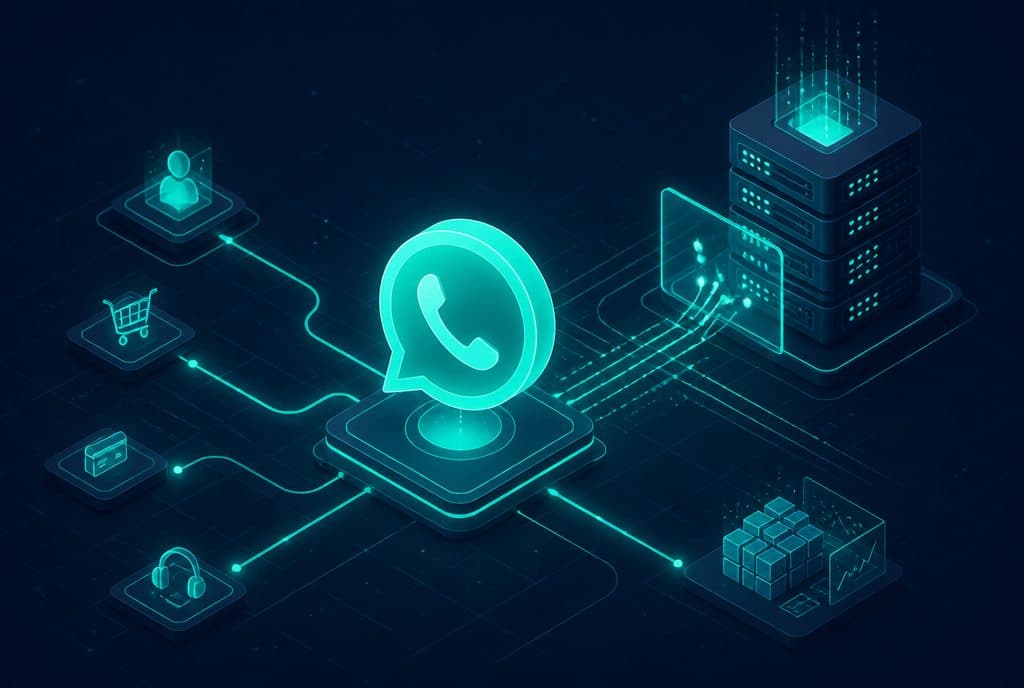
WhatsApp Business API is Meta's official interface for connecting businesses to WhatsApp at a professional level: an AI bot that manages conversations, a service center where multiple agents answer from the same number, and full integration with the business's CRM and automation systems. It is fundamentally different from the free WhatsApp Business app — which is limited to one device, one person, and does not allow for a real bot. If a business wants to streamline its WhatsApp beyond manual responses, the API is the essential starting point.
What is WhatsApp Business API?
WhatsApp Business API is an application programming interface (API) that Meta provides to businesses to connect their WhatsApp channel to any external system: an AI bot, a service center (such as Chatwoot), a CRM system, an automation platform (such as n8n), and more. Unlike the WhatsApp Business app which can be installed directly, access to the API requires official registration through a certified Meta BSP (Business Solution Provider) — after which incoming and outgoing messages can flow via code, without human intervention.
WhatsApp Business App vs. WhatsApp Business API — What's the Difference?
Before moving forward, it is important to understand that these are two completely different products, despite having similar names:
| WhatsApp Business (App) | WhatsApp Business API | |
|---|---|---|
| Cost | Free | Per conversation (Meta model) + setup |
| Devices | Single device | Server / Cloud — no device limit |
| Users | 1 (or up to 5 on an additional device) | Multiple agents from the same number |
| Bot / Automation | Simple automated message only | Full AI bot + workflows |
| CRM Connection | None | Yes — full API |
| Scale Template Sending | Very limited | Yes, with template approval |
| Multiple Agents | No | Yes — multi-agent interface |
| Designed for | Small business with manual responses | Business wanting automation and volume |
The simple rule: if you answer by yourself and the volume of inquiries is low — the app is enough. The moment you want WhatsApp to work even while you sleep, the API is a must.
Why Do You Need an API for a Real WhatsApp Bot?
This is where many businesses fall between the cracks. When you see a "WhatsApp bot" on social media, sometimes these are solutions that run on top of a personal account or a Business App account — using simulations of screen clicks (unofficial "scripts"). These are not legitimate bots according to Meta.
A real AI bot that manages a conversation — understands questions, sends tailored answers, writes to the CRM, schedules a meeting in the calendar — must have an official API connection behind it. The reasons:
- Access to every incoming message in real-time — The API sends a webhook to your server immediately upon receiving a message; the free app does not expose such an API.
- Sending outgoing messages from the server — To reply via code (and not manually), you must have API access.
- Managing multiple conversations simultaneously — A bot can manage hundreds of conversations at the same time; an app on a single device cannot.
- Integration with CRM and n8n — Streaming conversation data into business systems requires an open API.
The Risk of Using WhatsApp Groups and Personal Numbers
An issue that is nice to ignore, but is critical: Meta enforces its terms of service.
Using a personal account for large-scale commercial communication — sending marketing messages, managing hundreds of customer conversations, broadcasting to lists — can lead to the number being blocked. A block on a personal number can be permanent, including the loss of history, contacts, and the WhatsApp backup linked to that number.
WhatsApp Groups are an unsuitable communication channel for business customer service for several reasons:
- Customers see all other users — a violation of the Israeli Privacy Protection Law.
- You cannot manage a confidential one-on-one conversation within a group.
- There is no option to connect a CRM to group conversations.
The official API protects you: it is certified by Meta, works within the boundaries of the terms of service, and allows you to send messages according to defined commercial categories (service conversations, approved marketing conversations).
How to Set Up WhatsApp Business API?
The setup includes several stages:
1. Business Account Verification in Meta Business Manager You must own a Facebook Business Page and verify your business details. This is the stage that takes the most time (usually 3-7 business days) — Meta checks that the business is real.
2. Choosing a BSP (Business Solution Provider) Meta does not sell API access directly to most small businesses. You access it through a certified provider. The provider manages the API connection and provides the approved number.
3. Setting Up the Business WhatsApp Number The number assigned to the API cannot simultaneously be active as a regular WhatsApp account — you must choose: either API, or the app. Businesses that want to keep their existing number can transfer it, but expectations must be managed.
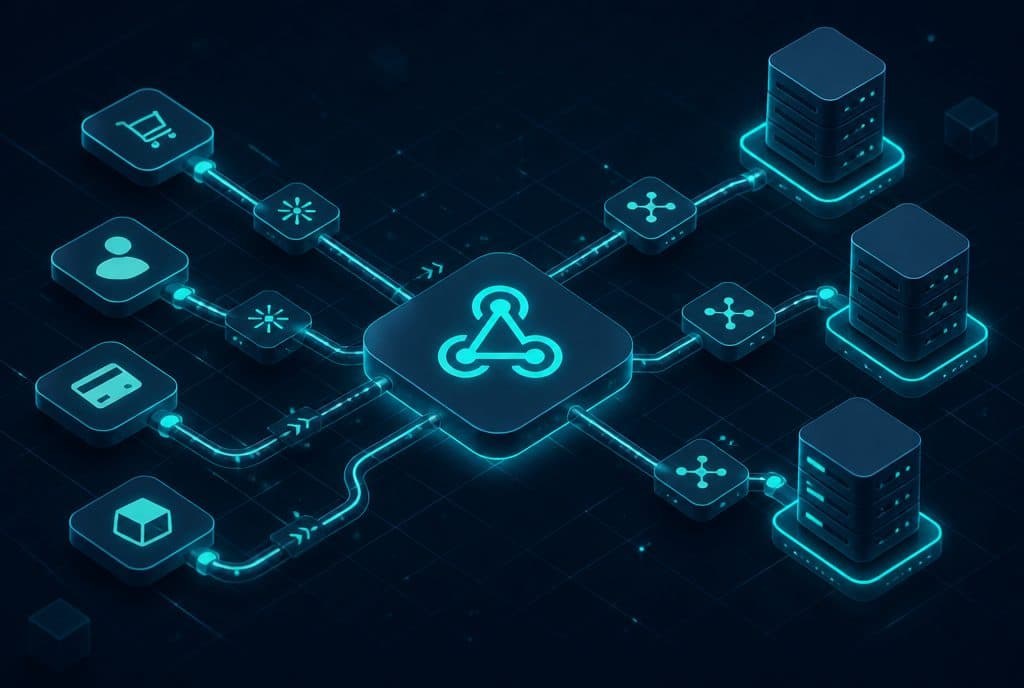
4. Connecting to Business Systems This is where automation systems come in: n8n receives the webhooks from Meta, triggers an AI agent that manages the conversation, and writes to the CRM. A service center like Chatwoot allows human agents to take over conversations transferred to them by the bot — all from the official number.
5. Approving Message Templates Outgoing messages sent to a customer who has not initiated a conversation (Outbound Templates) must be approved by Meta. The API prohibits sending marketing messages without an approved template — this is part of the mechanism that prevents spam.
What Can You Do with WhatsApp Business API?
Once set up, a variety of capabilities open up that the Business App does not offer:
- An AI Bot that Answers 24/7 — Manages a natural conversation in Hebrew, filters leads, answers FAQs, and hands over to an agent when needed with a full summary of the conversation.
- Multi-Agent Service Center — Several service agents answer from the same business number, with conversation assignment and shared visibility.
- Sending Structured Updates — Appointment reminders, order status updates, payment confirmations — all sent automatically.
- Full CRM Integration — Every incoming conversation is logged, every lead is tagged, every follow-up is sent on time.
- Conversation Analytics — Tracking response rates, response times, and conversation quality.
See more details about our smart agent service for WhatsApp at /en/services/whatsapp-agent and also at /en/services/ai-agents.
When is the WhatsApp Business App Still Enough?
Not every business needs an API. The Business App is suitable when all of these conditions are met together:
- The daily volume of inquiries is low (up to a few dozen).
- There is one person responsible for manual responses, and they are not overwhelmed.
- There is no need for real-time CRM connection.
- There is no need to transfer conversations between multiple agents.
The moment one of these conditions changes — growth in inquiries, team changes, desire for automation — the API becomes essential.
Summary
WhatsApp Business API is the layer that allows WhatsApp to work like an autonomous employee rather than a mobile phone waiting for you to pick it up. The difference from the Business App is not a matter of what looks "nicer" — it is fundamental: without an API, there is no real bot, no CRM connection, and no ability to manage hundreds of conversations simultaneously. Proper setup through a certified Meta provider protects your number and allows you to build an automation system on top of it that delivers measurable value.
If you are considering connecting your WhatsApp to an AI bot and CRM, talk to us — we will review your inquiry volume, explain the right path, and build a practical proposal together.
For more information on AI agents for businesses, see What is an AI Agent for Business.