Israeli manufacturers and importers lose hours every day on repetitive processes: receiving RFQs (Requests for Quotation) from email, WhatsApp, and faxes — manually typing them into a spreadsheet, creating a PDF, sending it, and then following up. Orders arrive on WhatsApp, are typed into the ERP by hand, while a sales agent asks about inventory and waits for an answer. Business automation for B2B eliminates exactly this layer — receiving, processing, sending, and following up without human touch at every routine step — allowing the team to focus on business development and judgment that truly requires a human.
How Does Automation Help a B2B Business?
B2B automation connects incoming channels (email, WhatsApp, forms) directly to back-end processes (ERP, CRM, price lists) and automatically performs all repetitive steps: extracting request details, retrieving prices, creating documents, and sending them to the customer — within minutes, without manual typing and without queues.
Where Does B2B Lose the Most Time?
Before planning automation, it is highly recommended to map out the actual pain points. For most manufacturers and importers we meet, three processes stand out:
1. Price Quotes — A request comes in, someone on the team opens a spreadsheet, searches for items, types in quantities, calculates the price, generates a PDF, and sends it. If the price list changed just yesterday — there is a good chance the quote sent today is inaccurate.
2. Order Intake — An order arrives on WhatsApp as free text ("I need 200 units of product X and 50 of product Y by Thursday"). Someone on the team interprets it, types it into the ERP, checks inventory, and confirms. Under heavy workload, this falls between the cracks.
3. Agent and Distributor Service — Questions about inventory, order status, delivery notes — dozens of routine questions coming from the same people repeatedly, each taking 2-5 minutes of a representative's time.
What B2B Automation Actually Does
Automated Price Quotes
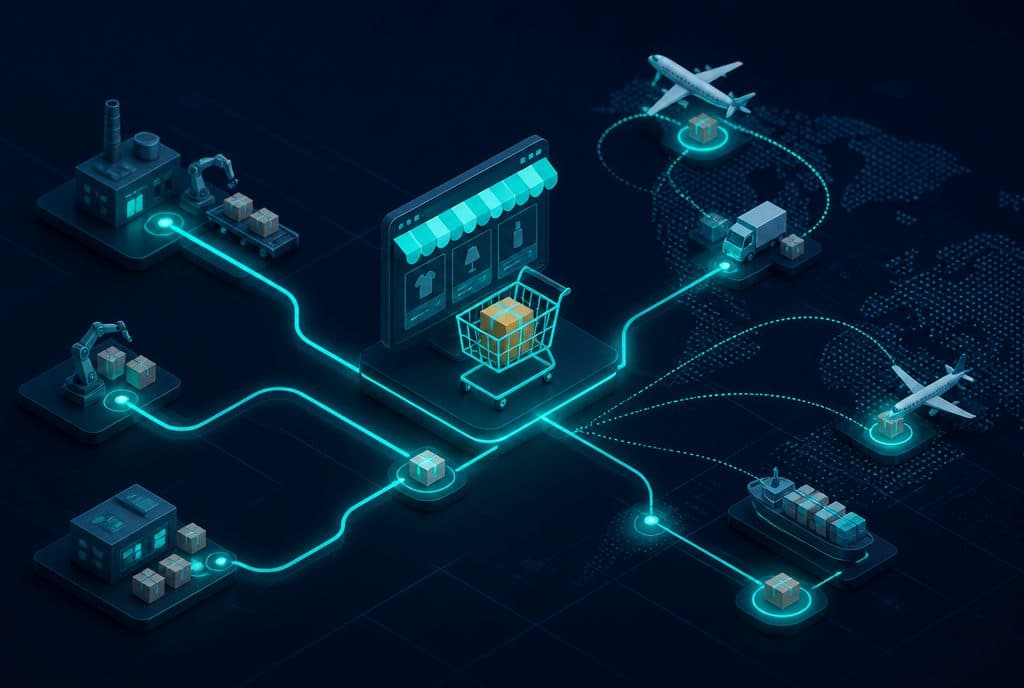
The basic flow: An incoming request (from email, WhatsApp, or a web form) → A language model extracts the list of items and quantities → n8n retrieves the price from the updated price list (spreadsheet, ERP, or dedicated database) → Generates a PDF document → Sends it to the customer, and logs it in the CRM.
What is left for humans: VIP customers with special pricing, items not on the standard list, and negotiations on discounts that require human judgment.
Order Intake
An order on WhatsApp in free text → n8n passes it for language processing → Structured format (item, quantity, required date) → Inventory check in the ERP → Confirmation to the customer with an order number and calculated delivery date. If there is an inventory shortage — an alert is sent to a representative in a quiet channel.
Answering Agents and Distributors
Repetitive questions (What is the stock level? Where is my order? When is it arriving?) are handled by an agent connected directly to the ERP, returning an accurate answer within seconds. A question requiring a business decision is forwarded to a representative with full context — not from scratch.
Capabilities Table: B2B vs. Manual
| Process | Manual | With Automation |
|---|---|---|
| Price quote from request to PDF | 15-45 minutes | 2-5 minutes |
| Order intake to ERP | Manual typing, risk of error | Automatic, structured |
| Inventory check for agent | 3-5 minutes per representative | Instant answer |
| Order status | Phone call + check | WhatsApp question, answer in seconds |
| Price list update in quotes | Depends on representative's memory | Automatic retrieval from source |
| Follow-up on sent quote | Manual reminder | Automatic follow-up based on time |
Scenarios by Business Type
Manufacturer Selling to Retail Chains
The Challenge: The sales department spends hours preparing routine price quotes for a fixed catalog.
The Solution: A protected order form (for authorized agents only) that generates an automatic price quote, sends a PDF, and enters an approval process if the amount exceeds a certain threshold. Below the threshold — it goes out automatically.
Importer with a Distributor Network
The Challenge: Distributors ask about inventory dozens of times a day. A representative wasted 40% of their time on routine questions.
The Solution: A WhatsApp interface for agents with access to real-time inventory data. Question → Answer with updated stock, ETA for out-of-stock items, and the option to open an order directly from the chat.
Industrial Service Provider (Parts, Maintenance)
The Challenge: Urgent orders arrive after hours, and questions about technician scheduling also come in over the weekend.
The Solution: An agent that receives urgent orders 24/7, confirms immediately based on inventory, and dispatches an alert to the relevant technician. Scheduling questions → Access to the calendar and direct booking.
ERP Integration: What Does It Mean in Practice?
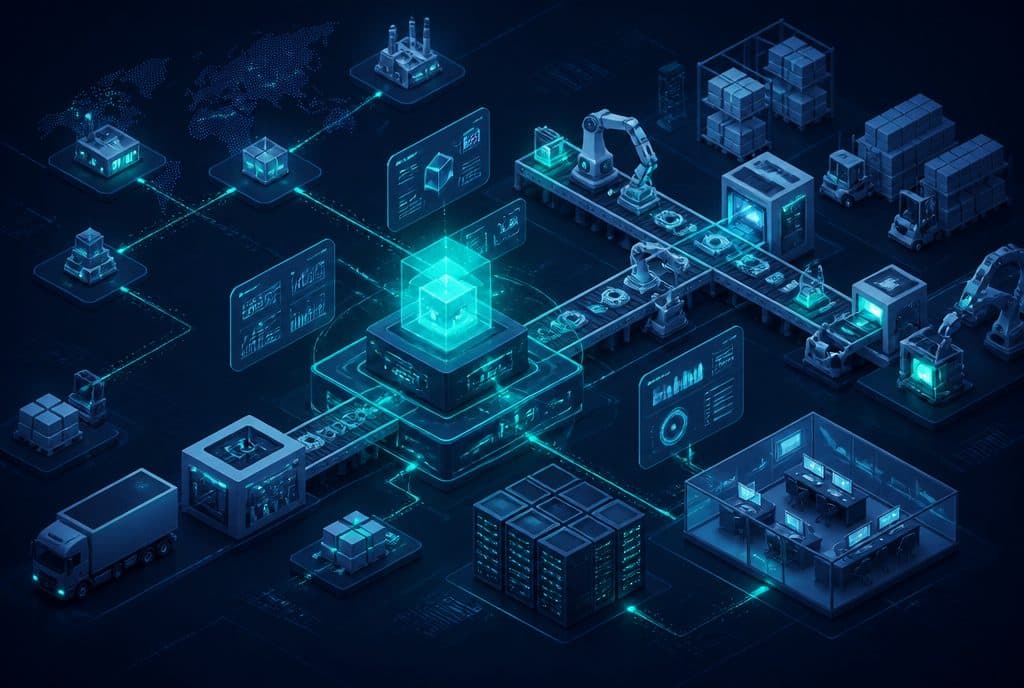
Common Israeli ERPs (Priority/Maman, SAP Business One, Harmony) expose an API that allows reading and writing data. n8n, the platform we work with, connects to this interface and performs actions in real-time:
- Read: Updated inventory, order status, customer details, price lists
- Write: Creating a new order, updating status, opening a customer card
- Trigger: Printing a delivery note, triggering an internal approval process
One important thing to know: Connecting to an ERP requires setup with the provider (API key, permissions, field mapping). This is an orderly process — not a "one-click connection." The technical time is relatively short; most of the work is mapping the business logic: what is entered, under what condition, and who approves it.
Maintaining Privacy in B2B Processes
When automation handles order data, customer details, and price lists — the Israeli Privacy Protection Law and information security regulations apply. Every process we build includes:
- Defining data access permissions (only what is necessary for each step)
- Encryption in transit and at rest
- Logging of who accessed what data and when
- Option to delete/update in accordance with legal requirements
How to Get Started?
Step 1 — Map one process: Choose the process that wastes the most routine hours — usually price quotes or inventory questions. Write down the steps, the tools involved (email, ERP, spreadsheet), and how many inquiries arrive per day.
Step 2 — Specification: We analyze the business logic — what inputs enter, what decisions are made, what systems are involved, and what is left for a human. At the end of this stage, there is a clear specification of what the automation will and will not do.
Step 3 — Build and Test: Building parallel to existing operations, with a manual process as a backup until the automation is proven stable.
Step 4 — Handover: The automation goes live. The team continues to manage what requires judgment — everything else runs on its own.
Want to understand what can be streamlined in your business? Talk to us — we will ask a few questions about your existing processes and present a practical direction.
Relevant Links
- Business Automation — Everything You Need to Know
- Smart Customer Management (CRM)
- Connecting WhatsApp to Your Business and CRM — The Complete Guide
How much does it cost?
| Component | Price (one-time setup, ex-VAT) |
|---|---|
| WhatsApp AI sales agent | ILS 9,000 |
| Automatic quoting engine | ILS 6,500 |
| Calendar link and meeting booking | ILS 2,000 |
| Automatic follow-up sequence | ILS 2,500 |
| WhatsApp Business API setup | ILS 700 |
A complete starting point — a WhatsApp AI agent including the business number, server and agent control room — is from ILS 10,200; an agent with a management system (CRM) from ILS 18,200, a multi-agent system from ILS 25,350. There is no monthly fee; third-party costs (server, messages, AI) of about ILS 100–500 a month are paid directly to the providers. The full component price list: pricing page.
Summary
B2B automation is not just about "saving time" — it removes an entire layer of manual work from the team and returns it to people in the form of information, not labor: instead of typing an order, the representative sees an order in the ERP waiting for their approval. Instead of answering inventory questions, they focus on developing the relationship with the distributor.
The right place to start is always with one repetitive process — not a "full automation" project. We build small, prove it works, and expand. In B2B businesses where every working hour costs real money, the return on investment is fast.