Reviews and reputation automation is a system that detects when a service has ended, automatically sends each customer a WhatsApp or SMS message requesting a rating, routes unsatisfied customers to human support before they post publicly, and tracks the rating over time—without anyone on the team needing to remember to ask manually. In small and medium-sized Israeli businesses, manual outreach simply doesn't happen consistently, which is why reviews accumulate slowly. Business automation solves this using a method that respects both the customer and the business.
What is Reviews and Reputation Automation?
Reviews and reputation automation is an automated system that reaches out to every customer after a service with a request to rate their experience, routes anyone who is unsatisfied to a private conversation with the team before they post a public review, and centralizes all data—ratings, feedback, trends—in one place for ongoing management. The difference from a manual approach: the outreach happens after every service, to everyone, at the right time, without needing to remind anyone.
Why Your Business Reviews Don't Reflect Your Service Quality
Most businesses provide good service—but satisfied customers forget to write reviews. A highly satisfied customer moves on with their life; someone who felt wronged will sometimes find the time. The result is a distorted picture: the rating points to a problem that might not exist, and potential customers who read it approach with doubts.
The second reason is timing. The right moment to ask for a review is when the experience is still fresh—an hour or two after the service ends, not a week later. When a team is busy between calls and work, the request gets delayed and ultimately isn't sent.
How It Works
The reviews and reputation automation process is typically built in four stages:
1. Detecting Service Completion
The system detects that the service has ended—via Google Calendar, a CRM update, a "service completed" form filled out by the technician, or a manual WhatsApp message. This is the trigger that initiates the rest of the process.
2. Reaching Out to the Customer—To Everyone, Not Just Some
Important: The outreach goes out to every customer who completed a service, not just those who seem satisfied. Filtering customers before reaching out—"only send to those who seem happy"—is both unethical and ineffective. See the ethics note below.
The automated message, usually on WhatsApp, contains a simple question: "How many stars would you give the service?" with a direct link to write a review on Google.
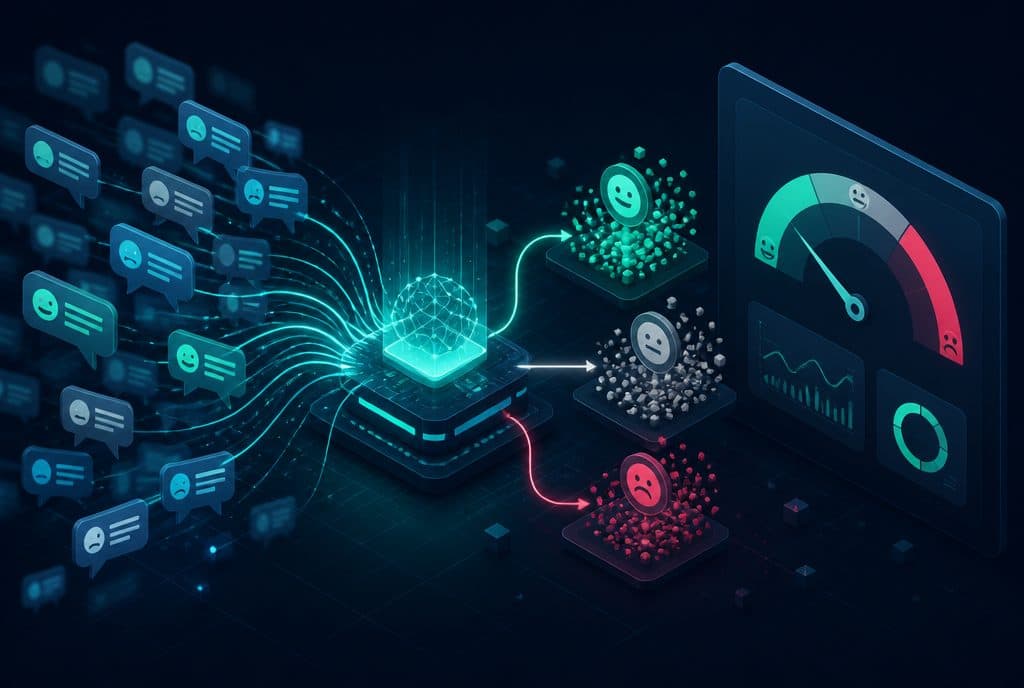
3. Smart Routing Based on Response
| Customer Response | What Happens Automatically |
|---|---|
| 4–5 Stars | Direct link to write a Google review |
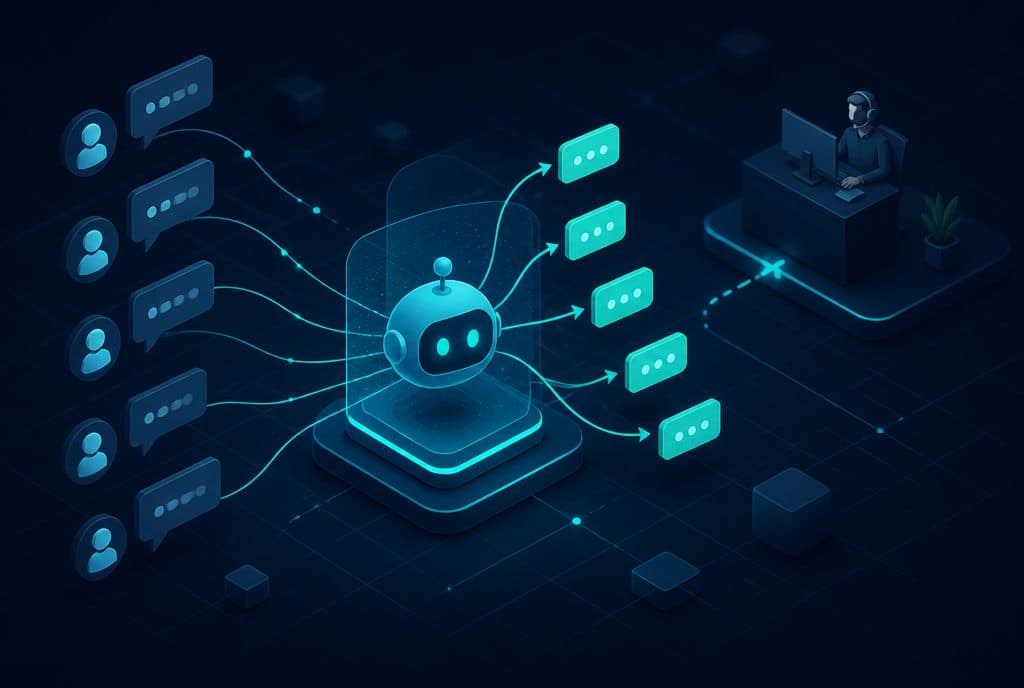
| 1–3 Stars | Redirection to a human service representative for a private conversation |
| No Answer | One reminder after a few days |
Important Clarification: The routing does not "filter out" negative reviews from Google—it gives the business an opportunity to resolve the issue before the customer posts. If the customer chooses to go directly to Google, there is no legitimate tool that can stop them, and we do not build one.
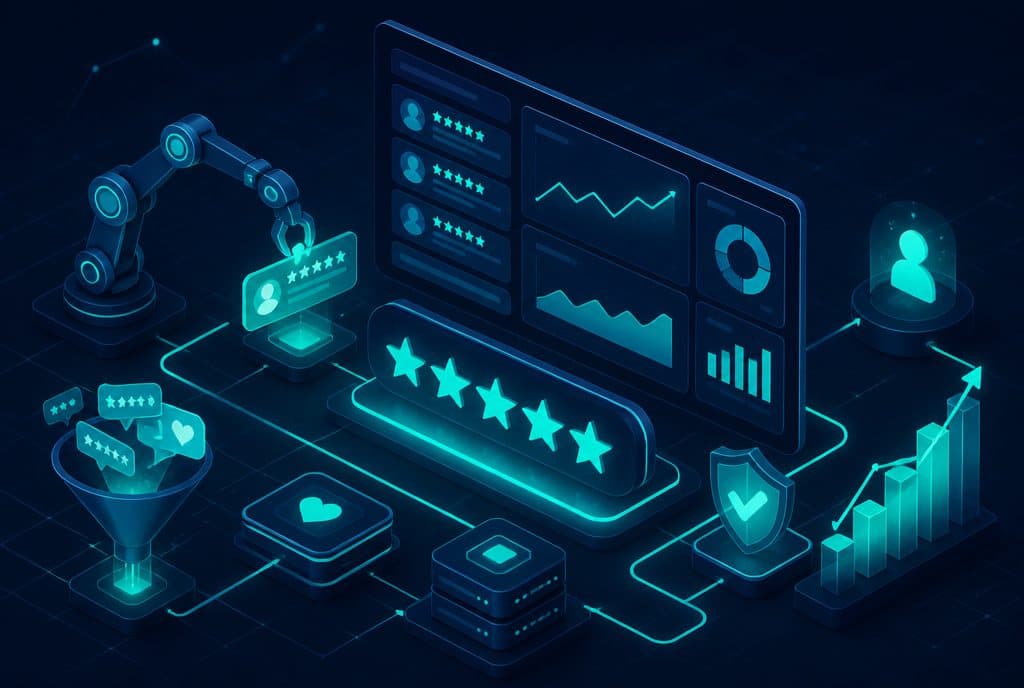
4. Tracking and Reporting
The system aggregates the ratings, identifies trends (a drop in rating, multiple feedback entries on a specific topic), and sends a brief weekly report to the business owner—what changed, how many reviews were added, and if there is an issue requiring attention.
The Ethics Note—What is Allowed and What is Forbidden
A question we often hear from businesses: "Can we only send to those who seem satisfied?"
Our answer: No, and we won't build that.
What is allowed and considered legitimate:
- Reaching out to everyone for feedback
- Routing those who express dissatisfaction to private support before they post
- Choosing not to link directly to Google for those who gave a low rating—and offering them a resolution call instead
What is forbidden:
- Filtering customers and only sending to those who "seem satisfied"
- Promising rewards in exchange for a positive review
- Deleting genuine negative reviews or asking others to fake rate
Ethics aside, Google detects manipulative review patterns and may lower your ranking or remove reviews. The business's interest lies in a genuine reputation—not an inflated score that collapses the moment an angry customer writes.
Example of a Service Business Process
Let's say you have a business that provides home services—plumbing, cleaning, AC, design. The process looks like this:
- The technician closes a visit in the calendar / marks "Completed" on a form
- Two hours later, the customer receives a WhatsApp message: "Hi [Name], thank you for choosing us! How satisfied were you with the service?"
- Clicks 5 stars → Direct link to write a Google review
- Clicks 2 stars → "We're sorry to hear that. [Rep Name] will call you back within an hour to assist"
- The representative's task is logged in the CRM, the representative receives a notification, and the handling is documented
All of this happens without anyone in the business needing to remember to ask, without going to a board and writing it down—everything flows automatically.
Connecting to Existing Tools
Review automation works with a variety of tools:
- n8n—the automation tool we work with, connecting calendar, CRM, WhatsApp, and Google APIs
- WhatsApp Business API—for automated messages to customers
- Google My Business API—for monitoring ratings and review updates
- Any CRM—to document responses and link them to the specific customer
The solution is tailored to the tools you already have—it does not require switching to a new system.
What Reputation Tracking Actually Includes
Reputation management doesn't end with sending a review request. Full tracking includes:
- Monitoring new reviews—immediate notification when someone writes a review (positive or negative)
- Response reminders—unanswered requests stay on the radar, not forgotten
- Trend reports—is the rating going up? Is a specific issue recurring?
- Negative review alerts—so you can respond quickly and try to resolve it
A fast and respectful response to a negative review—even more than positive reviews—is what potential customers notice most.
How to Get Started
- Mapping—mapping the end points in your service process (what event indicates that "the service has ended"?)
- Channel Selection—WhatsApp Business API, SMS, or email—based on what your customers respond to
- Writing the Message—short, personal, clear; we help draft it
- Setting up Routing—what happens with 5 stars, what with 2, who receives the internal alert
- Testing and Launch—usually one to two weeks from the mapping stage
You can test and improve after going live—we build with a modular approach that allows changing messages, timing, and routing without rebuilding from scratch.
Want to understand what fits your business? Talk to us and we will map out an initial direction together—what the trigger is, what the channel is, and what the first step should be.
How much does it cost?
| Component | Price (one-time setup, ex-VAT) |
|---|---|
| Outbound campaign on WhatsApp | ILS 2,500 |
| Appointment reminders and confirmations | ILS 1,750 |
| Automatic follow-up sequence | ILS 2,500 |
| Automatic customer journey | ILS 3,500 |
| WhatsApp Business API setup | ILS 700 |
A complete starting point — a WhatsApp AI agent including the business number, server and agent control room — is from ILS 10,200; an agent with a management system (CRM) from ILS 18,200, a multi-agent system from ILS 25,350. There is no monthly fee; third-party costs (server, messages, AI) of about ILS 100–500 a month are paid directly to the providers. The full component price list: pricing page.
Summary
Small and medium-sized Israeli businesses provide good service—but reviews don't always come in because no one asked, or asked too late. Review automation solves this: consistent outreach to every customer, human routing for those who are unsatisfied, and tracking that alerts you when something changes—without the team needing to manage it manually.
The right approach is ethical and transparent: reach out to everyone, handle anyone who was unsatisfied, and do not try to create an inflated rating that doesn't represent reality. A reputation built this way remains stable over time.
Also relevant: Follow-up automation for customers and automated sales and customer service.