Connecting a CRM to WhatsApp is an integration that connects the most common communication channel in Israel — WhatsApp — directly to the business's customer relationship management system. When the connection is active, every incoming message automatically opens a lead record, conversations are documented hands-free, and follow-ups are sent from the CRM — not from the representative's personal phone. This is not a single product but an infrastructure: official WhatsApp Business API + n8n as the automation engine + the CRM you already have.
WhatsApp is a code name for a real business problem: leads arrive on the representative's phone, someone responds (or doesn't), and by the time someone writes it in the CRM — the details are inaccurate, some of the inquiries fall between the cracks, and there is no clear picture of the pipeline. Connecting CRM to WhatsApp solves exactly this problem.
What is a CRM to WhatsApp Connection?
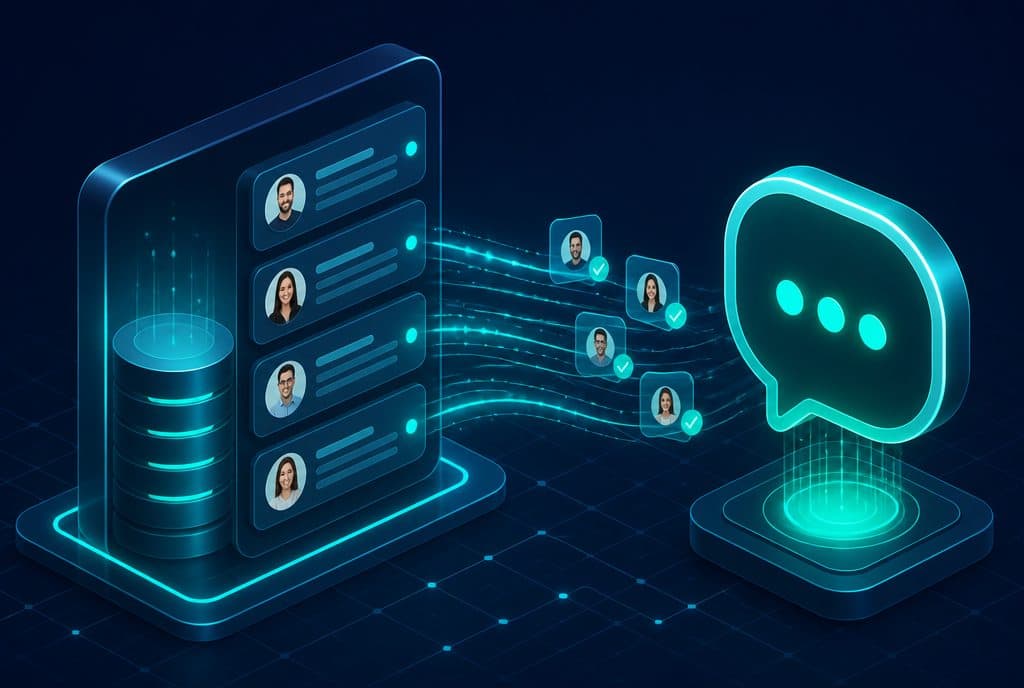
A CRM to WhatsApp connection is an automated integration that causes every interaction on WhatsApp — an incoming message, a call, an answer — to immediately enter a record in the CRM: opening a new lead for an unfamiliar contact, associating it with an existing contact, documenting the conversation on the record's timeline, and sending the next follow-up from within the CRM — not from the representative's private phone.
This is different from "reading WhatsApp on the computer": here, WhatsApp is an input and output channel within a business system, not a separate application that someone needs to scroll through.
Why is this Connection Important for Israeli Businesses?
WhatsApp is the primary business channel in Israel. Inquiries arrive there before they reach email, before anyone picks up the phone, and sometimes during hours when no representative is available. Without a CRM connection, several bad things happen:
- Leads fall between the cracks — The representative answered, the conversation "went to sleep", and no one followed up because there was no reminder.
- No management visibility — A manager doesn't know how many inquiries arrived, how many were closed, and what happened to those that weren't.
- Missing documentation in the CRM — If the representative didn't enter it manually, the data is lost.
- Follow-up depends on memory — A busy representative forgets, the lead cools down, and the deal is closed by the competitor.
When the CRM is connected to WhatsApp, these problems disappear: every inquiry is documented, every follow-up is sent on time, and the representative works with a pipeline that shows everything that happened.
What the Connection Enables in Practice
| Capability | Without Connection | With Connection |
|---|---|---|
| Opening a Lead | Manually — after a representative remembers | Automatically — within seconds of the first inquiry |
| Documenting a Conversation | Depends on the representative's willingness and time | Automatically — every message on the CRM timeline |
| Follow-up | Physical reminder / Excel sheet | Sent automatically from the CRM at the scheduled time |
| Routing to a Representative | Manual scrolling, "who is responsible?" | Automatic assignment by region / inquiry type |
| Management Visibility | Outdated manual reports | Real-time CRM dashboard |
| Out-of-hours Response | Depends on the representative | AI Agent answers, filters, and warms up |
How It Works — The Architecture
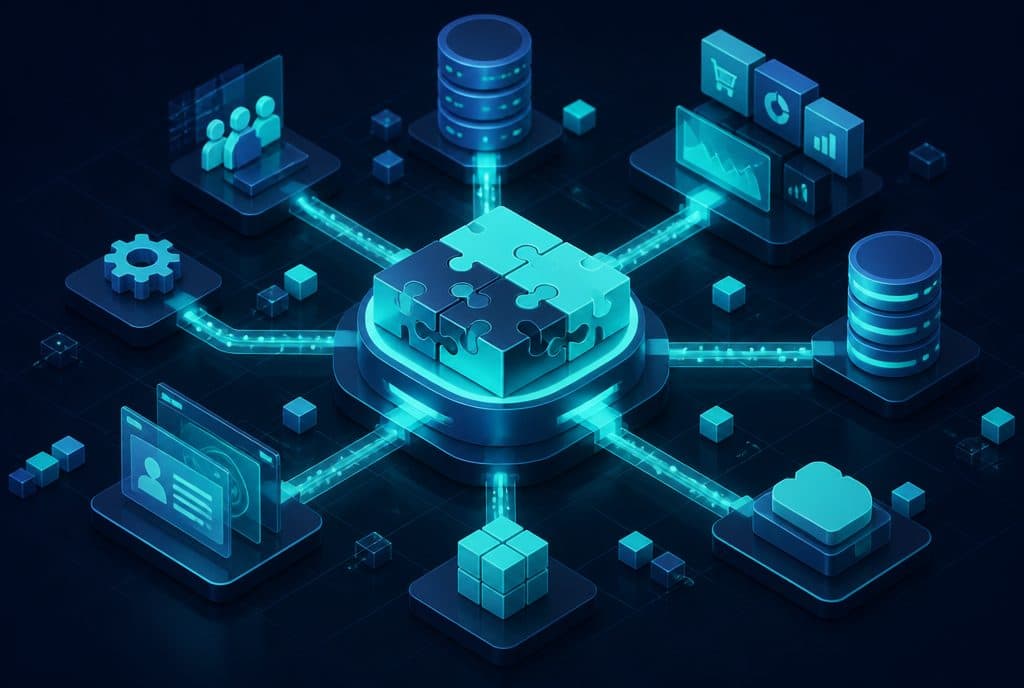
A CRM to WhatsApp connection is built from three components:
1. The Official WhatsApp Business API
The regular WhatsApp application does not expose an API — it cannot be integrated with systems. Meta's official API allows:
- Receiving messages as a Webhook (every incoming message arrives as an HTTP POST to our server)
- Programmatic message sending
- Using approved templates for proactive outreach
Access to the API is done through an authorized provider (Business Solution Provider) — usually Meta directly through a Meta Business Suite account, or a local provider. The provider supplies the Meta Phone Number ID and the Access Token needed for the integration.
2. n8n as the Automation Engine
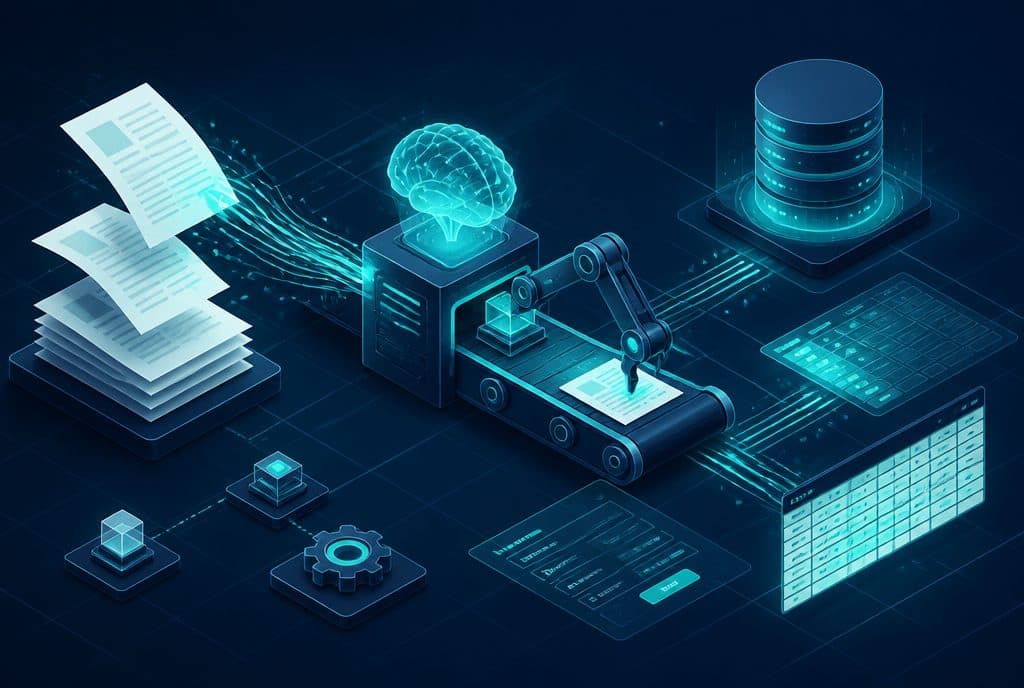
n8n is the automation platform that connects the WhatsApp Webhook to the CRM. It receives every incoming message, decides what to do with it (new lead? update existing lead? routing?), and performs the action in the CRM.
Example of a basic flow:
- A WhatsApp message arrives → Webhook Trigger in n8n
- n8n checks if the phone number already exists in the CRM
- Does not exist → Opens a new lead with name (if available), number, date, and source "WhatsApp"
- Exists → Adds a note to the timeline of the existing record
- Sends a confirmation back to the sender via the API
3. The CRM
Any CRM that exposes an API works: HubSpot, Pipedrive, Salesforce, Monday.com, Zoho, and more. n8n includes built-in nodes for most common CRMs, and for those whose CRM is not directly supported — an HTTP Request node covers any open API.
Common Workflows
Automated Follow-up
When a lead is opened in the CRM, n8n schedules a WhatsApp message in X hours (for example — if there was no response from the representative within 4 hours). The message is sent from the official API, is documented in the CRM, and does not depend on whether the representative remembered.
Routing to a Representative by Business Rule
A message containing "real estate" is routed to a real estate representative; "education" — to an education representative. The routing occurs in n8n according to pre-defined logic, and the representative assignment update in the CRM occurs automatically.
AI Agent Responding Out of Hours
The most valuable component: an AI Agent connected to the same infrastructure that answers inquiries 24/7, filters ("what is your need?"), and warms up the lead — so the representative arrives in the morning to a CRM full of ready leads, not unread messages.
Privacy and Regulation
Connecting CRM to WhatsApp requires compliance with the Israeli Privacy Protection Law. In practice, this means:
- Every person whose inquiries are documented in the CRM is entitled to know that their data is being saved.
- It must be possible to delete data upon request.
- No proactive (marketing) messages should be sent without explicit consent — the WhatsApp Business API enforces this through its template policy.
For operational use (responding to an incoming inquiry, follow-up on an existing conversation), there is no regulatory issue. The rule of thumb: if the customer initiated contact first — you can continue the conversation. If not — you must not contact them proactively without consent.
How to Get Started
The connection starts not with technology, but with characterization:
Step 1 — Mapping Current Inquiries How many WhatsApp messages arrive per day? How many representatives respond? Which CRM (if any) should they go into? Is there currently any connection or is everything manual?
Step 2 — Choosing a CRM If there is no active CRM, this is the stage to choose one. For small and medium businesses in Israel, Pipedrive and HubSpot Free are common starting points — simple, supporting Hebrew, and directly integrating with n8n.
Step 3 — Setting Up a WhatsApp Business API Account Creating a Meta Business Suite account, setting up the business phone number as a WhatsApp Business Number, and configuring the Webhook that will receive the messages.
Step 4 — Building the Flows in n8n Defining the flows: opening a lead, association, conversation documentation, follow-up. Start with the simplest flow (opening a lead), verify it works, and expand.
Step 5 — Testing and Training End-to-end testing with test inquiries, training representatives on working with the connected CRM, and defining who is responsible for what when the system is running.
Questions to Ask Before You Start
- What happens to inquiries that arrive on weekends or at night? — If there is no representative, consider an AI Agent that warms up and filters until morning.
- What is the current CRM? — If there is no active CRM, implementing a CRM is a prerequisite; see Smart CRM Management.
- Who is responsible for the data? — Define who updates, who verifies, and who cleans up old data.
- What other integrations are required? — Some businesses also want a connection to a calendar, Facebook lead forms, or an accounting system.
What We Build
At Automaziot AI, we connect CRM to WhatsApp for Israeli businesses using the WhatsApp Business API and n8n. The initial characterization is a short conversation — not a long form. We understand the actions that need to be performed, build the flows, test, and deliver.
If you are managing leads on WhatsApp and still doing it manually — it's time to change.
Want to understand what is required to connect your WhatsApp to the CRM? Talk to us and we will build a clear picture together — with no obligation.
Summary
Connecting CRM to WhatsApp is not a luxury — it is an infrastructure that every Israeli business managing leads on WhatsApp needs. The problem it solves is tangible: falling inquiries, missing documentation, and follow-ups that depend on memory. The solution is based on three components — the official WhatsApp Business API, n8n as the automation engine, and your CRM — and is built for expansion: from a basic connection that opens a lead, to an AI agent that answers 24/7 and warms up leads until the representative arrives in the morning. The right starting point is not the technology — but counting how many inquiries fall through the cracks and deciding that enough is enough.