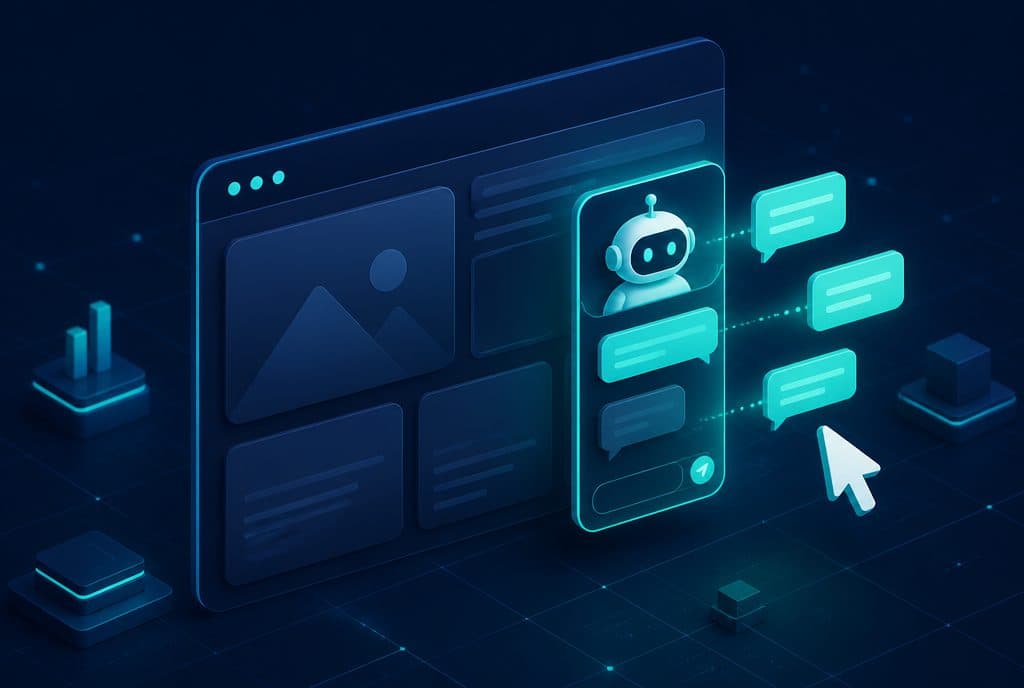
An AI agent on a website (sometimes called a "smart website chatbot") is a chat widget embedded in the site's pages that conducts a real conversation with the visitor — answering questions, qualifying based on purchase intent, booking meetings in the calendar, and transferring warm leads to WhatsApp, all without human intervention at any stage. For an Israeli business investing in advertising to drive traffic to its website, the agent is the difference between a visitor who left and a lead that entered the CRM. For a full service description, see AI Agents for Businesses.
One of the most frustrating things in digital marketing management: a visitor browses the site, spends three minutes on a service page, and leaves without leaving details. Maybe they had a specific question. Maybe they wanted to know the price. Maybe the next step simply wasn't clear to them. Unlike a physical store where a representative approaches and asks "Can I help you?", the typical website remains silent. An AI website agent fills exactly this gap.
What is an AI Website Agent?
An AI website agent is an autonomous chat system embedded in your website pages that conducts a natural language conversation with every visitor — in Hebrew — to understand what they are looking for, qualify them based on purchase intent, book a meeting in the calendar, and transfer a warm lead to WhatsApp or a representative, all without you needing to be available. Unlike a menu-based chatbot, the agent performs actions — it doesn't just answer.
What Can an AI Website Agent Actually Do?
Here is the summary in a table, because the difference between a "chatbot" and an "AI agent" lies precisely in the list of actions:
| Capability | Menu Chatbot | AI Website Agent |
|---|---|---|
| Answering FAQs | Yes (fixed text) | Yes (natural language, tailored to the question) |
| Qualification by purchase intent | No | Yes — targeted questions in conversation |
| Booking a meeting in the calendar | No | Yes — connected to Google/Calendly |
| Writing to CRM | No | Yes — into a specific record |
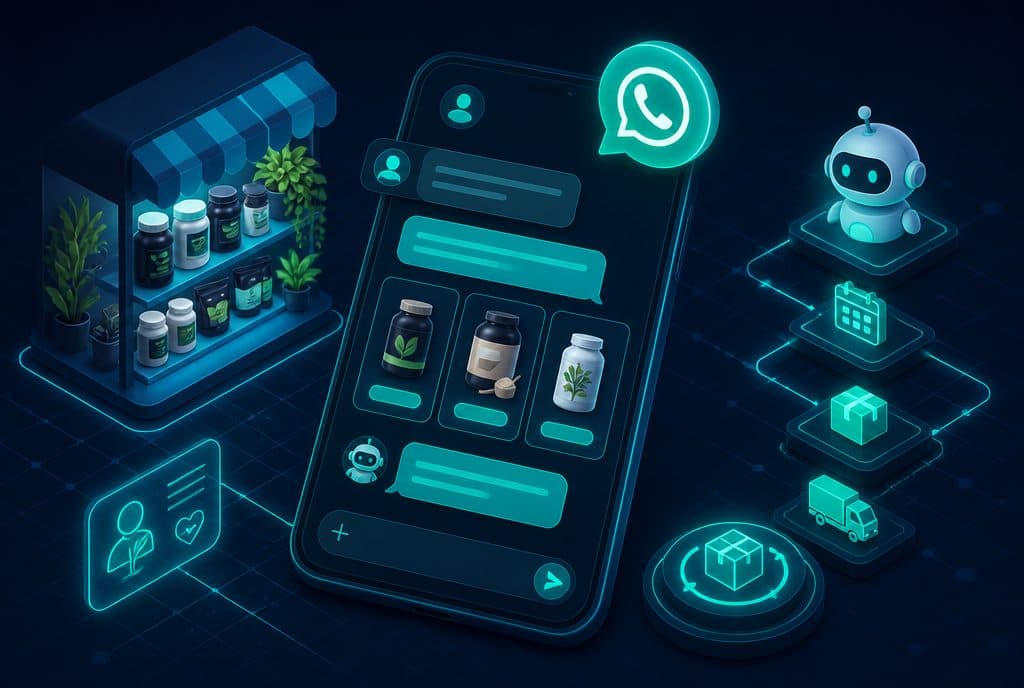
| Transfer to WhatsApp with summary | No | Yes — "warm" lead with full context |
| In-conversation memory | No | Yes — all context is preserved |
| Natural Hebrew | Limited | Yes — trained on your style |
| Action when it doesn't know? | "I didn't understand" | Transfers to a representative with a full summary |
Website Chat vs. WhatsApp — Which is Right for What?
A recurring question among business owners: "I already have a WhatsApp Agent — why do I also need a website chat?" The answer is that they do not compete — they complement each other.
Website chat is suitable when the visitor:
- Browsed to the site via an ad, SEO, or referral — and is still "checking things out"
- Wants to ask a specific question before committing to a WhatsApp conversation
- Arrives from a desktop (not mobile) — where opening WhatsApp might cross platforms
WhatsApp is suitable when the visitor:
- Is already an existing customer contacting support
- Arrived from a Facebook/Instagram ad (Click-to-WhatsApp)
- Prefers a single, continuous channel over time
The winning approach: The website agent handles the initial qualification, and just before the lead is "ready" — sends them to WhatsApp with all the context gathered during the conversation. The representative receives a warm lead, not a cold one.
How It Works — Behind the Scenes
Example scenario: Someone browsed to your service page at 10:00 PM.
- The agent opens — not with "send us a message", but with a specific conversation prompt ("Ask me any question about X").
- The visitor asks — "What does the service include? How long does it take?"
- The agent answers — in natural language, based on the content it was trained on. If the question is out of scope — it explains rather than saying "I didn't understand".
- Qualification questions — at a certain point, the agent asks a targeted question ("What is the team size?", "What industry are you in?") to qualify the level of fit.
- Call to action — qualified visitor? The agent offers to book a call in the calendar, or open WhatsApp directly.
- Writing to CRM — all gathered details (name, number, needs, fit) automatically transfer to a lead record in the CRM — usually via integration with n8n and official APIs.
- Summary message to the representative — if a call was booked, the representative receives a meeting in their calendar with a summary of the conversation.
What changes from business to business: what the agent knows (the data inputted), what it is allowed to answer, and exactly when it transfers to a representative. You define the boundaries — the agent operates within them.
What Type of Page is This Suitable For?
Not every page on the site needs an AI agent — but a few places are the best entry points:
- Service Page — a visitor arriving at a specific page has already found what they were looking for; the agent turns "interesting" into "book a call"
- Landing Page — a page designed to generate leads; the agent is the conversion tool, not a static form
- Homepage — general entry; the agent can route ("What is your need?") and direct to the correct page
- Pricing / Comparison — a place where visitors pause and hesitate; the agent offers to talk before they leave
Privacy Protection Law and AI Website Agents
When conducting conversations, the agent collects personal details (name, phone, sometimes business information). In Israel, requirements apply under the Privacy Protection Law, rather than the European GDPR. In practice, what matters:
- Clear Privacy Policy — you specify in the site's privacy policy that you collect details for contact purposes
- Data storage in secure pipelines — data transfers to the CRM and is not kept on chat servers unnecessarily
- Option to request deletion — under Israeli law, a person can request that their details be deleted
- The agent doesn't "force" collection — it asks only what is necessary to handle the inquiry
We build integrations so that data flows directly to your CRM — without touching intermediate servers without reason.
How to Get Started?
The approach we recommend is modular:
Step 1 — Characterization: Identify the page that brings the most traffic and the common types of questions. What do visitors ask before they decide? What is the main conversion barrier?
Step 2 — Building the Knowledge Base: Feed the agent — service descriptions, answers to FAQs, boundaries of what to answer and what to transfer to a representative. The more the agent knows, the more accurate the conversations.
Step 3 — Integrations: Connect to the CRM, calendar (Google Calendar / Calendly), and WhatsApp Business API. This is the step that turns the agent from "answering" to "acting".
Step 4 — Implementation and Testing: The chat widget is embedded on the page, test conversations are run, tone and scenarios are fine-tuned, and it goes live.
Step 5 — Learning and Improvement: After the agent is live, review the first week's conversations — what was asked, where did it get stuck, what can be improved. Improvement is an ongoing process, not a one-time event.
Want to see what this looks like with your services? Contact us and we will go over one specific scenario together — so you understand what the agent would do with your visitors.
Connection to the WhatsApp Agent — One System, Not Two
One of the biggest advantages of building both a website agent and a WhatsApp Agent on a single infrastructure: the CRM receives leads from both channels, with the same format, the same fields, and the same follow-up logic. The representative doesn't need to check two places — everything is in one dashboard.
Most importantly: a lead that started a conversation on the site at 10:00 PM and moved to WhatsApp — the representative who sees them in the morning sees the entire history. No need to "ask again what they wanted". This is what changes the customer's feeling: they feel that the business "remembers" them.
Summary
An AI website agent is not a "nice-to-have technological feature" — it is a conversion channel that operates 24/7, never misses a question, never forgets to write to the CRM, and never loses a lead because a representative is unavailable. For a business investing in advertising to bring visitors to its site, the agent is the tool that decides how many of those visitors turn into leads — rather than remaining just sessions in Google Analytics.
Read also: What is a Chatbot for Business? — an elaboration on the difference between a chatbot and an AI agent, and how to choose correctly for your business.