An automated proposal generation system is a solution that connects customer conversation data—from WhatsApp messages, contact forms, or discovery calls—directly into a ready-made proposal template, generates the document, sends it to the client, and tracks opens and responses. All of this happens without you manually touching a single file. For Israeli businesses handling more than a few inquiries a day, the difference is not just the time saved—it is the volume of leads that actually reach the proposal stage on time.
What is Proposal Generation Automation?
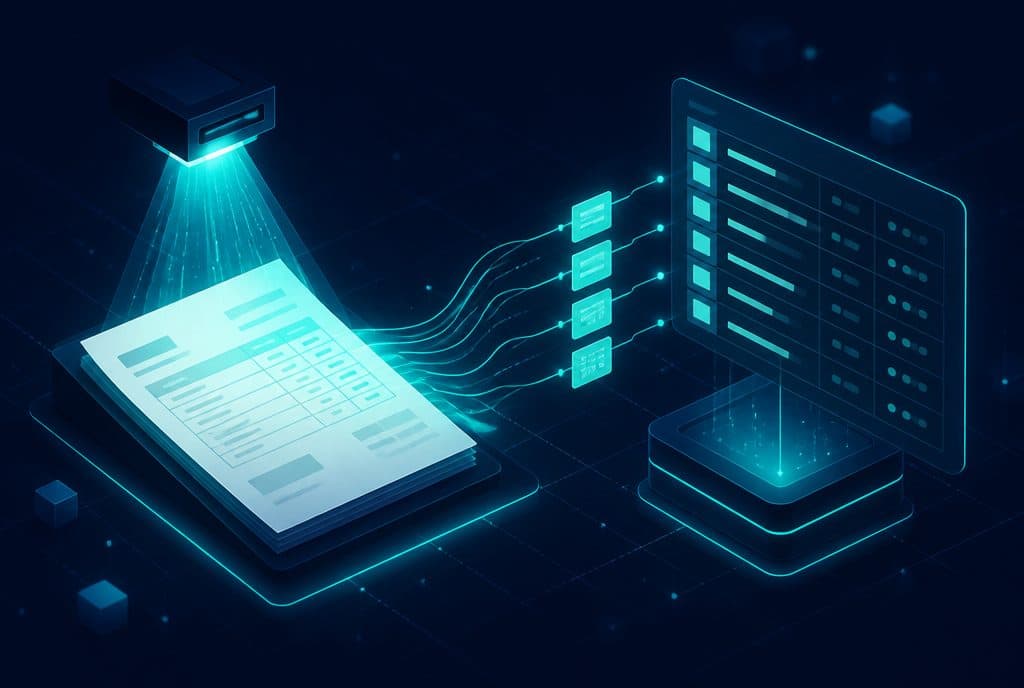
Proposal generation automation is a system that captures customer details and requirements from any channel—WhatsApp, forms, or recorded calls—and uses them to generate a branded, accurate, and ready-to-send proposal without manual typing. The system sends the proposal automatically, tracks when it is opened, and triggers follow-ups at the right time—ensuring no lead is "forgotten" in the inbox.
What Does the Automation Cover? Feature Overview
| Feature | What It Means in Practice |
|---|---|
| Proposal Generation from Conversation | Data collected during the call automatically populates the template fields |
| Branded Templates | PDF or Word document with your logo, consistent phrasing, and standard payment terms |
| Automatic Sending | The proposal is sent to the client via WhatsApp, email, or a direct link |
| Open Tracking | Receive an alert the moment the client opens the document |
| Automated Follow-up | A friendly reminder is sent after X days without a response |
| CRM Synchronization | Status updates automatically—"Sent", "Opened", "Pending Approval" |
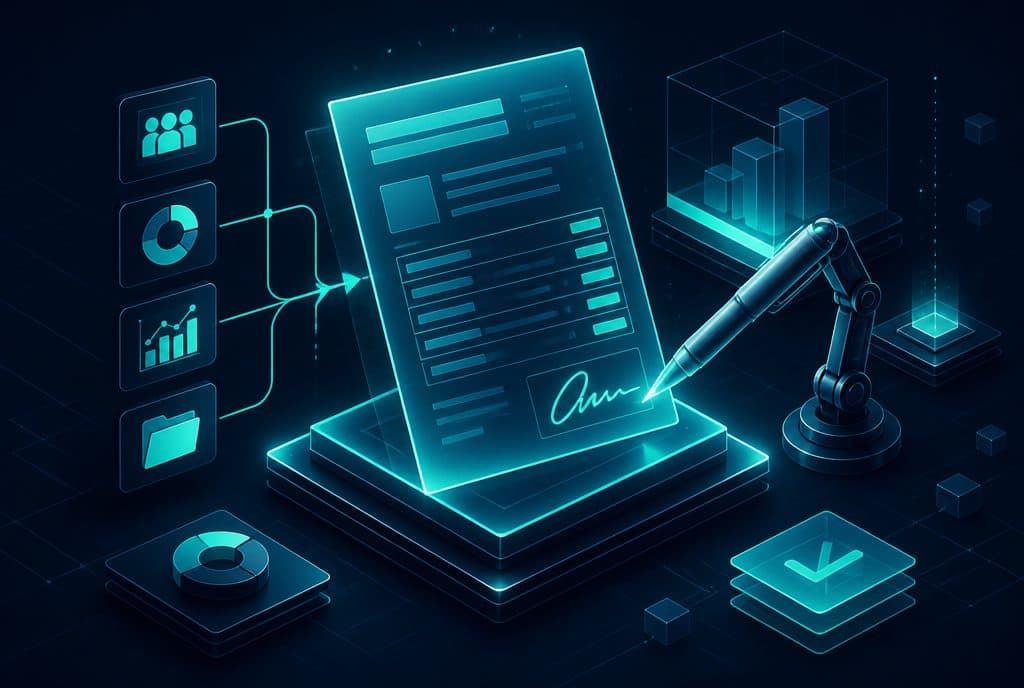
| Digital Signature | Option for online signing directly from the proposal itself |
How It Works—From Conversation to Client Proposal
The proposal automation process looks like this in n8n:
Step 1—Capturing Customer Details The client fills out a form, sends a WhatsApp message, or a representative fills out a short questionnaire after a call. n8n captures the data in real time.
Step 2—Processing and Mapping An AI model (or predefined logic you set up) maps the details: service type, quantity, timeline, and special notes. The data is populated into your proposal template.
Step 3—Document Generation n8n generates a branded PDF (via Google Docs, Notion, PandaDoc, DocuSign, or a similar tool you already use) with all the correct details.
Step 4—Sending and Tracking The proposal is sent to the client automatically—with a view link and a signature option. As soon as the client opens it, you receive a notification.
Step 5—Smart Follow-up If there is no response after 48 hours (for example), a follow-up message is sent. All statuses are updated in the CRM in real time.
All of these steps run without manual intervention—from the moment the inquiry comes in until the client signs.
Who Benefits Most from This Automation?
Not every business needs the exact same solution, but there is a very clear pattern: the more proposals you send relative to your team size, the higher the ROI.
Service Providers (Contractors, Architects, Coaches, Consultants, Therapists)—High volume of inquiries, recurring pricing templates, and numerous follow-ups that tend to get forgotten.
Agencies and Professional Services (CPAs, Lawyers, Marketing, Branding)—Long, complex proposals that take time to write manually, and leads who won't wait around.
Real Estate and Brokerage—High-value deals requiring detailed, fast documentation—a client waiting more than 24 hours will call a competitor.
Professional Retail and Equipment—Proposals for items where pricing varies by quantity, specifications, and supplier—a perfect use case for automation.
If you manually send proposals more than a few times a week and feel like some of them are getting "lost"—it is time to map out your process.
The Link Between Proposals and Lead Management
A proposal is not an isolated document—it is a stage in the sales process. When it doesn't arrive on time, the lead goes cold. When it is sent without a follow-up, the deal is closed by the competitor who took the trouble to reach back out.
Proposal automation works hand-in-hand with automated lead management: the lead comes in, gets qualified, receives a proposal on time, and the system tracks them until closing—all documented in the CRM so no step is forgotten.
Read more about our approach to automated follow-ups in Follow-up and Lead Tracking Automation.
How to Get Started?
The right first step is not choosing a tool—it is mapping out your process:
1. Map Out Current Proposals What information do you always need from the client? Which sections repeat in every proposal? What variables change?
2. Define the "If-Then" Logic What happens after you send it? How long do you wait for a follow-up? What if it isn't opened? What if it is opened but not signed?
3. Choose a Template Word/Google Docs, PandaDoc, DocuSign, or a simple PDF—n8n integrates with most of them.
4. Connect to Your Existing CRM A proposal not documented in the CRM does not exist as far as team management is concerned. Integration is a must.
5. Test on a Small Scale Start with 10-20 proposals and verify that the document is generated correctly, the follow-up behaves as expected, and the CRM updates.
All of these steps are part of the discovery and mapping process we do together—see Sales and Customer Service and Business Automation.
Three Common Implementation Mistakes
Sending Without Follow-up—The proposal is sent, the client is "busy right now," and after a week you have already forgotten about them. Automation without follow-up is only half the job.
Unprofessional Templates—A proposal that looks like a spreadsheet exported from accounting software does not represent your business well. The template must be branded and clean.
Not Connecting to the CRM—Automation running outside the CRM creates an "information island" that the team cannot see. Every proposal must be logged with an accurate status.
What the System Does Not Replace
Proposal generation automation does not replace an in-depth discovery call for complex deals, human judgment when pricing non-standard projects, or personal connection when closing high-value contracts. It replaces the manual work that happens after you have gathered the information: typing, formatting, sending, and reminding.
Want to see what proposal automation looks like for your business? Talk to us—we will map out the process together, show you a demo, and define the right build for you.
Summary
AI-powered proposal generation automation is one of the solutions that connects most directly to your bottom line: a lead who receives a proposal within minutes, with a follow-up triggered at the right time, has a much higher chance of converting into a customer. For Israeli businesses working with daily inquiry volumes, the difference between manual sending and full automation does not just save hours of work—it turns leads that would have gone cold on your desk into closed deals. The right starting point is a simple mapping process: list the proposals you send today and decide where automation will bring the highest return.