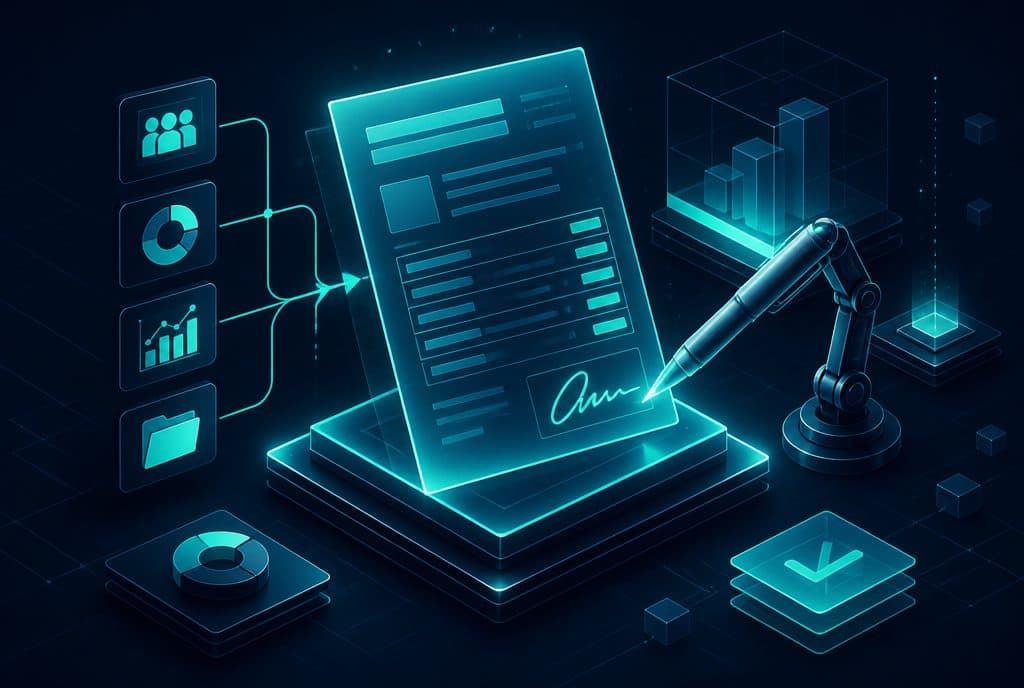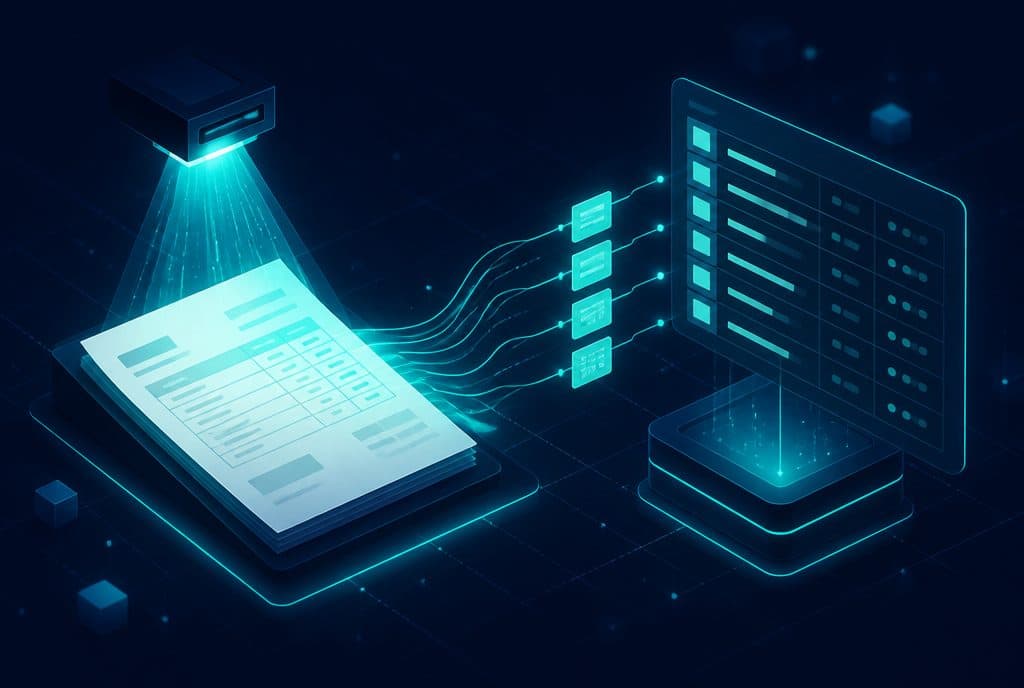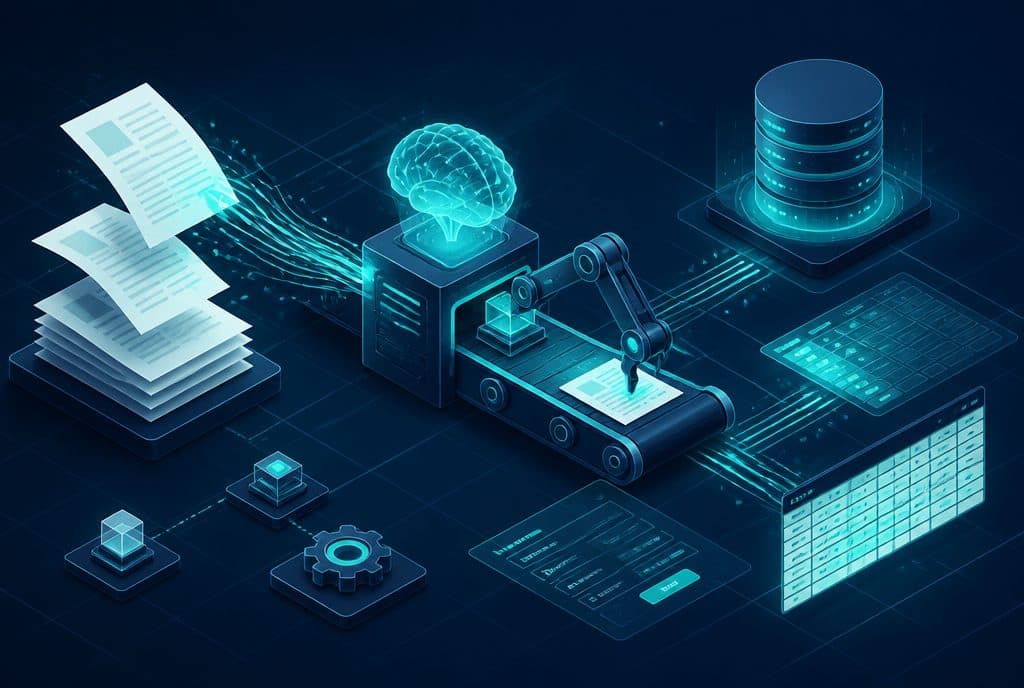
AI-powered data entry automation extracts information from sources like forms, emails, and WhatsApp messages, and inputs it directly into business systems—CRM, order management systems, or databases—without an employee typing a single word. Instead of manually handling every lead, order, or service request, the system captures the data the moment it arrives and records it in a standardized, consistent format. For an Israeli business processing dozens to hundreds of inquiries a week, this is a fundamental shift in team time and data quality.
What is Data Entry Automation?
Data entry automation is a process where an AI system captures input from various sources—forms, messages, documents, emails—extracts the relevant fields (name, phone, amount, date, inquiry type), and automatically populates them into the target system without human intervention. Every inquiry arrives organized, complete, and in the right place—from the moment a person submits a form to the moment the data appears in the CRM, with no human hands in between.
What Sources Can AI Extract Data From?
To understand the value, it is important to know where the data comes from and what can be extracted:
| Source | What Can Be Extracted | Practical Example |
|---|---|---|
| Website Form / Landing Page | Name, phone, email, area of interest | A lead who filled out a form automatically creates a record in the CRM |
| WhatsApp Message | Request, contact details, question type | "I want a price for plumbing" → Record in "Pending Proposal" status |
| Incoming Email | Subject, sender details, content, attachments | An order arriving by email populates a row in the order management system |
| Scanned Document (PDF / Image) | Form fields, amounts, dates, signatures | An incoming invoice is extracted into the accounting software |
| Transcribed Voice Message | Customer intent, request details | Recorded phone call → Summary in the CRM |
How Does It Work in Practice?
Implementing data entry automation consists of three stages:
1. Capture—Catching the data the moment it arrives Every source (form, email, WhatsApp, document) is connected to an entry point in the automation workflow. In n8n, the platform we work with, this might be a Webhook listening to a form, a Gmail integration scanning an inbox, or a connection to the WhatsApp Business API.
2. Extraction—AI understands what is inside the data A Large Language Model (LLM) analyzes the text and extracts the relevant fields based on predefined rules. For structured fields (name, phone, amount)—this is simple and highly accurate. For free text—the AI interprets the intent and classifies it into predefined categories (inquiry type, urgency, topic).
3. Writing—Feeding the target system The extracted data is written directly to the system: a new row in the CRM, an update to an existing status, a row in a spreadsheet, or opening a service ticket. All of this happens within seconds of the inquiry arriving.
Fields Worth Automating—and Fields Requiring Discretion
Not all data entry is created equal. It is best to separate:
Full Automation—No review needed:
- Contact details from structured forms (name, phone, email)
- Order data with fixed fields
- Simple classification (request category from predefined options)
Automation with a Verification Step—Recommended to review before execution:
- Scanned documents with low image quality
- Free text with ambiguous intent
- Financial data arriving from unstructured sources
The right approach is to let the AI flag fields where its confidence level is low—these will be routed for a quick human review, while everything else goes through automatically. This keeps the human review rate low while maintaining data quality.
What Can You Actually Save?
Without promising numbers that aren't ours, here is what happens when a business transitions from manual to automated data entry:
- Inquiries don't get lost—Every WhatsApp message, email, and form is recorded instantly, even when no one is at their computer.
- Data enters consistently—No formatting differences between employees, no partial fields, and no spelling mistakes in names.
- Team time is freed up—People who used to spend part of their day typing can return to work that requires human judgment.
- Response speed increases—A lead that enters the CRM within seconds of arrival gets a faster response than one waiting for someone to manually enter it.
Privacy Protection Law Requirements
In Israel, when an automated system collects and processes personal information—names, phone numbers, inquiry content—the Privacy Protection Law (rather than the European GDPR) is the relevant framework. In practice, this means: collecting only the data you need, storing it securely, and not transferring it to third parties without authorization. Every automation we build is tailored to these requirements—data travels through encrypted channels and is stored only in systems you control.
How to Get Started?
Step 1—Map the current data flow Where does the data come from? (Forms, email, WhatsApp, recorded calls) Where is it supposed to go? (CRM, spreadsheet, order system) What is happening right now—who enters it and how?
Step 2—Identify the biggest "pain point" Don't try to optimize everything at once. Start with the source that causes the most hours of typing—usually website leads or WhatsApp inquiries—and prove the value there first.
Step 3—Build and test Define the workflow in n8n, connect the sources and the target system, define the extraction fields, and run it with real data in a test environment. See what arrives as expected and what needs fine-tuning.
Step 4—Run with a safety net For the first week or two, all entries also go to a daily summary for review. Once you see that the accuracy is stable—reduce the review to specific fields only.
Want to understand which data entry processes in your business are worth optimizing first? Talk to us and we will build a roadmap together—no empty promises, no high-pressure sales.
Data Entry Automation and CRM—The Natural Match
One of the most prominent use cases is automatically entering leads into your CRM. Every inquiry—from the website, WhatsApp, email, or landing page—creates a complete record with all details, regardless of team availability. The lead enters in the correct status, is tagged correctly, and is ready for handling. No missed opportunities, no forgetting, no leads falling between the cracks.
When you connect this to automated lead management—sending an initial follow-up, tagging by area of interest, routing to the right representative—you get a complete system that works even when no one is at their desk.
Related article: Invoice and Document Automation with OCR—when the data arrives as a scanned document rather than text.
Summary
Manual data entry is one of the quietest "thieves" of team time in Israeli businesses—someone has to sit and type every inquiry, every order, and every incoming form. AI-based automation extracts and inputs the data directly into your systems, with high accuracy for structured fields and a verification mechanism for more complex ones. The right starting point is not to replace everything in one day—but to identify the most painful entry process, optimize it first, and gradually expand.