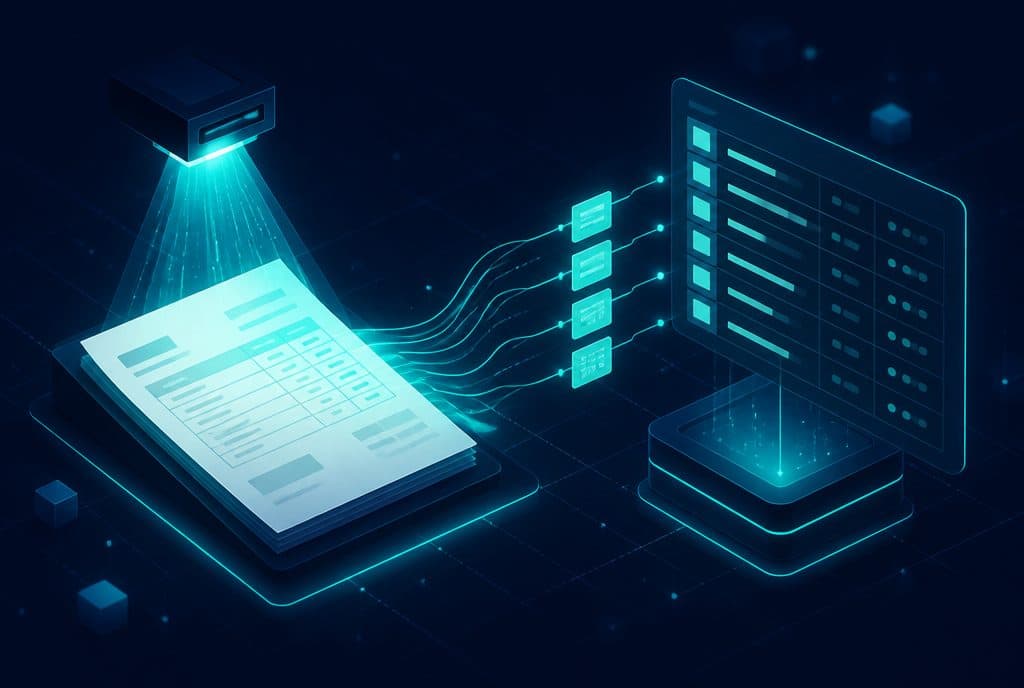
AI-powered document processing automation allows a business to take an invoice, receipt, land registry extract (Tabu), or any other form, automatically extract the relevant data—number, date, amount, vendor name, line-item details—and record them directly into the accounting software, CRM, or spreadsheet. All without a human having to touch the keyboard. For businesses processing hundreds of documents a week, this translates into hours of work returned to what really matters.
What is Document Processing Automation?
The difference between old OCR and modern AI is fundamental: classic OCR simply tried to convert an image to text, and nothing more. Document-understanding AI knows what it is reading: it distinguishes between a header line and a line item, recognizes table structures even when they aren't perfectly aligned, and extracts the correct fields even when the invoice format varies from vendor to vendor.
What Can the AI Read?
Most businesses think of invoices when talking about document processing, but the technology is much broader:
Invoices and receipts — This is the most common use case. Even when the invoice format is completely different from one vendor to another.
Government forms and property documents — Land registry extracts (Tabu), rights approvals, lease agreements, and Companies Registrar forms. These documents are usually consistently structured, and the AI identifies them with high accuracy.
Bank and credit card statements — Extracting transactions, balances, and dates for automatic bank reconciliation.
Handwriting — Advanced models read handwriting reasonably well, though this always requires a human review step before final processing.
Internal forms — Purchase orders, delivery notes, employee expense reports. If the form exists in a fixed format, the AI learns to extract exactly what is needed.
How It Works in Practice: Four Steps
1. Ingestion — The Document Enters the System
The document can arrive in various ways: email (attachments), scanning, WhatsApp (a client sending a photo), a dedicated upload interface, or a direct connection to a dedicated vendor inbox. The system detects that a new document has arrived and triggers the process.
2. Extraction — The AI Reads and Extracts
The AI model examines the document, identifies its type, and extracts the predefined fields. At this stage, the system also calculates a confidence score for each field—how certain it is that the reading is correct.
3. Validation — Quality and Accuracy Check
Before anything is recorded, the system performs checks: Does the total amount match the sum of the line items? Does the vendor's company ID (H.P.) match the one registered in the system? Is the date logical? Fields that the system is unsure about, or that fail validation, are routed to a human review queue.
4. Writing to the System — Data Entry
The approved fields are recorded directly into the target system: accounting software, CRM, a shared Excel sheet, or any relevant database. The record is created with all the details, and the original document is stored and linked to it for future auditing.
Our business automation service includes end-to-end document processing workflows—from ingestion to system entry. Smart CRM management can also include a direct connection between document reading and CRM records.
Who Is It For?
Automated document processing makes sense for any business that spends significant hours each week manually typing data from invoices, forms, or attachments. In practice, the audiences that see the highest value from it are:
Businesses working with many vendors — Retail, import, construction, maintenance services—anyone receiving invoices from dozens of vendors in different formats. Every vendor formats their invoice differently, and manually entering dozens of invoices a week is highly time-consuming.
Real estate businesses — Reading land registry extracts (Tabu), contracts, and rights approvals. Manually filing and processing these documents is slow and prone to errors.
Accounting and CPA firms — When managing dozens or hundreds of clients, each with their own vendors and invoices in various formats, automation saves significant hours every month.
Insurance agencies — Handling claims, approvals, and repetitive forms.
Any business managing travel or expense reports — Employees submitting receipts via WhatsApp, while the finance manager wastes hours verifying and entering them.
What About Accuracy? How Much Can You Trust the AI?
This is a logical and important question. The honest answer: on clear documents in standard formats, accuracy is extremely high. The AI identifies clearly written numbers, dates, and names with high reliability.
But not every document meets ideal conditions. An old document scanned in poor quality, an invoice with handwriting in the margins, or an incomplete form—these reduce accuracy. That is why a professional system does not assume everything is correct:
- Confidence score for each field — The system knows when it is less certain and highlights it.
- Human review queue — Anything below the confidence threshold does not pass automatically; it waits for human approval.
- Sample auditing — Even for documents processed automatically, a periodic sample check is recommended.
The goal is not to completely remove humans from the process—the goal is to direct human attention precisely where it is needed, rather than wasting it on repetitive typing that AI does better.
Integration with Existing Systems
The question that always comes up: "Does it work with what I already have?" In most cases—yes. Common accounting software in Israel exposes APIs or allows built-in file imports. The system learns to "talk" to your existing environment.
Some examples of integrations we perform:
- Accounting software (Priority, Hashavshevet, etc.) — Creating a vendor invoice or expense line directly.
- CRM — Linking documents to a specific client record, deal, or project.
- Google Sheets / Excel — For those still working with spreadsheets, the data enters a ready-made row.
- Dedicated vendor inbox — Vendors send to a special email address, and everything flows automatically from there.
n8n (the automation platform we work with) has native integrations with most of these systems, making it easy to connect an OCR system to a broader workflow.
How to Get Started?
Step 1: Mapping the Existing Process
Before touching the technology, it is worth understanding what happens today: what types of documents arrive, in how many formats, from which channels (email, scanning, WhatsApp), and which systems the data needs to reach. Proper mapping saves errors down the road.
Step 2: Defining Fields and Validation Logic
What exactly needs to be extracted from each document type? And what checks must it pass? This step requires a conversation with someone who knows the process inside out—usually an accountant or the finance manager.
Step 3: Implementation into the Existing Process
Building the flow: where the document enters, where the data goes, and what happens when something fails validation. This is the stage where we come into the picture.
Step 4: Fine-Tuning Period
The first few weeks are a learning period. The system adapts to your vendors' specific formats, and the "thresholds" are adjusted based on the volume of errors found during review.
Want to understand if automated document processing is right for your business, and what it will require? Talk to us—we will map your existing process and explore together what is possible and cost-effective.
How much does it cost?
| Component | Price (one-time setup, ex-VAT) |
|---|---|
| Data extraction from documents (OCR) | ILS 3,500 (per document type) |
| Invoice and document intake for bookkeeping | ILS 4,500 |
| ERP / accounting integration | ILS 4,500 |
| Document collection on WhatsApp | ILS 4,000 |
A complete starting point — a WhatsApp AI agent including the business number, server and agent control room — is from ILS 10,200; an agent with a management system (CRM) from ILS 18,200, a multi-agent system from ILS 25,350. There is no monthly fee; third-party costs (server, messages, AI) of about ILS 100–500 a month are paid directly to the providers. The full component price list: pricing page.
Summary
Hours of manual typing from invoices, forms, and documents are among the things businesses "take for granted"—but they don't have to stay that way. Document-understanding AI, connected to a proper validation and review process, can take most routine documents and turn them into ready-to-use data in your system—without manual touch.
The right step is not to look for an "OCR solution"—but to ask: what exactly is happening today, what is most practical to automate, and what must remain under human supervision. From that mapping, the solution flows naturally.
At Automaziot AI, we build these processes for Israeli businesses—from vendor invoices to real estate documents and internal forms. If you want to understand what fits your business, you are welcome to schedule a brief introductory call.