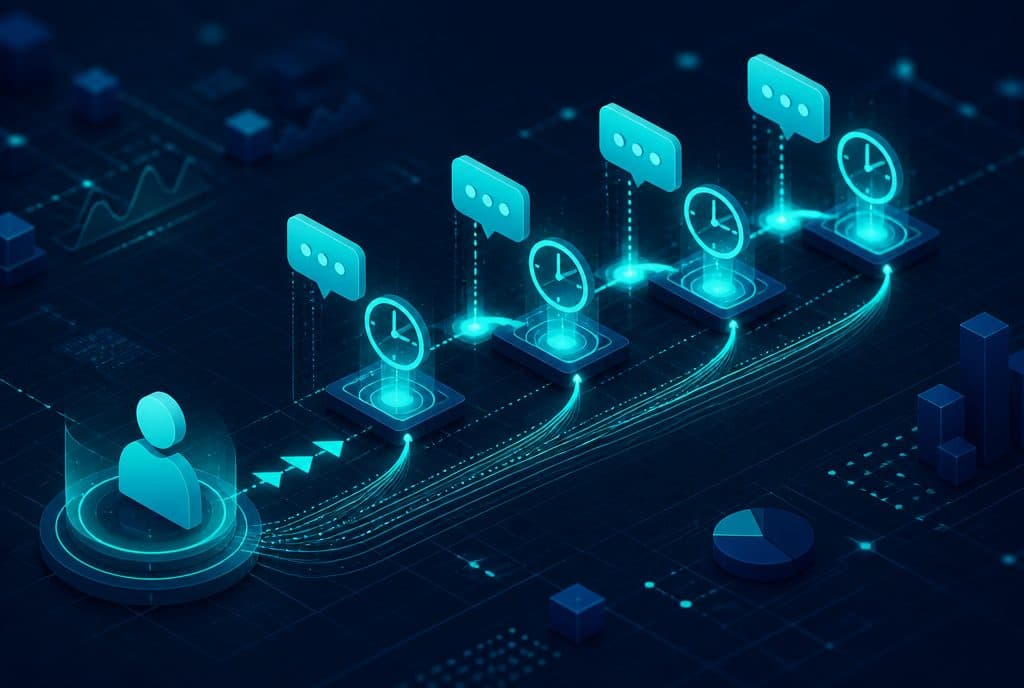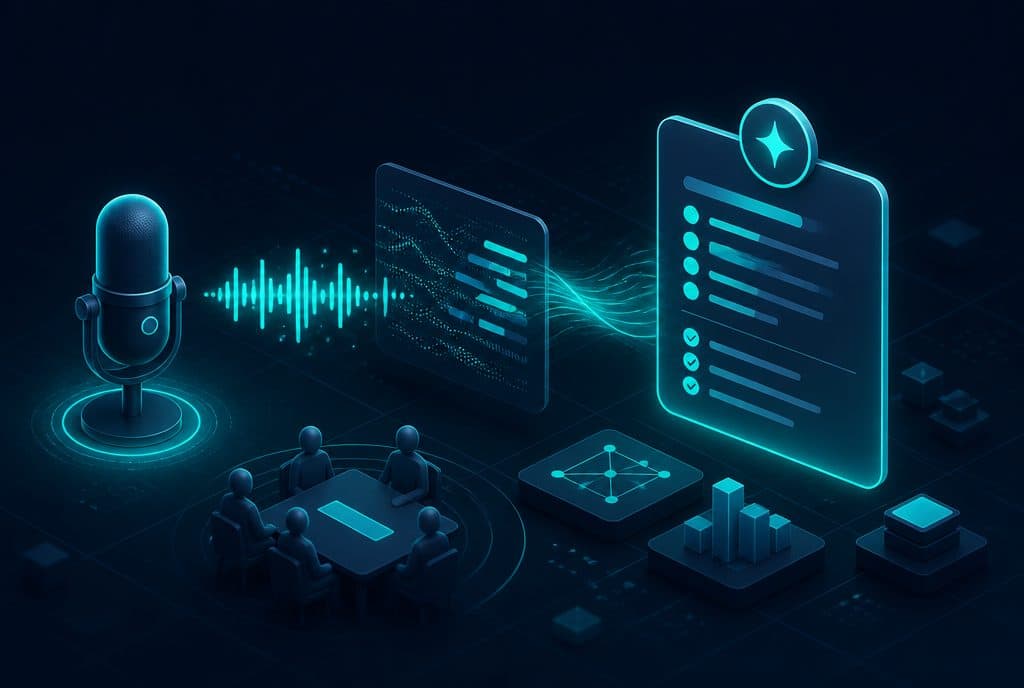
AI meeting transcription and summarization is a process in which an artificial intelligence system converts a voice conversation into text, summarizes what was said, extracts open tasks and decisions, and automatically feeds everything into the CRM—without anyone taking notes. In a business that manages sales, consulting, or internal coordination meetings, this means the team finishes a meeting and immediately moves on to the next one, without wasting time on manual documentation. At Automaziot AI, we connect this solution directly to your business workflows and CRM.
What is AI Meeting Transcription and Summarization?
AI transcription is the automatic conversion of speech to text. AI summarization takes that text and generates a structured document from it: key points, decisions made, and a task list. Combining the two—transcription + summarization + writing to the CRM—creates a documentation process that operates without human touch from the moment the meeting ends.
What Can the System Actually Do?
| Capability | Explanation |
|---|---|
| Automatic Transcription | Converting voice conversations to text—in Hebrew, English, Arabic, and Russian |
| Speaker Identification | Separating "Client:" and "Representative:" in the transcript |
| Structured Summary | Headings, key points, decisions—not a single block of text |
| Task Extraction | "Yair will send a quote at 17:00" becomes an item on the to-do list |
| Writing to CRM | The summary is automatically entered into the correct customer record |
| Sending Summaries to Parties | A summary is sent via WhatsApp or email to all participants immediately after completion |
| Tagging and Sorting | Calls are tagged by topic, lead status, urgency |
How It Works—Step by Step
1. Input: Where does the audio come from? The system connects to sources you already have: Zoom or Teams meetings, phone recordings, WhatsApp files, or a recording from a dedicated device in a conference room. There is no need to replace tools—we connect to the existing process. Even if you conduct some meetings physically and some online, you can connect multiple sources simultaneously to the same system.
2. Transcription A Speech-to-Text engine converts the audio into text. In Hebrew, this works well with advanced engines like Whisper; performance is better with clear speech and minimal background noise. Transcription is not perfect—there may be errors with unique nouns, professional jargon, or heavy accents—which is why it is recommended that the user reviews the transcript, at least during the pilot phase.
3. AI Processing A Large Language Model (LLM) reads the text and generates: a bulleted summary, a list of decisions, and a list of tasks with assigned owners and times mentioned in the conversation. Unlike raw transcription which leaves you with dozens of pages of text, the summary extracts only what is actionable: what was decided, who does what, and by when.
4. Automatic Output: CRM + Messages The summary enters the customer record in the CRM—directly under the relevant meeting—and is sent via WhatsApp or email to all participants. This is all done through n8n, which connects the sources to the systems. If the meeting was created from a lead that came from advertising (Google, Meta, form), the summary can enter the record that already contains the full history—rather than a separate new record.
5. Human Control Businesses often choose to review the summary before it is sent to an external client. An "approval station" can be built—the summary arrives to you on WhatsApp for approval, and you click "Send" before it goes out to the client. Internally, the summary enters directly into the CRM without manual approval.
Consent Under Israeli Privacy Protection Law
The Israeli Privacy Protection Law states that recording a conversation without the knowledge of all parties may be an offense. Here is the practical rule:
- Internal Meetings—An announcement at the beginning of the meeting ("This meeting is recorded for internal documentation purposes") and documenting that participants received this information is usually sufficient.
- Calls with External Clients—Explicit consent must be obtained before recording. In phone calls: an automatic announcement at the beginning of the call ("This call is recorded—continuing the call constitutes consent"). In Zoom meetings: a request in the chat before recording and documenting the approval.
- Retention of Recordings—Define a clear retention period and automatic deletion.
We build the consent process and retention logic as part of the solution, not as an afterthought.
How to Get Started?
Step 1—Characterization: Map out the types of meetings in your business: how many meetings per week, with whom (internal team / clients), through which tool (Zoom, phone, face-to-face), and what you need from the summary—a task list only, or full transcription + summary + writing to the CRM. Our tendency is to start narrow: one meeting type, one summary template.
Step 2—Connecting Sources: Connect your existing meeting tools (Zoom, Teams, phone) to the transcription process. For phone calls, this is usually connected through the telephony provider's interface; for Zoom—via official API. These connections are configured once and run quietly.
Step 3—Summary Template: Define what the summary should include—depending on the type of meeting. Sales call: client needs, objections, next step. Team meeting: decisions, assignees, schedule. Professional consultation: main points discussed, open questions, tasks. Each template is written once and automatically applied to the correct type.
Step 4—CRM Integration: Connect the summary output to the correct record in your business CRM. If you don't have a CRM, this is also the right time to set one up—the automatic summary becomes the first piece of data entered into every customer record.
Step 5—Pilot and Refinement: Run two to three weeks of automatic transcription and summarization on real meetings, review the outputs, fine-tune the summary templates—and then let it run on its own.
How This Fits Into the Bigger Picture
Automatic transcription and summarization is part of automated lead management: once a sales call summary enters the CRM automatically, you can run automation on it—a follow-up reminder, sending a quote, or triggering another representative. The written summary becomes the engine for the next step in the sales process, not just a historical record.
To read more about how an AI agent can operate at every stage of the sales process—see What is an AI Agent for Business?.
Summary
AI meeting transcription and summarization solves a specific problem known in 99% of businesses that manage meetings: documentation that gets left behind, lost, or takes up time that could have been spent on real work. The solution does not require replacing tools—it integrates into your existing process and produces a structured document that directly updates the CRM and drives the next step.
Want to see what this looks like for your sales or consulting meetings? Talk to us and we will build a customized process together—including a summary template, CRM connection, and consent logic according to Israeli law.