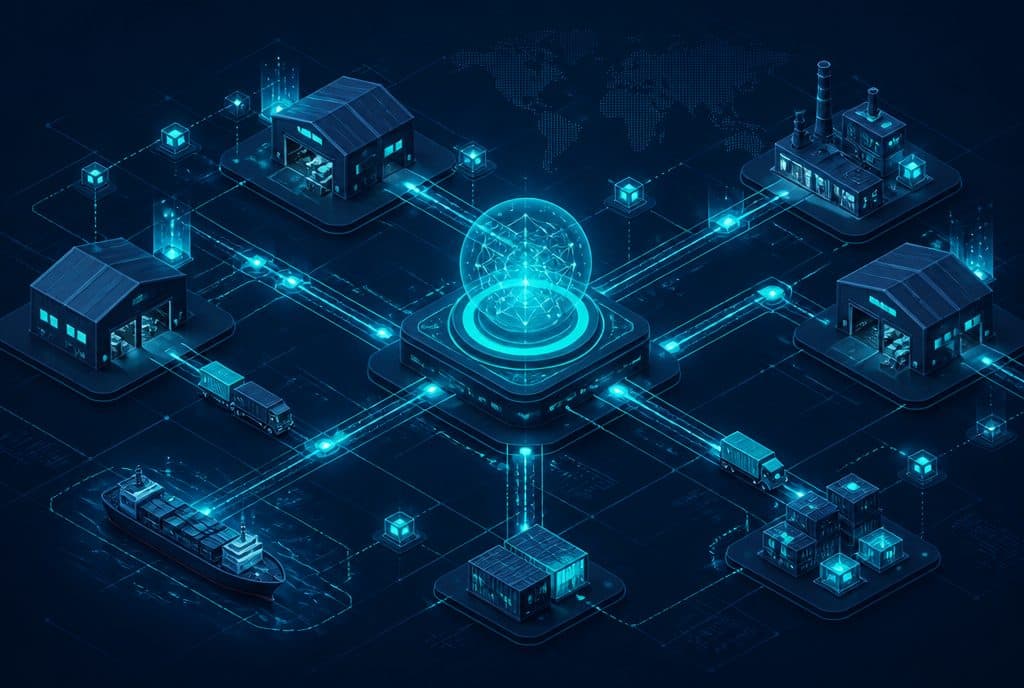
Supplier management automation connects your procurement systems to an AI agent that tracks open orders, sends reminders to suppliers, collects multiple price quotes, and automatically processes invoices and receipts—all without human touch at any stage. Small and medium-sized businesses in Israel lose hours of work every week on manual supplier follow-ups; targeted automation in these processes frees up the team for work that truly requires a human.
Supplier management in a small business usually falls on one or two people: the procurement coordinator, the manager, or sometimes the owner themselves. When an order gets stuck, the follow-up is forgotten; when prices need to be compared among three suppliers, someone spends an hour on Excel and emails. Not because they don't want to—but because they don't have the time. Automation does not replace judgment in choosing a supplier; it takes the generic manual touch and automates it—so that free time is preserved for interactions that actually need a human.
What is Supplier Management Automation?
Supplier management automation is the connection of your procurement, email, CRM, and ERP systems to automated AI-based processes—so that supplier follow-ups, order tracking, price quote collection, and procurement document processing (invoices, delivery notes, work orders) happen on their own, according to rules you define, without manual intervention in every single case.
What Can Automation Cover? Capabilities Table
| Process | What Happens Manually Today | What Automation Does |
|---|---|---|
| Follow-up with supplier on open order | Manual email, sometimes forgotten | Automatic reminder to the supplier on day X before the delivery date |
| Order status tracking | Phone call / manual email | Automatic status update from supplier confirmation, alert when there is a delay |
| Price quote collection | Email to each supplier, waiting, manual consolidation | Centralized sending, response collection, summary for comparison |
| Invoice processing | Manual typing into accounting software | AI field extraction (number, amount, date) → automatic entry |
| Delivery notes / POD | Manual saving, filing | Reading, comparing to the order, marking as "received" |
| Updating the team on delays | Internal call / email | Automatic notification to the manager's WhatsApp / Slack |
How Does It Work in Practice?
Step 1 — The Trigger: What Activates the Automation?
Every process starts with an event: an order is created in the system, a delivery date is approaching, an email arrives from a supplier, a PDF is attached from accounting. The automation listens to these events and responds to them—it doesn't wait for someone to remember to handle it.
Step 2 — Understanding and Classification with AI
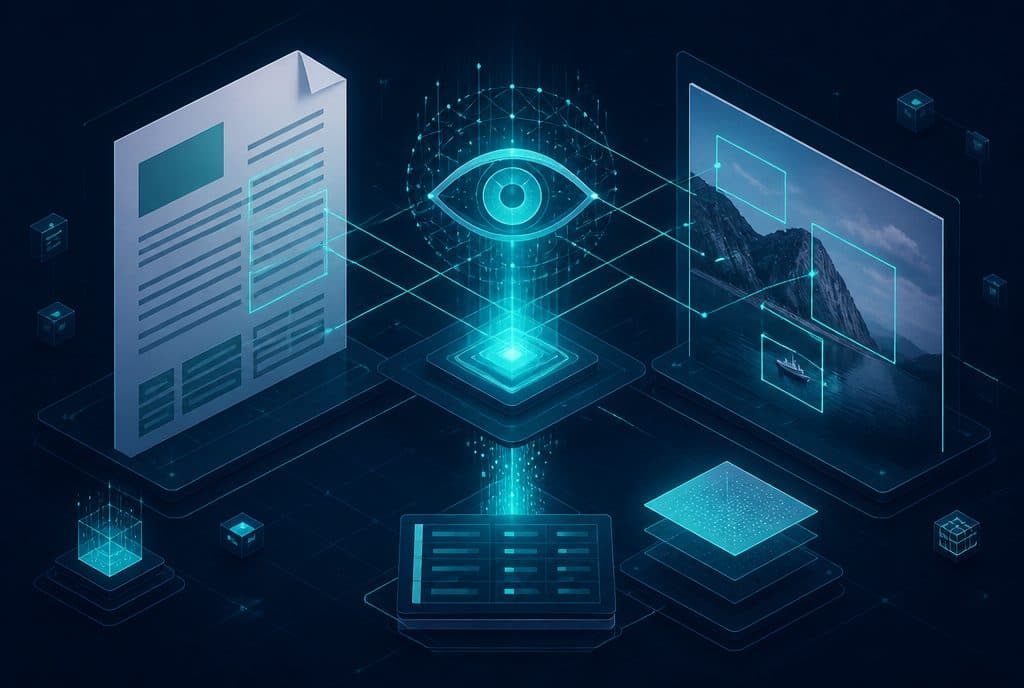
When a document arrives (invoice, delivery note, price quote)—a language model reads it, identifies the type, extracts the relevant fields (order number, supplier, quantity, amount, date), and checks if there is a mismatch against the original order. A missing field or mismatch → notification to the manager. Everything is correct → automatic entry.
Step 3 — Action in Systems
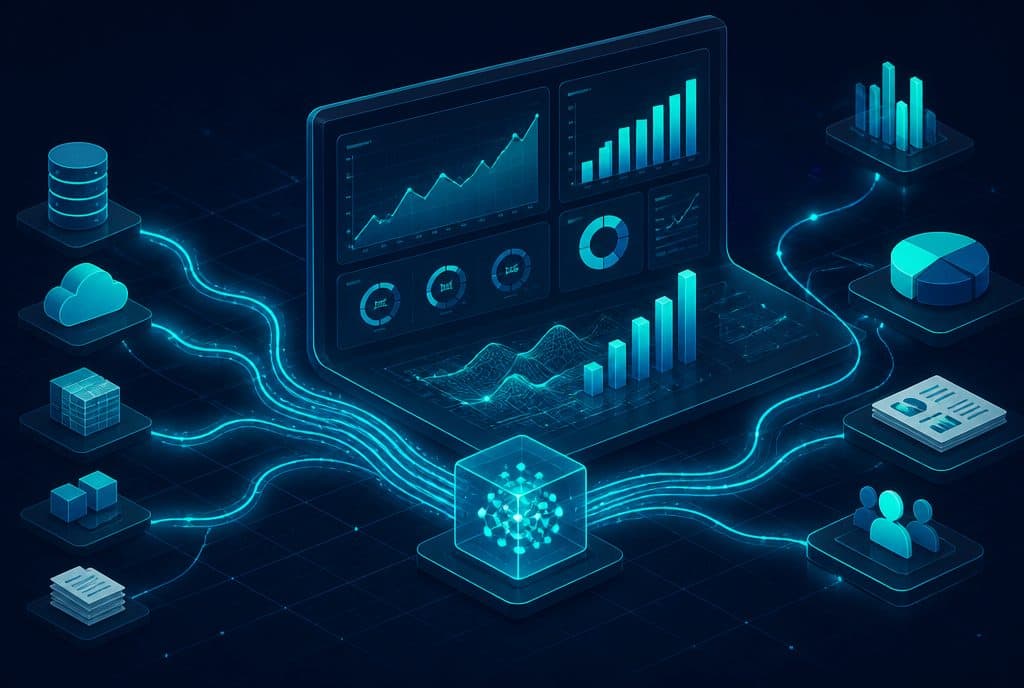
The data is transferred to existing systems: ERP, accounting software, Google Sheets, CRM, or any combination of them—via official APIs and n8n as the automation engine. There is no "rewriting" of systems; the automation talks to what is already there.
Step 4 — Escalation to a Human When Needed
Automation does not decide on its own about a large order, a new supplier, or a price mismatch above a threshold you defined. It flags, summarizes, and sends it to the manager—who arrives at the discussion ready with all the data, not with paperwork to sort through.
Which Businesses Is This Suitable For?
Manufacturers and Wholesalers — inventory managed across multiple suppliers, recurring orders, high volumes of delivery notes. Retailers — need to collect multiple price quotes before a season. Service Providers — purchasing equipment, inputs, subcontractor services. Offices and Small Businesses — the business owner handles procurement alone alongside ten other things.
The more suppliers, recurring orders, and documents flowing in—the greater the value of automation.
Process Example: Automatic Follow-up for an Open Order
Suppose you entered an order for a supplier on June 1st with a delivery date of June 15th:
- On June 10th (5 days before) — n8n sends an email/WhatsApp to the supplier: "Order #1234 — Is the date still on track?"
- The supplier replies "Yes" — The automation marks "Confirmed", saves it in the CRM, and sends an update to the team.
- The supplier replies "There is a delay" — The automation asks "How long?", updates the delivery date, and sends an alert to the manager and the warehouse.
- The supplier does not reply — Another reminder on June 12th, and if there is still no response—escalation to the business owner.
All of this happens without anyone needing to remember to check.
How to Get Started?
Step 1 — Map the Pain Points
What takes up the most manual procurement time right now? Supplier follow-ups? Invoice processing? Price comparisons? Start with one area, not everything at once.
Step 2 — Map Existing Systems
What are you currently working with—Excel? QuickBooks? Priority? Google Workspace? Dedicated inventory software? The automation needs to talk to what exists; map what is connected, what has an API, and what still works via email.
Step 3 — Build One Process, Prove Value
An automated supplier follow-up process, for example, can be built and deployed within a few days. It doesn't require a major change in routine, but it immediately stops the "I forgot to send a reminder" issue. Once you see that it works, expand.
Step 4 — Define Clear Escalation Rules
Anything that requires human judgment needs a clear definition: above what amount do we stop and ask? Which supplier do we never send automation to automatically? These are the boundaries that the automation respects.
Want to check which procurement processes you can streamline? Send us details and we will do a quick assessment together—it's not a massive project; we usually start with one focused process.
Frequently Asked Questions
"Our suppliers are not very tech-savvy" — They don't need to be. Follow-ups can go out as a regular email; the supplier replies as usual. The automation reads the response and understands it.
"We have a unique ERP we developed ourselves" — If it has an API, it can be connected. If not, we can work with email reading / file export as a connection point.
"What about privacy protection laws?" — Procurement and supplier data are business data. We implement compliance in accordance with Israeli privacy protection laws—data retention, access permissions, and documentation. We will guide you through this part as well.
Connection to Smart Customer Relationship Management (CRM)
Supplier management and customer relationship management (CRM) are two sides of the same coin: in both cases, it's about managing relationships, tracking actions, and automatic documentation. The tools and processes overlap—and businesses that already run an automated CRM for customers find that the barrier to streamlining the supplier side is very low. See also Business Automation for B2B Processes.
Summary
Manual supplier management is one of those processes tolerated because "that's how we work"—until you calculate how many hours are spent on it each week. Procurement automation does not replace the decision of "which supplier to buy from"—it eliminates all the manual touchpoints that surround that decision: the follow-up, the tracking, the collection, and the paper processing. The right approach: one focused process that proves value within a few days—and then expand gradually.
At Automaziot AI, we build these automations with n8n for small and medium-sized Israeli businesses—from characterization to deployment. Talk to us to check which process you should start with.