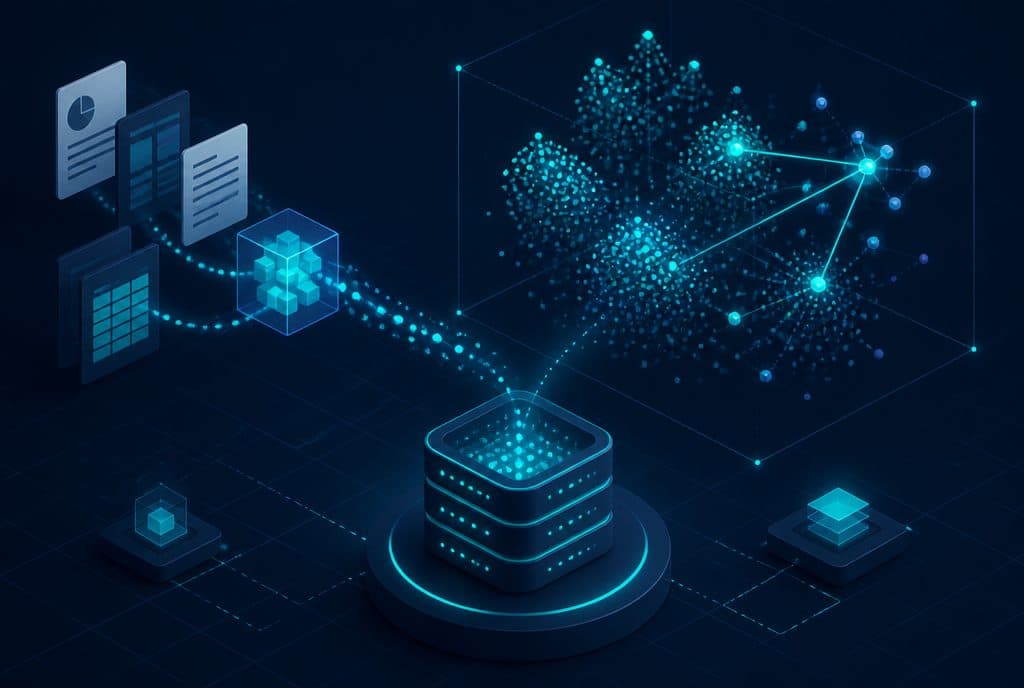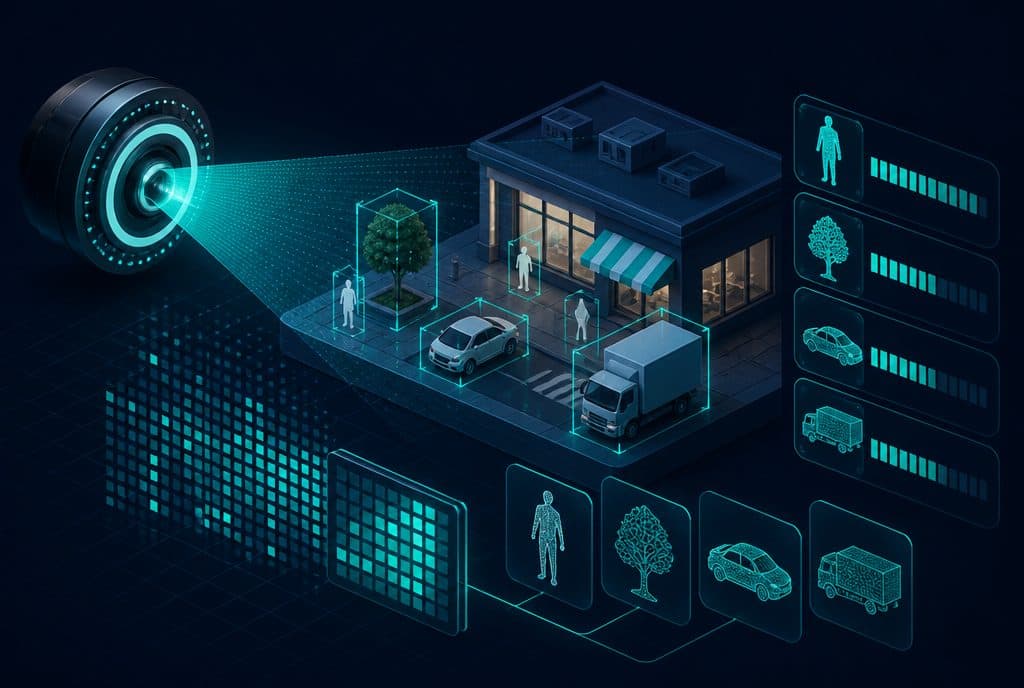
Computer Vision is a branch of artificial intelligence that enables computers to interpret images, photos, and documents—reading a scanned invoice, identifying a defective product on a production line, verifying an ID, or extracting data from a handwritten form. Unlike automation that handles text and structured data, Computer Vision processes visual information—the type of data that is hardest for humans to scan in large volumes, making it the place where businesses lose the most time. At Automaziot AI, we integrate Computer Vision into AI agents and automation solutions that handle document workflows from end to end.
In 2026, advanced visual models have become accessible and accurate enough even for small and medium-sized businesses—not just corporations. If one of your employees spends hours typing details from invoices, filtering product images, or manually checking forms—this guide is for you.
What is Computer Vision?
Computer Vision is an artificial intelligence technology that allows computers to see and interpret images and documents—identifying what is in them, reading their text, distinguishing between objects, detecting anomalies, and drawing conclusions—just as a human does when inspecting a document, product, or form, but with the speed and reliability of a machine.
What Can Computer Vision Do?
| Capability | What the Computer Sees | Business Outcome |
|---|---|---|
| Document Reading (OCR) | PDF, invoice photo, form | Structured data that goes directly into the system |
| Object Detection | Product image, shelf, packaging | Inventory tracking, layout verification, defect detection |
| Quality Control | Manufactured component, food, packaging | Detecting deviations before the product leaves the line |
| Document Verification | ID card, license, contract | Automatic completeness and validity check |
| Image Comparison | Before/after, standard vs. reality | Detecting differences between what should be and what is |
| Unstructured Data Extraction | Tables in scans, fields in forms | Automatic population of CRM and ERP systems |
Practical Use Cases for Israeli Businesses
1. Invoice and Form Processing
This is the most common case we encounter: a team that receives dozens or hundreds of invoices a month—some as PDFs, some as phone photos—and manually types them into management software. Computer Vision reads the document, extracts the supplier name, invoice number, date, amount, and line items, and automatically enters everything into the system. Typing errors drop to zero, and processing that used to take hours is reduced to minutes.
2. Product Identification and Inventory Management
Stores, warehouses, and manufacturing businesses use Computer Vision to scan products—even when there is no barcode. A camera identifies a product by its appearance, updates inventory levels, and alerts when stock falls below a threshold. On a production line, a camera detects a product that looks different from the standard—routing it for scrap or further inspection before it reaches the customer.
3. Document Verification and Validation
Businesses that receive many forms, contracts, or certificates—such as consulting firms, real estate agencies, and clinics—can use Computer Vision to verify that a document is complete: that all fields are filled, the signature is present, and the date is legible. Instead of manually flipping through dozens of documents, the system automatically flags what is missing.
4. Product Cataloging and Image Tagging
For e-commerce stores with hundreds of products, Computer Vision analyzes images and adds metadata—color, category, style—without anyone having to do it manually. This also enables visual search: the customer uploads an image and finds the product they are looking for.
The Connection to OCR and AI Agents
These three concepts work together and are often confused:
OCR (Optical Character Recognition) is a core technology within Computer Vision that converts text in an image into editable text. OCR is the tool; Computer Vision is the broader framework that can also include understanding document structure, identifying fields, and classifying the document type.
AI Agent is the layer that decides what to do with the extracted information. When an AI agent receives an invoice—it doesn't just read it (Computer Vision + OCR), it also decides: Does the amount match the purchase order? Is there approval for payment? Do we need to ask the purchasing manager? Then it acts—updating the accounting system, sending a notification, and filing the document in the correct folder.
Image / PDF arriving at the business
      ↓
Computer Vision + OCR — Reads and extracts data
      ↓
AI Agent — Decides and acts according to business rules
      ↓
Result: CRM updated, payment approved, notification sent
This combination—Computer Vision providing the data, and the AI agent deciding and acting—is what turns manual document processing into a truly automated workflow. See also: AI Document and Image Understanding.
What Computer Vision Cannot Do Alone
It is important to be clear: Computer Vision is a tool, not a complete solution. A few truths to keep in mind:
- Accuracy depends on input quality—A phone photo taken in poor lighting will yield worse results than a properly scanned document. Workflow design is just as important as model selection.
- It needs domain-specific tuning—An invoice document is different from a contract, which is different from a weight certificate. Clearly defining what the system needs to identify is part of the implementation.
- Errors happen—Even an excellent model will make mistakes sometimes. A proper process includes a confidence threshold: extractions with low confidence are routed for human approval, not directly to the system.
When we build a solution at Automaziot AI, we always define the "uncertainty" rules—what goes through automatically, and what is presented to a representative for approval. This is what makes the process reliable.
Where to Start?
The first step is not choosing the technology—it is scoping. Ask yourself:
- Where does my team spend time looking at images, documents, or forms and typing manually?
- What is the volume—how many documents per week, how many images per day?
- Are the documents uniform (invoices from a regular supplier) or varied (documents of all kinds)?
- Which system does the data need to go into—CRM, ERP, spreadsheet?
The clearer the answers, the simpler it will be to present you with an accurate solution and estimate a realistic ROI.
Want to check if Computer Vision can save manual labor time in your business? Talk to us and we will build an initial assessment together at no cost—showing you exactly which steps can be streamlined and the expected return on investment.
Summary
Computer Vision is the bridge between the visual world—documents, photos, forms—and the digital systems that can act on them. For small and medium-sized Israeli businesses, the most immediate value is in document processing: invoices, forms, contracts—anything that comes in as an image and requires manual typing. When you combine Computer Vision with an AI agent that decides and acts, you get an end-to-end automated process: from the moment the document arrives until the data is already inside. Our recommendation: start with one painful process, measure the current time spent, and let Computer Vision show you what it's worth.