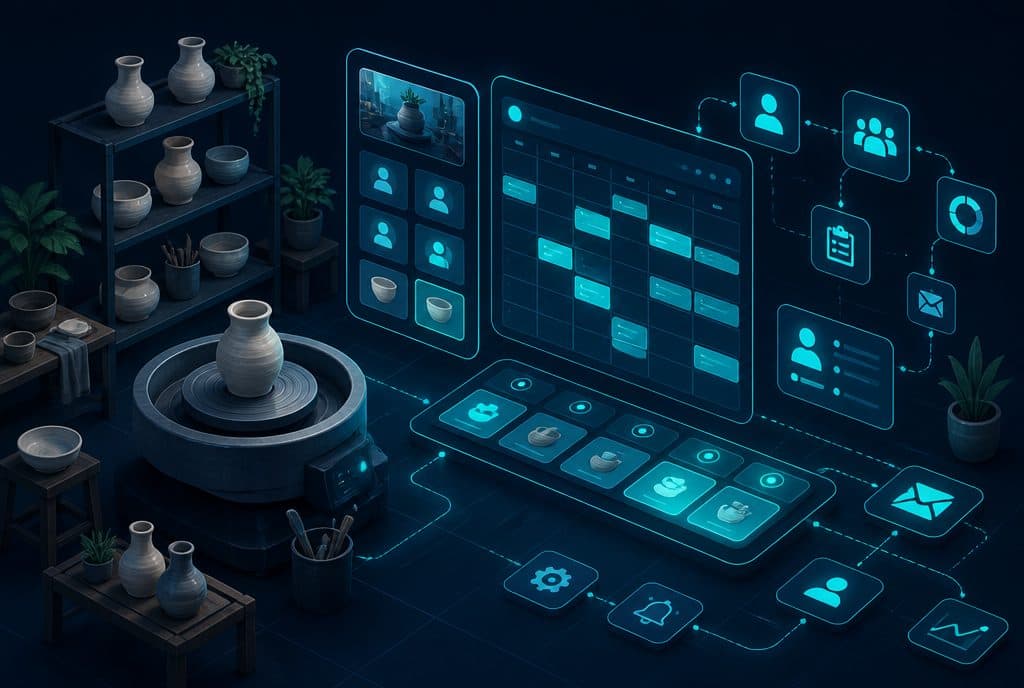
A ceramics studio, a macrame workshop, a painting workshop — each of these receives dozens of inquiries a day on WhatsApp: "Is there space on Sunday?", "How much does the private workshop cost?", "Can I buy a home kit?", "Are there gift vouchers?". A WhatsApp bot connected to the workshop calendar and registration system answers each of these questions in real-time — including during the night and within seconds — and guides the inquirer from the first question to registration confirmation, without the studio owner having to stop in the middle of creating to answer WhatsApp.
How Automation Helps a Creative Studio
A WhatsApp bot for a ceramics studio or creative workshop is an automated system that answers inquiries about group and private workshops, checks availability in real-time, sends payment details and registration confirmations, reminds participants the day before the workshop, and manages questions about material kits and gift vouchers — all without human intervention, 24/7.
Where Does All the Time Go?
Creative studio owners spend a significant part of their day not creating, but on WhatsApp. Every workshop registration usually involves several back-and-forth messages: questions about dates, prices, required experience level, number of available spots, payment options, and confirmation. Multiply this by ten interested prospects — and you are looking at least an hour of daily administrative work replacing actual creation time.
Beyond that, inquiries arrive at all hours: evening, Friday, night. An interested prospect who writes on Friday afternoon and doesn't get an answer until Sunday — has often already found an alternative.
What Does the Automation Handle?
| Inquiry Topic | What the Bot Does |
|---|---|
| "Is there space in the upcoming workshop?" | Checks availability in real-time, displays open dates |
| "How much does it cost?" | Sends a price list with details by workshop type |
| "I'm a beginner — what suits me?" | Guides based on experience level, recommends a workshop |
| "I want to register" | Collects name, phone, sends payment details and confirmation |
| "Ordering a gift for a friend" | Sends a digital voucher, offers a greeting card |
| "Can I buy a material kit?" | Displays available kits, collects the order |
| Cancellation / Postponement | Handles it, offers an alternative date, updates the spot |
| Workshop Reminder | Sends a reminder 1 day before + 1 hour before to each participant |
Real-World Scenarios
Scenario 1: Registering on Friday Night
Incoming inquiry: "Hi, I saw your workshop online — is there space for two this coming Friday?"
The bot checks availability in real-time and responds: "Hi! In the workshop on Friday 20.6 there are 2 spots left. The price is ₪180 per person and includes all materials. Shall I add you?"
The inquiry continues, collects names and phone numbers, sends a payment link and registration confirmation — without the studio owner even knowing.
Scenario 2: Birthday Gift Voucher
"My friend really loves ceramics — do you have gift vouchers?"
The bot sends a digital voucher within seconds for the value chosen by the buyer, with a personal greeting card, explanation of the redemption process, and validity for six months. No need for the studio to intervene.
Scenario 3: Managing Cancellation and Waitlist
A participant registered for a workshop cancels two days prior. The bot:
- Confirms the cancellation and offers an alternative date
- Automatically adds the freed-up spot to the waitlist and notifies whoever requested to join
All without anyone needing to manage an Excel sheet.
Connections to Existing Studio Systems
Automation for a creative studio can connect to what you already have:
- Workshop Calendar / Google Calendar — Real-time availability check, updating booked spots
- Payment System (Bit, PayPal, Credit Card) — Sending payment links and displaying confirmation
- Automated Lead Management — Every inquiry enters a database and receives follow-up
- Appointment Scheduling — For private workshops with personal time selection
- Emails / SMS — Confirmations and reminders outside of WhatsApp as well
Unique Path for Private vs. Group Workshops
This is the key difference to address: an inquiry about a group workshop needs a specific spot check for an existing date; an inquiry about a private workshop needs free slot coordination in the calendar. A well-defined bot asks one filtering question at the beginning of the conversation — "Group or private?" — and routes to the appropriate path. You can read more about this approach in Automation for Education and Courses.
How to Get Started?
The right approach is modular — do not overturn everything at once, but choose the scenario that will yield the highest value first:
- Characterization — List the types of inquiries that come in the most (availability? price? registration? cancellation?), defining what the bot answers and what goes to a human
- One Scenario First — Usually, group workshop registration is the most common, and that's where we start
- Calendar Connection — Checking real-time availability is the component that turns a "bot" into a "registration manager"
- Reminders — Adding an automated reminder the day before reduces no-shows
- Expansion — Material kits, gift vouchers, waitlist management — according to business priorities
Ready to stop answering every registration manually? Talk to us on WhatsApp and let's build your first scenario together — it is usually ready within a week.
How much does it cost?
| Component | Price (one-time setup, ex-VAT) |
|---|---|
| AI booking agent — simple | ILS 8,000 |
| Calendar link and meeting booking | ILS 2,000 |
| Appointment reminders and confirmations | ILS 1,750 |
| Automatic follow-up sequence | ILS 2,500 |
| WhatsApp Business API setup | ILS 700 |
A complete starting point — a WhatsApp AI agent including the business number, server and agent control room — is from ILS 10,200; an agent with a management system (CRM) from ILS 18,200, a multi-agent system from ILS 25,350. There is no monthly fee; third-party costs (server, messages, AI) of about ILS 100–500 a month are paid directly to the providers. The full component price list: pricing page.
Summary
A WhatsApp bot for a creative studio is not a luxury — it is the solution to a very specific problem: a creative business whose manager needs to be in the studio and not on the phone. When the bot handles registrations, questions about kits, reminders, and gift vouchers — the studio stops losing inquiries during off-hours, and the studio owner goes back to doing what they do best. The transition starts with a short characterization and one clear scenario — not by replacing all processes at once.
Read more: What is an AI Agent for Business? | Automation for Education and Courses | Automated Lead Management | Automated Appointment Scheduling