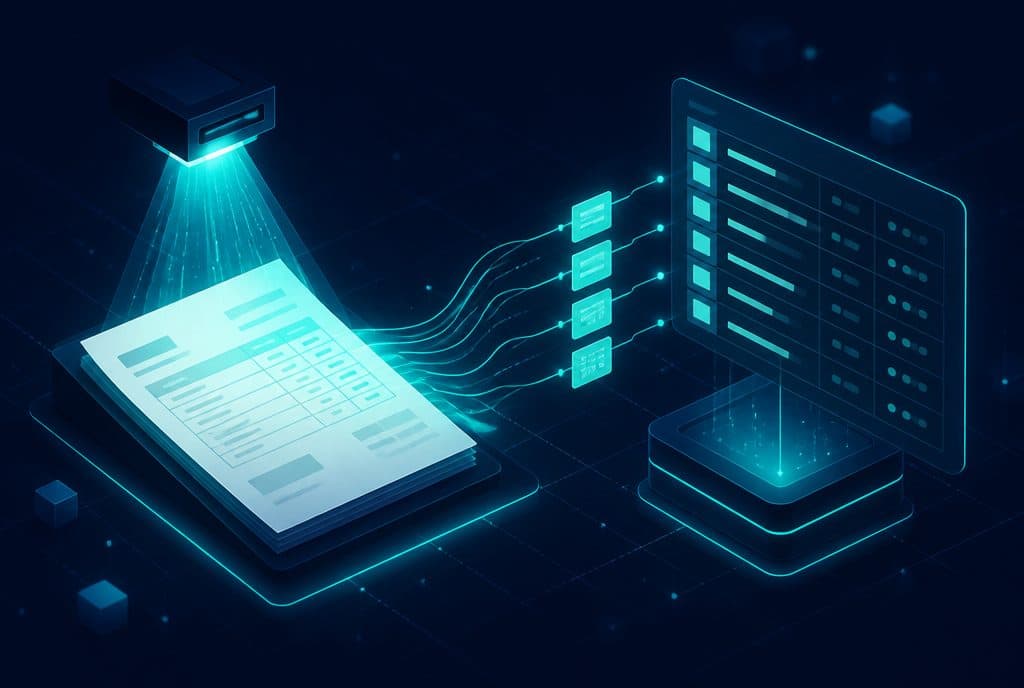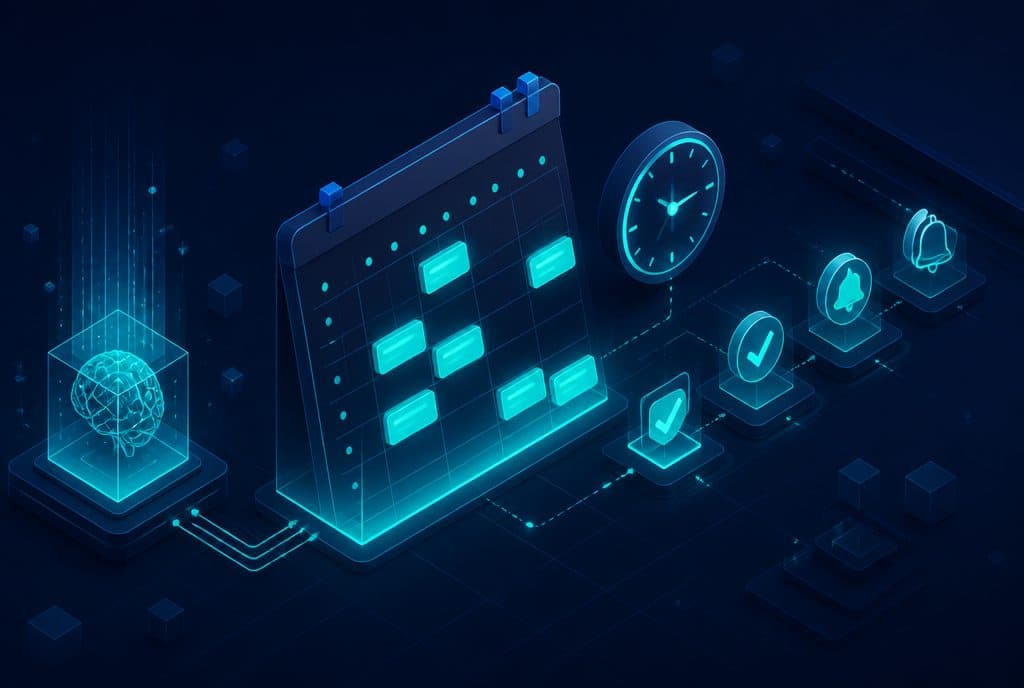
Automated appointment scheduling is a system where an AI agent checks calendar availability, proposes open slots to the client, books the meeting, and sends reminders—without requiring manual intervention at any stage. Businesses in healthcare, beauty, and service industries reduce their no-show rates and free up administrative time that can be redirected to actual work. At Automaziot AI we build these systems for Israeli businesses—from small clinics to service chains.
What is Automated Appointment Scheduling?
Automated appointment scheduling is a process where an AI-based system manages all stages of booking an appointment: receiving the inquiry, checking real-time calendar availability, proposing open time slots, confirming the selection with the client, creating the calendar event, and sending reminders before the meeting—end-to-end, without manual touch for each request.
The client sends a WhatsApp message, fills out a form on the website, or speaks with a voice agent—and the system handles everything: booking, confirming, and reminding. The team sees a full calendar without having to manage every "when are you free?" conversation individually.
Manual vs. Automated — What's the Actual Difference?
| Manual Scheduling | Automated Scheduling with AI | |
|---|---|---|
| Response Time | Dependent on business hours | Immediate, 24/7 |
| Who Handles the Request | Receptionist / Employee | AI System |
| Pre-appointment Reminders | Manual, inconsistent | Automated, on schedule |
| Cancellations & Changes | Require a phone call | Handled via message |
| Cost per Inquiry | High (employee time) | Low at scale |
| Scheduling Errors | Possible | Minimal (synced calendar) |
| CRM Data | Depends on memory / typing | Logged automatically |
How Does It Actually Work?
A fully automated scheduling process includes several stages working together:
1. Receiving the Inquiry
The client reaches out through their preferred channel—a WhatsApp message, a website form, an Instagram DM, or a call with an AI Voice Agent. The system recognizes it as a booking request and initiates the scheduling flow.
2. Gathering Details and Screening
The AI agent asks the relevant questions: desired service type, preferred service provider (if applicable), time zone, and preferences. Businesses that require pre-screening (for example, a clinic wanting to verify if it's a new patient) can integrate screening questions before showing availability.
3. Real-Time Availability Check
The system connects to Google Calendar, Outlook, or any other calendar via an official API, reads existing events, and calculates open time slots based on your predefined rules—appointment length, buffer time between meetings, and business hours.
4. Presenting Options and Confirmation
The agent offers the client 2–3 possible slots in an easy-to-read format and asks for a selection. Once confirmed, a calendar event is created and a confirmation is sent—all within a few messages.
5. Reminders and No-Show Prevention
The system sends reminders according to your defined schedule: for example, 24 hours before and one hour before. The reminder can include a link to cancel or reschedule, directions, and relevant details. If a client cancels, the slot is automatically freed up in the calendar and can be offered to a waiting list.
6. CRM Update
Every booking, cancellation, and no-show is logged in the business's CRM. This creates a complete history for each client—without manual typing and without anything falling through the cracks.
In terms of technology, we usually build these flows on n8n combined with an AI agent that manages the dialogue. n8n allows integration with hundreds of existing tools and gives us complete flexibility over the business logic.
Who is Automated Appointment Scheduling For?
Clinics and Medical Practices
Doctors, psychologists, physiotherapists, dental clinics—any place that manages a busy schedule. No-shows are a real financial issue for clinics: a missed appointment = lost revenue and an hour that cannot be recovered. A system that reminds before every appointment and allows easy cancellation minimizes this problem. Additionally, for receptionists who manually manage appointments over the phone—this time can be redirected to caring for patients already at the clinic.
Beauty Studios and Spas
Hair salons, beauticians, manicurists, facial treatments—an industry where clients are used to booking via WhatsApp. Switching to automated scheduling on WhatsApp is almost seamless for the client: they send a message as usual, but this time they get an immediate response, even on Friday afternoon or late at night. For studio owners working solo, this saves dozens of weekly calls.
Home Service Providers
Plumbers, electricians, HVAC technicians—businesses that receive inquiries while busy in the field. A client who doesn't get a response within minutes keeps looking. Automated scheduling captures the inquiry, checks the work schedule, and handles the logistics—leaving the business owner to see organized requests when they are free.
Coaches, Consultants, and Therapists
Fitness trainers, business consultants, lawyers, accountants—professionals who manage a meeting calendar alongside their core work. The time they waste on "coordinating, rescheduling, reminding" is unbillable time. An automated system gives those hours back to them.
Education and Training
Private tutors, lecturers, learning studios—managing private lessons requires ongoing coordination. An automated system manages the lesson schedule, sends reminders to students, and updates them when something changes.
How Does Automated Scheduling Reduce No-Shows?
No-shows happen for two main reasons: forgetfulness and the friction of canceling. An automated system addresses both:
Against forgetfulness: Automated WhatsApp reminders—one the day before, one an hour before. A client who receives a reminder with their name, the provider's name, and the exact time is far less likely to forget.
Against cancellation friction: When canceling requires a phone call, many clients simply don't cancel and don't show up. When canceling is just a single WhatsApp message away, more clients cancel in time, freeing up the slot for someone else.
Waiting list matching: An advanced system can manage a waiting list—when an appointment is canceled, the next client on the list automatically receives an offer. A work hour that would have been lost goes back to generating revenue.
How to Get Started?
Step 1: Characterization & Requirements
Before any technology, you need to answer a few questions: Through which channel do clients reach you today? What is the average appointment length? Do you have multiple service providers on a single calendar? What are the availability rules—evenings too? Are there different service types with different lengths? This characterization is what turns a generic system into one that works exactly according to your business's nature.
Step 2: Connecting Calendar and Communication Channels
We connect your existing calendar (Google Calendar, Outlook) to the scheduling flow and set up the right channel—WhatsApp for most Israeli businesses, and sometimes a website form or a dedicated interface. The WhatsApp Bot manages the dialogue; the calendar manages availability.
Step 3: Defining Business Logic
We set the rules: buffer times between appointments, what happens when there is no availability, how to handle last-minute cancellations, and what is sent in the reminder. The more defined the logic, the better the system works to reflect your exact needs.
Step 4: CRM Integration and Testing
We connect it to your CRM, run tests with real appointments, and make sure everything works—from the initial inquiry to the calendar event. Only after your approval do we go live.
Step 5: Gradual Launch and Optimization
We usually start with one channel (mostly WhatsApp) and gradually add channels and features. After two to three weeks of operation, we can analyze the data—how many appointments were scheduled, the cancellation rate, when inquiries came in—and optimize the logic accordingly.
Want to understand if such a system is right for your business? Talk to us—we'll do a quick assessment and explain exactly what works for you and how fast it can be set up.
Frequently Asked Questions
"My clients won't like talking to a bot" — In most cases, the client doesn't know and doesn't need to know. They send a message, get a fast and organized response, and end up with a booked appointment. If there is a question the system cannot handle, it hands off to a human representative with the full summary.
"What happens when the system makes a mistake?" — We define clear fallback mechanisms: if the flow fails to book an appointment, a notification is sent to a human representative for handling. No request is ever lost.
"Does this work with a complex schedule—multiple therapists, multiple rooms?" — Yes. It requires a more thorough characterization, but multi-provider logic is a common scenario that we build as part of the project.
"What about last-minute cancellations?" — We define rules: a cancellation less than X hours before the appointment is routed to manual handling or requires a cancellation fee, depending on your business policy.
Summary
Automated appointment and meeting scheduling is one of the automations with the fastest ROI for Israeli businesses: it saves hours of weekly administrative work, reduces no-show rates, and allows clients to book an appointment exactly when it's convenient for them—even on Friday night. For clinics, beauty studios, and service providers, it's not just a convenience—it frees up the team to do what they do best.
The right approach is to start with careful characterization and build a system that reflects the exact nature of your business—rather than a generic solution that forces you to adapt to it.
- Full service details: Automated Appointment & Meeting Scheduling
- Want to integrate scheduling into a WhatsApp Bot? This is our most common scenario
- Read also: What is an AI Voice Agent?