AI Sentiment Analysis is an automated process where a system reads customer messages—from WhatsApp, Google reviews, to form submissions—and identifies whether their tone is positive, negative, or neutral. A negative message is immediately flagged and routed for handling, even before the customer decides to leave. For an Israeli business receiving dozens of inquiries a day, this means no unsatisfied customer "falls between the cracks." The solution works in Hebrew, can be connected to an existing CRM, and does not require a developer.
This tool has become more relevant in 2026 for several reasons: the volume of messages per business has grown significantly (WhatsApp, reviews, surveys), the free time to read every message manually has shrunk, and Hebrew language models have reached a level of accuracy that enables practical implementation. In this article, we will explain exactly how it works, what you can and cannot expect from it, and how to get started.
What is AI Sentiment Analysis?
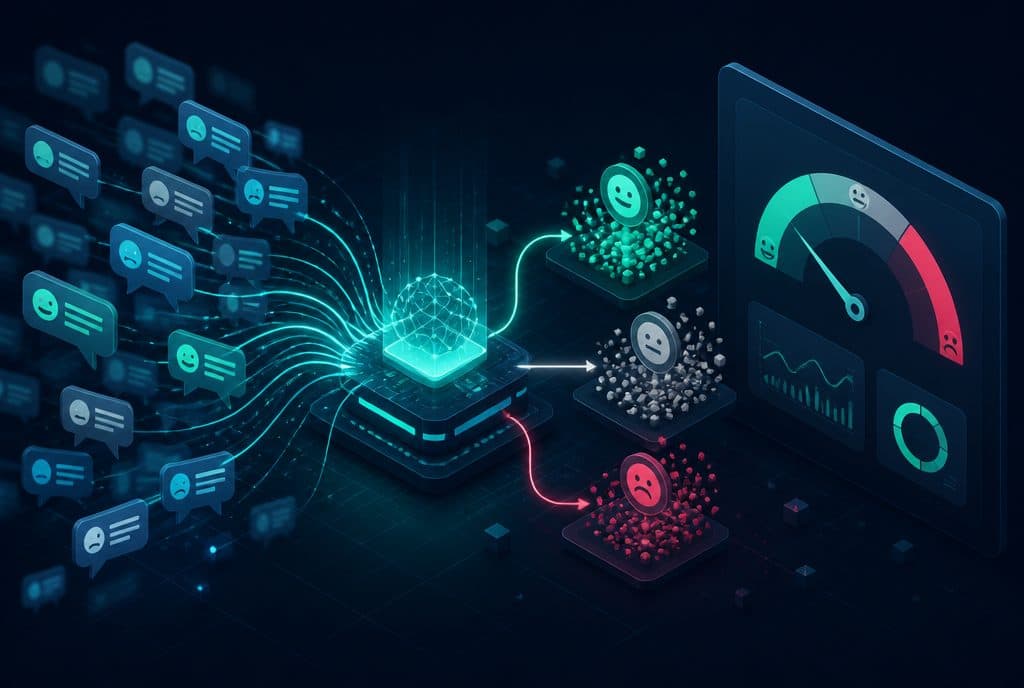
AI Sentiment Analysis is an automated mechanism that reads customer text and classifies it according to emotional tone: positive, negative, or neutral. The system identifies problematic messages in real time, flags them, and routes them for handling—without anyone needing to read every message individually. It can be connected to WhatsApp, Google reviews, ticketing systems, and any channel where written feedback is received.
Difference Between Sentiment Analysis and Manual Classification
| Manual Classification | AI Sentiment Analysis | |
|---|---|---|
| Response Time | Hours to a day | Seconds |
| Coverage | Whatever you manage to read | 100% of inquiries |
| Consistency | Depends on who read it | Consistent according to defined rules |
| Hebrew | Natural | Supported, including nuances |
| CRM Integration | Manual | Automatic |
| Cost per Handling | High (human time) | Low after setup |
How It Works — Four Steps
1. Centralized Collection of Inquiries
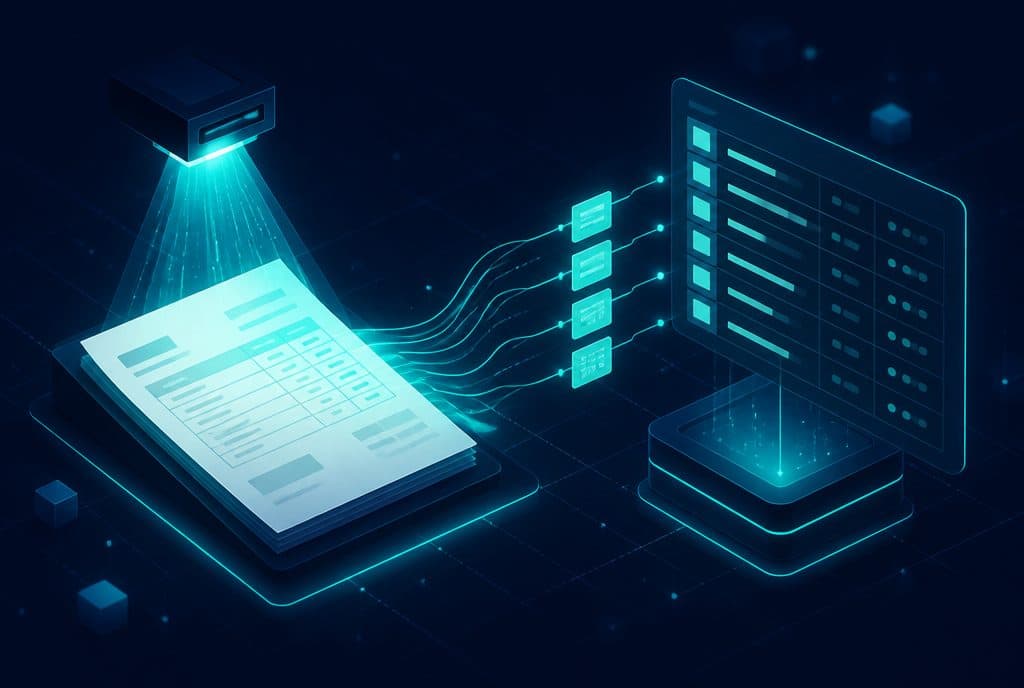
Messages arrive from various channels: WhatsApp, Google reviews, form submissions, emails, satisfaction surveys. In business automation, we connect all channels to a single point (usually using n8n) so that all inquiries are available for analysis—not just a portion of them.
2. Real-Time Emotional Classification
A language model (LLM) reads each message and decides: positive, negative, neutral. For Israeli businesses, it is crucial that the model understands Hebrew nuances—"fine" as a response can be positive, neutral, or disguised sarcasm, depending on the context. The model is trained according to the style of inquiries that reach the specific business, not generic examples.
3. Routing by Urgency
A message classified as negative is routed immediately: an alert in the CRM, a message to a representative, tagging the customer in their profile. A positive message can trigger a different automation—for example, a request for a Google review. Neutral messages are saved for long-term trend analysis, without creating immediate noise.
4. Trend Identification
Beyond real-time handling, the system aggregates the data: what topic recurs in negative inquiries? On what day of the week do more complaints arrive? About which specific service? The dashboard shows trends over weeks and months—allowing you to identify structural issues before they turn into a flood of negative reviews.
A Note on Hebrew and Accuracy
Modern language models understand natural Hebrew—including abbreviations, informal phrasing ("really not fun"), and the Hebrew-English mix common in Israeli customer inquiries. However, no system is 100% accurate—there will always be edge cases where the classification is incorrect. The correct approach is to use sentiment analysis as a first filtering layer that directs the representative where to look—not as a final automated decision. A customer flagged as negative reaches a representative faster; the representative is still the one who decides what to do.
Integration with Existing Workflows
One of the common mistakes in implementing sentiment analysis is treating it as a standalone product. In practice, the tool is only useful when connected:
- To the CRM — so that the flag appears on the customer's profile, not just as a one-time alert. See smart customer management.
- To lead management workflows — a negative inquiry from a customer in the negotiation stage gets a different priority than a negative inquiry from a long-time customer. See automated lead management.
- To an AI Agent — if there is an AI Agent managing the initial conversation, sentiment analysis can trigger a handoff to a human representative when the tone deteriorates.
Sentiment Analysis and Customer Feedback — The Connection to Surveys
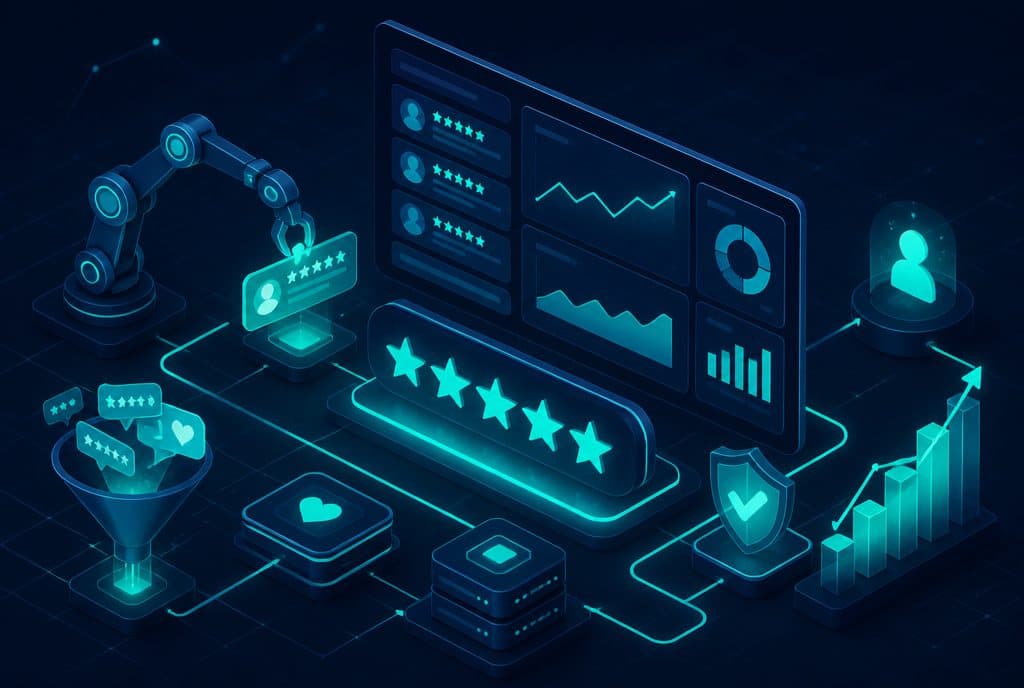
Another tool that complements sentiment analysis is structured feedback collection—short surveys on WhatsApp after service, automated NPS forms. The structured data from surveys provides context to the unstructured sentiment analysis from conversations. For more on this topic: Analyzing Customer Feedback with AI.
What Sentiment Analysis Does Not Do
To avoid setting incorrect expectations:
- It does not replace talking to an unsatisfied customer — it identifies and routes; the solution is still human.
- It is not 100% accurate — the intent a person wrote in 140 characters is not always unambiguous.
- It does not analyze voice calls — only written text. Voice call analysis is a separate field.
- It does not work without clear procedures — if you haven't defined what to do with a negative alert, the alert will pile up and go unhandled.
How to Get Started
The right starting point is not to build a complete system from day one—but to start where the pain is greatest:
- Map the channels — where do most negative inquiries come from? WhatsApp? Google reviews? Post-service feedback?
- Define what "negative" means for you — every business is different. "Fine" in a medical field is different from "fine" in a flower shop.
- Define a response procedure — who handles it? Within what timeframe? What is the first message?
- Connect and measure — build, run for a month, check: how many negative inquiries were caught? How many of them were converted to a resolution?
Want to understand what is right for your business? Contact Automaziot AI and we will map out together which channels and procedures fit the volume and type of inquiries you receive.
Summary
AI sentiment analysis is not a passive "monitoring" tool—it is a mechanism that reduces the time between a negative inquiry and its resolution. For a business receiving dozens to hundreds of inquiries a week, the difference between discovering a complaint after three days and discovering it within seconds—is the difference between a customer who stays and a customer who writes a negative review and leaves. The tool works in Hebrew, can be implemented without changing existing workflows, and when combined with an AI Agent and automated lead management—it is part of a complete system that ensures no customer falls between the cracks.