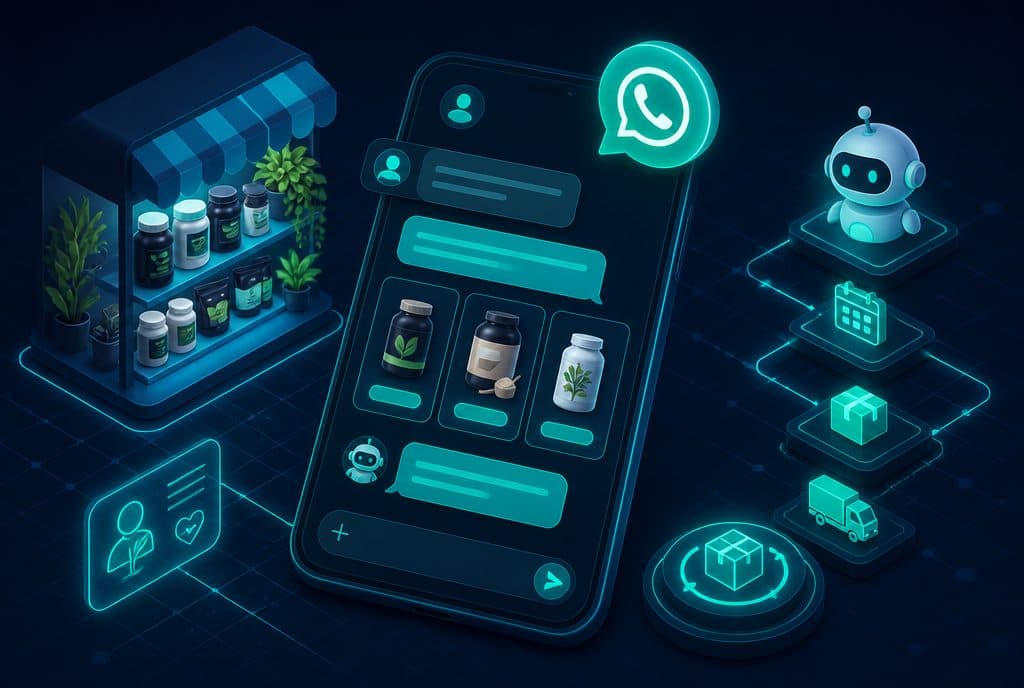
An internal AI agent is a system that bridges the gap between company documents and natural language: an employee asks a question on WhatsApp or an internal chat — "What is the company policy regarding travel expense reimbursement?" — and the agent returns an accurate answer with a citation from the relevant procedure, within seconds. No searching through Drive, no interrupting the manager, and no waiting for an answer until the next day. At Automaziot AI, we build such agents for small and medium-sized Israeli businesses that have accumulated a wealth of knowledge — and struggle to make it accessible to their team.
What is an Internal AI Agent / Smart Knowledge Base?
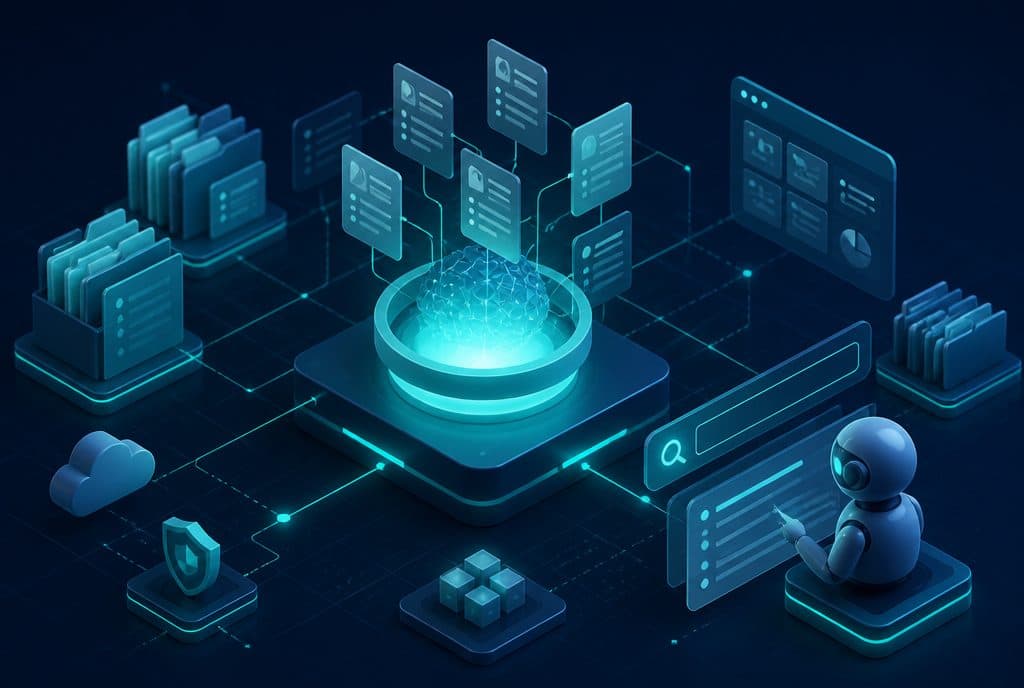
An Internal Knowledge Base Agent is a software system that indexes company documents — procedures, SOPs, policies, employee contracts, job descriptions — and allows any employee to ask questions in natural language and receive accurate answers based solely on the uploaded documents, complete with a citation to the original paragraph. The agent does not guess or hallucinate — if the answer is not in the documents, it will say so.
Why is a Regular Knowledge Base Not Enough?
Most small and medium-sized businesses in Israel already use Google Drive, Notion, or shared folders. They have accumulated years of procedures, training documents, and policies there. The problem is not the lack of documents — but rather accessibility.
- A new employee doesn't know which folder to search in
- The file name has changed since someone wrote it
- The relevant procedure is buried inside a 40-page document
- Some employees can't find it and eventually just ask the manager
The result: the manager answers the same questions over and over again, new employees take weeks to get oriented, and the knowledge documents you invested time in writing are barely used.
Capabilities: What Can an Internal AI Agent Do?
| Capability | Description |
|---|---|
| Natural Language Search | Employees ask in plain Hebrew/English — no searching by file name |
| Source Citation | Every answer comes with a link to the relevant paragraph in the original document |
| Role-Based Access | Finance department employees see financial documents; customer service reps — only service SOPs |
| Continuous Knowledge Updates | Adding a new document automatically updates the agent without coding |
| Multiple Languages | Hebrew, Arabic, Russian, and English — suitable for diverse teams |
| Workspace Integration | WhatsApp, Slack, Teams, custom interface, and the ability to query from anywhere |
Use Cases in an Israeli Business
Appraisal / CPA / Law Firm: A representative asks, "How many sick days is an employee who has been with us for six months entitled to?" — The agent displays the relevant clause from the employment agreement, with a link to the page.
E-commerce Store with a Customer Service Team: "What is the return policy for custom products?" — The agent finds the correct paragraph in the customer service procedure and answers within seconds, without escalating to the manager.
Private Clinic with Medical and Administrative Staff: "What is the protocol for opening an emergency visit outside of regular hours?" — The agent returns the relevant SOP to the administrative representative.
Renovation Contractor with a Field Team: "How much time do we have under the agreement to resolve a malfunction?" — A field worker asks on WhatsApp and gets an answer from the service contract, without having to return to the office.
How Does It Work? RAG in Simple Terms
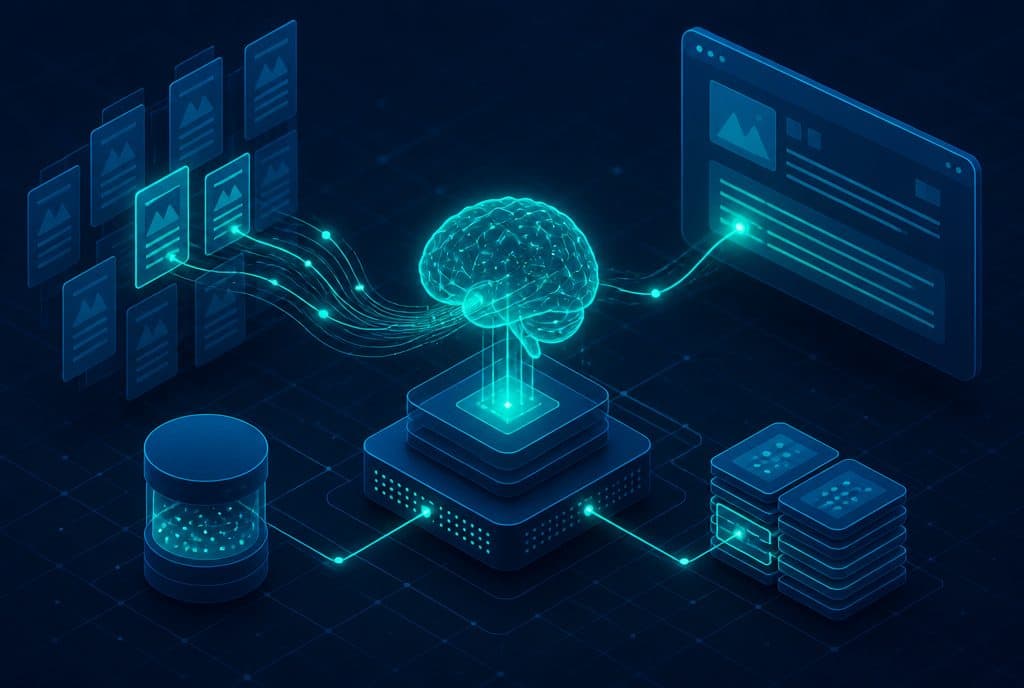
The technology behind the agent is called RAG (Retrieval-Augmented Generation) — a combination of smart search and answer generation. Here is how it works in practice:
Document Ingestion — Any PDF, Word, Google Doc, or procedure is fed into the system. The documents are split into short segments and undergo "embedding" (conversion into numerical representations) which enables semantic search.
Employee Query — An employee asks a question in natural language through any chosen interface (WhatsApp, Slack, dedicated interface).
Smart Search — The agent searches through the stored segments and locates the most relevant passages to the question — even if the phrasing of the question differs from the phrasing in the procedure.
Answer Generation — The language model (LLM) drafts a clear answer, based solely on the retrieved segments, and attaches a citation.
Reliability — If the answer is not found, the agent explicitly states so. It does not make things up.
Read more about RAG and the technology behind these agents in our RAG Guide for Businesses.
Who is an Internal AI Agent For?
An internal AI agent is suitable for any business where:
- There is accumulated knowledge — procedures, policy documents, SOPs, contracts, job descriptions — even if they are scattered across different folders
- Employees ask repetitive questions — "What is the policy regarding...?", "Where is the form for...?", "What is the SOP for...?"
- Onboarding new employees takes time — because there is no efficient way to learn the procedures without asking people
Businesses that benefit the most: service companies, clinics and medical centers, professional services firms (CPAs, lawyers, appraisers), retail chains with frequently updated procedures, and e-commerce businesses with customer service teams.
How to Get Started?
Step 1: Map Knowledge Documents
Before touching the technology — make an effort to list what documents exist, where they are stored, and who needs access to them. Usually, you will discover that there is more knowledge than you thought — and that some of it is undocumented.
Step 2: Organize and Clean Up
Old documents marked as "expired" should not be fed into the agent. Separate active knowledge from archives, and ensure that active documents are up to date.
Step 3: Define Permissions
Not every employee needs access to all documents. Define in advance what each role or department is allowed to ask.
Step 4: Choose an Interface
For businesses working with WhatsApp — the agent is connected directly to WhatsApp Business. For companies using Slack or Teams — that's where it goes. Some clients prefer a dedicated interface branded with the company logo.
Step 5: Phased Rollout
Start with one department, gather feedback, fix gaps in the documents, and expand.
What It Doesn't Do (And Why It's Important to Know)
- Does not replace managerial judgment — Questions requiring a decision (not just information) will still require a human
- Does not create policy — The agent reflects what is written; it does not invent new procedures
- Does not automatically sync with every source — The knowledge base must be updated when a document changes (this can be automated with n8n)
- Not intended for customers — This is an internal tool. For customer-facing agents, see AI Agents for Businesses
Want to understand if an internal AI agent is right for your business? Contact us and we will conduct a brief discovery session together — mapping out what documents exist, what the repetitive questions are, and the expected ROI of employees querying the agent instead of the manager.
Summary
An internal AI agent is not just an impressive technology project — it is a solution to a concrete business problem: knowledge that exists within the company but does not reach the employees who need it. A business that has invested in writing procedures and SOPs deserves to have this knowledge actually used, rather than gathering dust in a folder. When a new employee can ask a question and get an accurate answer in seconds — onboarding is faster, there are fewer interruptions for managers, and fewer mistakes resulting from "I didn't know." Our recommendation: start with one department and existing documents — and build from there.
Related Articles: