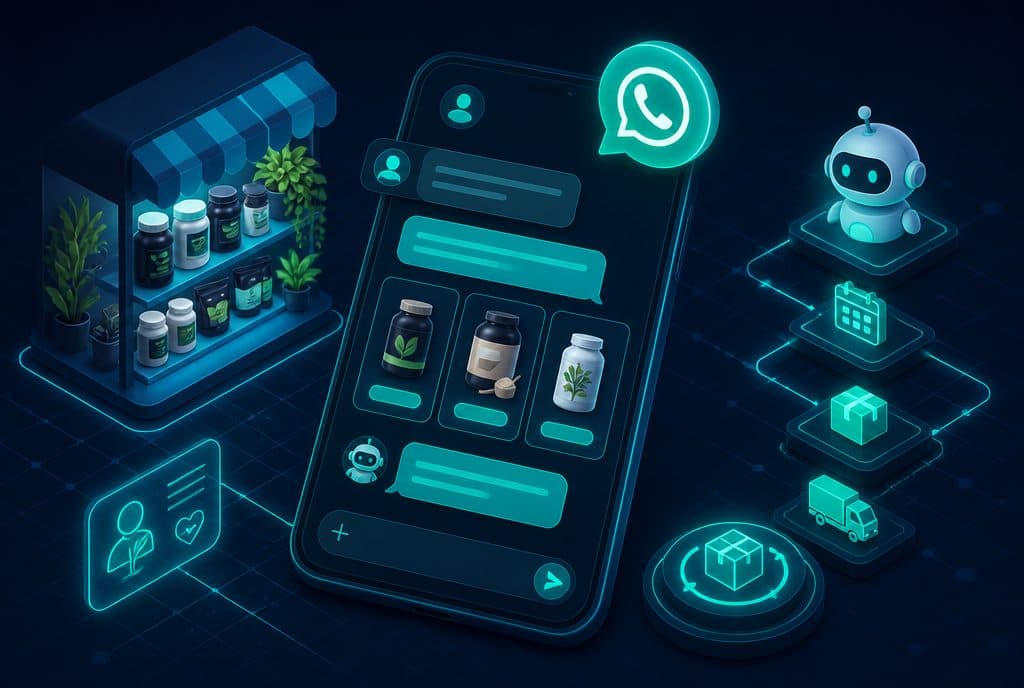
A phone and computer repair lab can manage the entire customer journey—from the moment they send a photo of the broken screen to the "Your device is ready, you can pick it up" message and a follow-up two weeks after pickup—via a WhatsApp bot, without the technician having to stop every few minutes to update the chat. Every stage: intake, quotation, status update, readiness notification, and warranty follow-up—is handled automatically, keeping human intervention strictly for the actual technical diagnosis.
How Automation Helps a Repair Lab
A repair lab works with a constant stream of repetitive and predictable inquiries—issue description, price requests, "when will it be ready?", "device picked up"—each taking a minute or two from the technician or the reception desk. A WhatsApp bot receives the inquiry, asks clarifying questions (model, issue description, photo), logs everything in the system, and sends updates at key points in the process—without human touch at every step. The technician focuses on the repair; the bot handles the communication.
What Exactly the Technician Does Today—and What Automation Can Take Over
Before designing a solution, it is worth understanding where the time is being stolen:
- A customer writes on WhatsApp: "My phone fell, broken screen"—the technician asks for the model, the extent of the damage, and sends a price. If they are busy? The inquiry waits for an hour.
- At the end of the diagnosis—another manual message with an updated price and approval to start work.
- Repair completed—someone has to remember to send "ready for pickup."
- A week after pickup—no one sends a warranty follow-up because there is no time.
Each of these stages is a legitimate automation scenario.
Automation Capabilities for Repair Labs
| Scenario | What the Bot Does | What is Left for the Human |
|---|---|---|
| Issue Intake | Asks for model, photo, issue description; opens a ticket in the system | Technical diagnosis |
| Initial Quote | Sends a price range based on the model/repair | Final approval if there is an exception |
| Status Update | Automatically updates at defined points: "We started," "Waiting for part," "In progress" | None—the bot sends based on system status |
| Readiness Notification | "Your device is ready—you can pick it up. Opening hours: ..." | None |
| Warranty Follow-up | One to two weeks after pickup: "Is everything working fine? Just reminding you there is a warranty" | None |
| Google Review | Right after the warranty follow-up: requests a review with a link | None |
Four Scenarios Demonstrating the Flow
1. Initial Issue Intake
A customer writes: "Hi, my phone fell." The bot replies instantly: "Hello! We'd love to help. What is the phone model? And could you send a photo of the damage?"—it waits for a response, asks if the screen responds at all, and the urgency. At the end of the flow, a ticket is opened in the internal management system with all the details, and the technician receives an organized summary—not a chain of messages they have to dig through.
2. "Waiting for Part" Update
Some labs find themselves repeatedly explaining to customers, "The part is on its way." When the technician updates the status to "Waiting for supplier," the bot automatically sends: "Hi [Name], we wanted to update you—the order is with us, and we are waiting for the part to arrive in the next few days. We will let you know as soon as we begin." A customer who receives a proactive update doesn't need to ask.
3. Readiness Notification
When the repair is finished and marked "Completed," the bot sends: "Your device is ready for pickup! You can come during [Opening Hours]. If you'd like to coordinate a specific time—write to us." Two lines, zero technician time.
4. Warranty Follow-up and Review Request
Two weeks after pickup: "Hi [Name], we wanted to make sure your device is working perfectly. As a reminder, there is a [Period] warranty on the repair—if you have any questions, we'd love to help. If everything is fine, we'd appreciate it if you could leave a quick review [Link]—it helps us a lot." Happy customers who receive a polite follow-up are highly likely to leave reviews.
What the Bot Won't Replace
It is important to state clearly: a WhatsApp bot handles communication—not the repair. The technical diagnosis, the decision on the repair method, handling unexpected price exceptions—these remain with the technician. The bot allows the technician to focus exactly there instead of managing chats all day.
Connecting to Existing Systems
Full automation requires a connection to the lab's internal management—whether it is dedicated lab management software, a Google Sheets spreadsheet, Notion, or another system. The flow is built through n8n: a ticket is opened, updated according to status, and the bot sends a message at the right point. You don't need to change your internal workflow—you just need to connect it to WhatsApp.
Why WhatsApp and Not SMS or Email
The Israeli customer arrives with their phone in hand for inspection and leaves—expecting to hear from you. A technical SMS from an unknown number looks like spam; emails are rarely opened. WhatsApp is the channel where the customer is already active—the message arrives in the existing conversation thread with you and feels human, even if sent automatically. This is the difference between a message that gets read and one that gets ignored.
See WhatsApp Bot for Business — What It Is and How It Works for full details on the WhatsApp Business API.
How to Get Started?
Step 1 — Scenario Mapping: Write down all the types of messages you send manually in a typical week—intake, updates, readiness, warranty. This is your task list.
Step 2 — Prioritization: Start with the scenario that has the highest volume. For most labs, this is initial intake + readiness notification—the two ends of the process.
Step 3 — Integration: Define which system the bot needs to write to (spreadsheet, lab software, CRM) and which status update triggers a message to the customer.
Step 4 — Testing: Run the flow on a few real inquiries before releasing it to all customers.
After going live, add the remaining scenarios gradually.
Customers Who Receive Proactive Updates Don't Look for Your Phone Number
The biggest practical impact that labs report is not "time savings"—it is a drop in incoming calls asking, "Where is my phone?". A customer who receives an update at every status change doesn't need to call. The branch is less crowded, the technician is interrupted less, and customers leave feeling in control—even when they are told the part will arrive in two days.
How much does it cost?
| Component | Price (one-time setup, ex-VAT) |
|---|---|
| AI customer-service agent | ILS 9,400 |
| Business knowledge base | ILS 3,000 |
| Connection to an existing system (CRM / Sheets / Monday) | ILS 2,500 |
| Alert to the team / owner | ILS 800 (per alert) |
| WhatsApp Business API setup | ILS 700 |
A complete starting point — a WhatsApp AI agent including the business number, server and agent control room — is from ILS 10,200; an agent with a management system (CRM) from ILS 18,200, a multi-agent system from ILS 25,350. There is no monthly fee; third-party costs (server, messages, AI) of about ILS 100–500 a month are paid directly to the providers. The full component price list: pricing page.
Summary
A phone and computer repair lab manages dozens—sometimes hundreds—of inquiries a month, and most of them repeat the same steps. A WhatsApp bot connected to internal management can handle communication throughout the entire journey, keep the technician focused on the repair, and send warranty follow-ups that most labs simply fail to do manually. This is not a product "for big businesses"—it is a solution that fits even a lab with one or two technicians looking to stop losing time on repetitive messages.
Automated Scheduling and Customer Communication can integrate with the same infrastructure—for scheduling device drop-offs and reminders.
Want to build this for your lab? Talk to us—we will figure out together which scenarios fit and what the first step is.