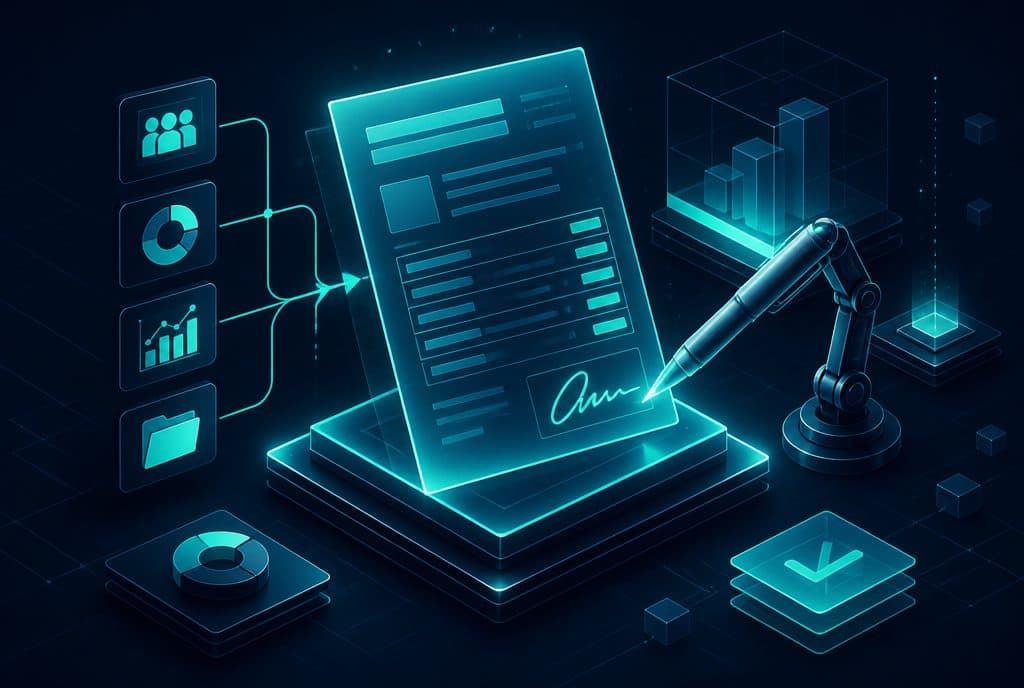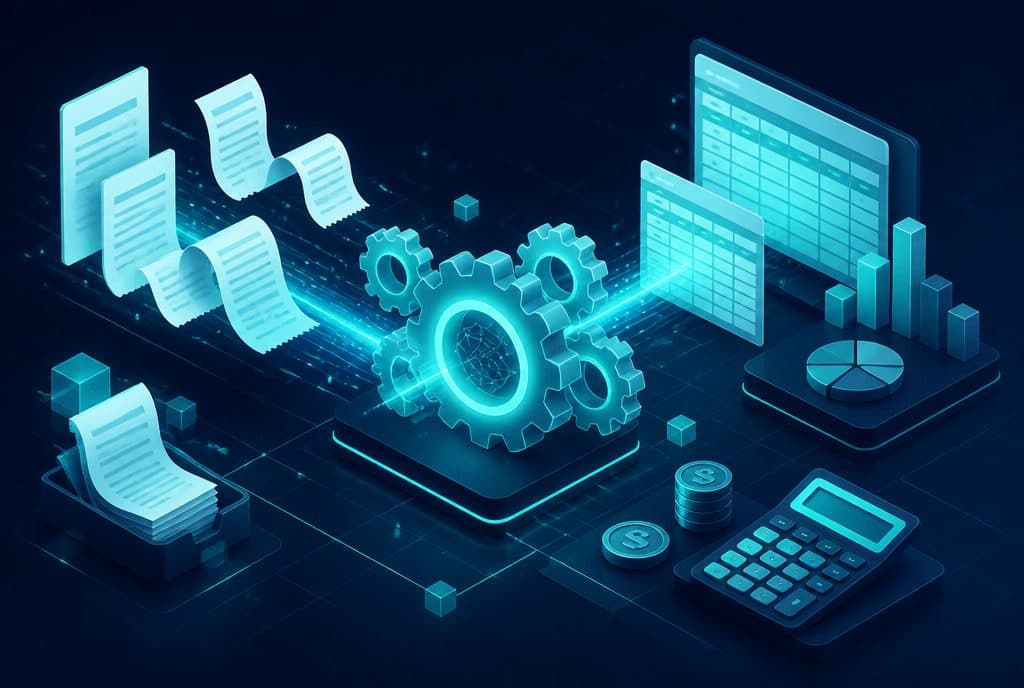
Accounting automation for small and medium-sized businesses in Israel (2026) means that software reads invoices arriving by email, extracts the data, categorizes the expense correctly, and feeds it directly into Hashveshevet, Priority, iCount, or any other system — without anyone having to sit and type. In addition, the system sends payment reminders to clients for open invoices and prepares the baseline data for the report that the accountant will approve. Automaziot AI implements such solutions for Israeli businesses using n8n.
What is Accounting Automation?
Accounting automation is the use of software and AI to automatically perform repetitive financial tasks: reading incoming invoices, entering data into the accounting system, categorizing expenses, sending payment reminders to clients, and preparing the database for reports — so that the accountant focuses their time on approval, interpretation, and advisory instead of repetitive typing.
What Can Be Streamlined in Accounting?
Not everything in accounting is suitable for automation — and the professional judgment of the accountant remains essential. However, there are clear categories of repetitive work that do not require interpretation, and this is where automation makes the difference:
| Process | What the Automation Does | What Remains for the Human |
|---|---|---|
| Reading incoming invoices (OCR) | Extracting vendor name, amount, date, invoice number | Approving unclear data, handling exceptions |
| Data entry into the accounting system | Pushing data to Hashveshevet/Priority/iCount | Final review and approval |
| Expense categorization | Associating expenses with categories based on defined rules | Reclassifying exceptions |
| Payment reminders | Sending automatically based on a schedule | Collection policy, complex cases |
| Linking to leads and orders in CRM | Linking invoices to the CRM | Managing customer relationships |
| Preparation for monthly reports | Consolidating organized incoming/outgoing data | Preparing the final report, checking legal compliance |
How Does the Automation Work in Practice?
Step 1: Document Capture
Incoming invoices arrive from a variety of sources — email, WhatsApp, vendor portals, online forms. The automation monitors every relevant channel and collects the documents.
Step 2: Data Extraction (OCR + AI)
An AI model handles non-standard documents — manual invoices, scans, Word documents — and delivers the data in a uniform format.
Step 3: Categorization and Business Rules Matching
Each expense is classified according to a pre-defined category (marketing, vendors, equipment, rent). When the invoice matches an existing vendor in the CRM — the data is linked automatically.
Step 4: Entry into the Accounting System
The categorized data is pushed directly into Hashveshevet, Priority, iCount, or any other system with an API — managed through n8n which orchestrates the workflow. Invoices with unclear fields are paused in a queue waiting for human approval before entry.
Step 5: Payment Reminders and Tracking
Alongside capturing expenses, the automation monitors outgoing invoices — and sends reminders to the client according to a defined schedule (for example: 7 days before due date, on the due date, 7 days after). Each reminder is automatically logged in the CRM.
The Human Approval Note
All the solutions we build include a human approval mechanism. An accounting record is not finalized until the accountant or business owner approves it — whether it is a bulk approval once a morning for overnight records, or real-time approval for exceptions only. Automation does the heavy lifting; professional judgment remains with the human.
In accordance with the Israeli Privacy Protection Law, any financial data collected and processed must meet defined storage and security requirements. When building the solution, we ensure that the data is stored accordingly.
What It Is Not: The Limits of Automation
- It does not replace an accountant. The thinking, interpretation, and professional responsibility remain with the human.
- It does not handle every exception. Unclear documents, invoices that do not match orders, new vendors without a category — these are routed for manual approval.
- It is not compatible with every system. Some older systems do not expose a proper API — import/export interfaces can sometimes be used, but this is more limited.
How to Get Started?
The right approach is to choose one process and not try to streamline everything at once.
1. Choose a process that is painful right now. Is it the time spent entering invoices? Collections not being done on time? A report prepared manually every month? Start there.
2. Map the sources. Where do invoices come from? Email? WhatsApp? Vendor portals? How many per month?
3. Check what your accounting system supports. Hashveshevet, Priority, and iCount all support import formats — but the version and license determine exactly what is possible.
4. Define the categorization rules. With your accountant: what are the relevant categories for the business, and how should each expense be classified.
5. Implement with an approval checkpoint. The entire workflow ends with a daily/weekly summary for approval before records are closed.
Who Is This Suitable For?
Accounting process automation brings immediate value to businesses handling a steady volume of invoices — whether it is 30 vendor invoices a month or 300. Businesses that find themselves wasting manual hours on repetitive typing, falling behind on sending reminders for open invoices, or whose accountant complains that documents arrive late — these are the situations where automation makes the fastest difference.
See also: Business Automation — Overview | Smart Customer Management | Document and Invoice Processing Automation with OCR
CTA
Want to stop typing invoices manually? Talk to us and let's build a single process together that starts working within a week — and expand from there.
How much does it cost?
| Component | Price (one-time setup, ex-VAT) |
|---|---|
| Data extraction from documents (OCR) | ILS 3,500 (per document type) |
| Invoice and document intake for bookkeeping | ILS 4,500 |
| ERP / accounting integration | ILS 4,500 |
| Document collection on WhatsApp | ILS 4,000 |
A complete starting point — a WhatsApp AI agent including the business number, server and agent control room — is from ILS 10,200; an agent with a management system (CRM) from ILS 18,200, a multi-agent system from ILS 25,350. There is no monthly fee; third-party costs (server, messages, AI) of about ILS 100–500 a month are paid directly to the providers. The full component price list: pricing page.
Summary
Accounting automation does not replace the accountant — it removes repetitive work from them and from you, leaving interpretation and professional responsibility to humans. Invoices are read, categorized, and entered into Hashveshevet/Priority/iCount automatically; reminders go out to clients without manual prompting; data is ready for the accountant's approval. For Israeli businesses handling a steady volume of documents — this is a real time-saver that frees you up for things that truly require your attention.