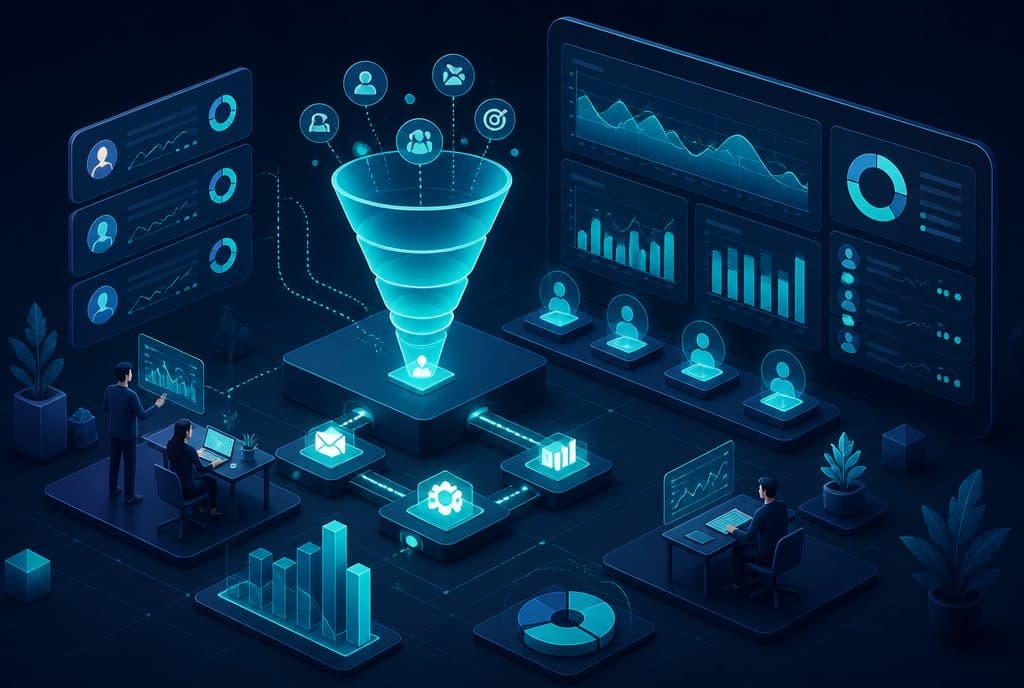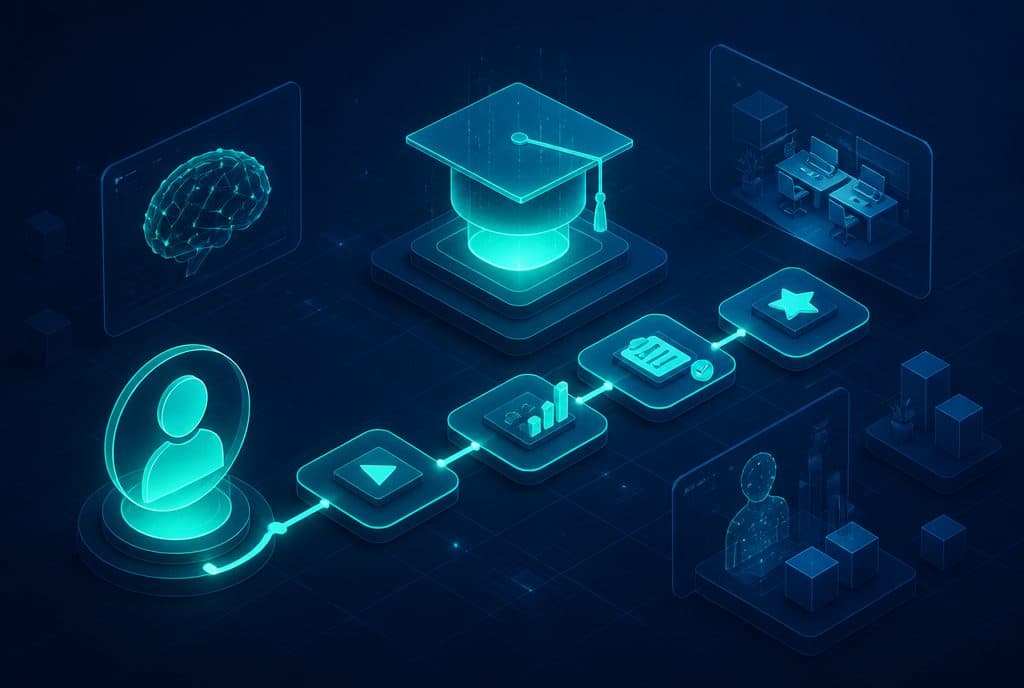
Employee onboarding automation is the use of AI tools and automated workflows to manage checklists, training schedules, and answering new employee questions—without a manager having to handle each item manually. The system sends all instructions on the first day, schedules training meetings, tracks task completion, and allows the employee to ask questions and receive immediate answers from company documents—without waiting for a manager. Israeli businesses working with AI automation report that the process transforms from a series of scattered manual tasks into a consistent process that runs on autopilot.
What is Employee Onboarding Automation?
Employee onboarding automation (Automated Onboarding) is an integrative system that manages the entire process of welcoming a new employee—from the moment the contract is signed until the completion of training—using automated workflows and an internal AI agent. The system distributes checklists, sends messages on defined schedules, tracks task completion, and answers employee questions from an internal knowledge base—without manual intervention at any stage.
Why the Manual Onboarding Process Breaks Small Businesses
In a medium-sized Israeli business, the owner or a single manager bears the burden of onboarding every new employee: sending documents, explaining procedures, scheduling training with every relevant vendor and interface, tracking signatures, and addressing repetitive questions that come up with every new hire. When there is no dedicated HR department, a new employee who arrives in the morning and finds no clear instructions simply starts disrupting everyone.
The common problems we see:
- Scattered information — some on WhatsApp, some in email, some in a procedures manual that no one knows where to find
- Dependency on a specific person — if the department manager is unavailable, the new employee is stuck
- Lack of consistency — every onboarding looks different, depending on who conducted it
- Valuable manager time — questions like "What is the expense reimbursement policy?" take up meetings instead of real work
What Does an Employee Onboarding Automation System Cover?
| Component | What It Does | Example Tools |
|---|---|---|
| Automated Checklist | Distributes on the first day to all parties (employee, manager, IT, finance) | n8n + Google Sheets / Notion |
| Scheduled Training Calendar | Schedules training meetings in the calendar and sends reminders | n8n + Google Calendar |
| Documents and Procedures | Sends a welcome package, access links, guides | n8n + Google Drive / Dropbox |
| Internal AI Agent | Answers employee questions from company documents | AI Agent based on RAG |
| Completion Tracking | Reminds the employee and manager of uncompleted tasks | n8n with conditional logic |
| Adjustment Survey | Sends questionnaires at the end of the first week and thirty days | n8n + Typeform / Google Forms |
Internal AI Agent — The Component That Makes the Biggest Difference
The component that small businesses find most valuable is an AI agent that knows how to answer employee questions from company documents. Instead of a new employee interrupting the manager with "What are the reporting hours?", "How do I submit a vacation request?", or "Who do I contact for a technical issue?"—they ask the agent and get an immediate answer.
How it works:
- Knowledge Base — Upload company documents to the agent: employee handbook, product guides, operational procedures, internal contact lists.
- Conversational Interface — The employee types a question in WhatsApp, Slack, or an internal form.
- Accurate Retrieval — The agent searches the documents and returns an answer citing the source ("According to the employee handbook, page 12...").
- Human Escalation — When the question goes beyond the documents, the agent routes it to the right person with a summary of the context.
Important emphasis: The agent does not make up answers—it retrieves them from what has been uploaded to it. Accuracy depends on the quality of the documents and the coverage of the topics uploaded.
How It Works — Step by Step
Step 1: Mapping the Existing Process (1-2 Days)
Before any automation—map out what happens today. What needs to happen on the first day? Who is responsible for what? What documents exist? What are the questions that repeat with every onboarding? This is the stage that determines the quality of everything that follows.
Step 2: Building the Knowledge Base (3-5 Days)
Gather company documents, organize them, and write down procedures that are not yet documented. This stage requires effort from the team, but it is also the step that returns immediate value: sometimes, discovering that a procedure does not exist in writing is a valuable finding in itself.
Step 3: Building n8n Workflows (5-7 Days)
Build the automations: Employee onboarding trigger → sending checklists → scheduling calendar meetings → follow-up reminders → end-of-week survey. Every step in the workflow can be tested individually before launch.
Step 4: Building the AI Agent on the Knowledge Base (5-7 Days)
Upload the documents, configure the conversational interface, and define when the agent escalates to a human. Run tests with real questions that employees have asked in the past.
Step 5: First Onboarding + Fine-Tuning (First Week After Launch)
Run the first onboarding with the new system, gather feedback from the employee and the manager, and fine-tune. Questions the agent did not know how to answer → get uploaded to the documents.
Regulation and Privacy: The Israeli Privacy Protection Act
When introducing employee documents and personal questions into an AI system, you must pay attention to the Israeli Privacy Protection Act. The relevant points:
- What is uploaded to the agent — General procedure documents are perfectly fine; personal information about specific employees—does not go into the agent.
- Chat storage — If conversations with the agent are saved, employees must be informed.
- Access permissions — The internal agent is restricted to organization employees only.
We build systems while adhering to these principles and explain to clients exactly what is saved and where.
How to Get Started?
The right place to start is not the technology—it is the mapping question: What exactly happens today during every new employee onboarding, and what do you want to happen? If you do not have an organized answer to this question, automation will not help—it will only speed up a disorganized process.
First practical step:
- Write down on paper (or a Google Doc) the 10-15 tasks that happen during every new onboarding.
- Mark how many of them depend on you personally and how many can be covered by a clear written instruction.
- Write down the 10 questions that every new employee asks during their first week.
With these lists—a discovery call with us takes one hour and ends with a clear work plan.
Ready to map your onboarding process and automate it? Contact us and let's build a practical plan together—where to start and what the next step is.
Summary
Employee onboarding automation is not a "nice-to-have feature for large companies"—it is a practical solution for small and medium-sized business owners who waste hours onboarding every single new employee. When you combine automated workflows (n8n) with an internal AI agent that answers questions from documents, you get a consistent process that runs on autopilot—and a new employee who arrives on day one with everything organized, without a manager having to stop everything. Our recommendation: start by mapping what happens today, let the process be written down, and then let automation run it.