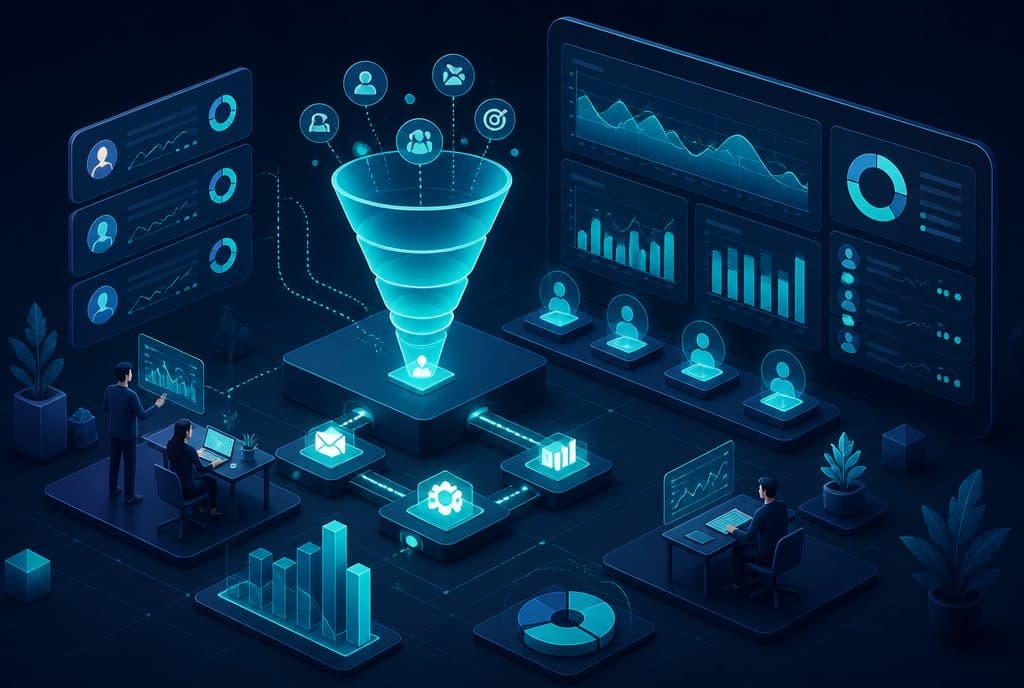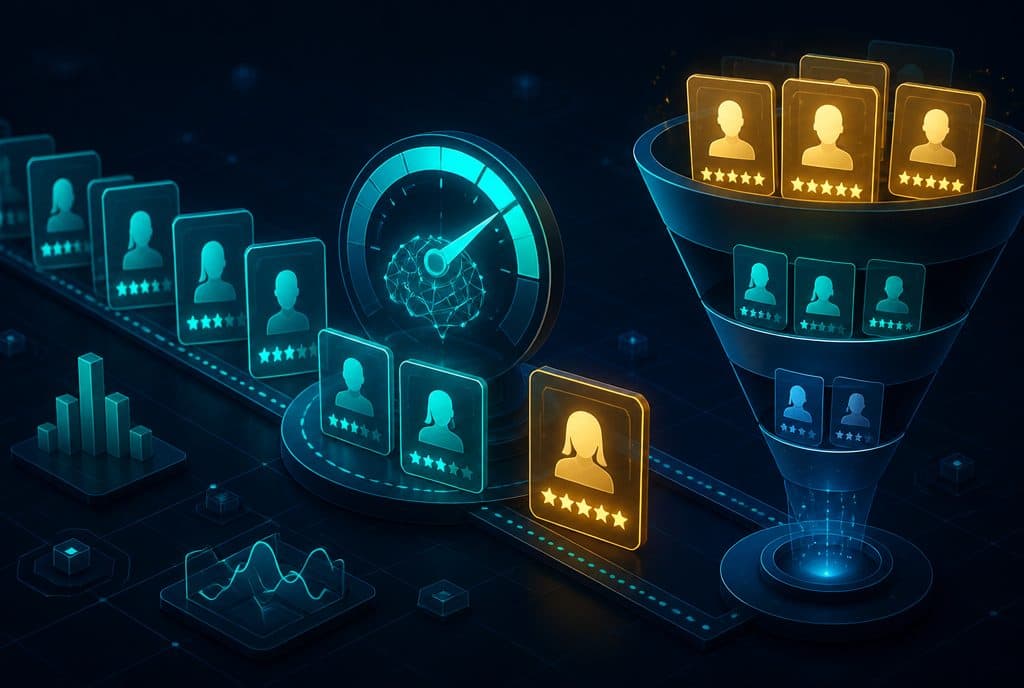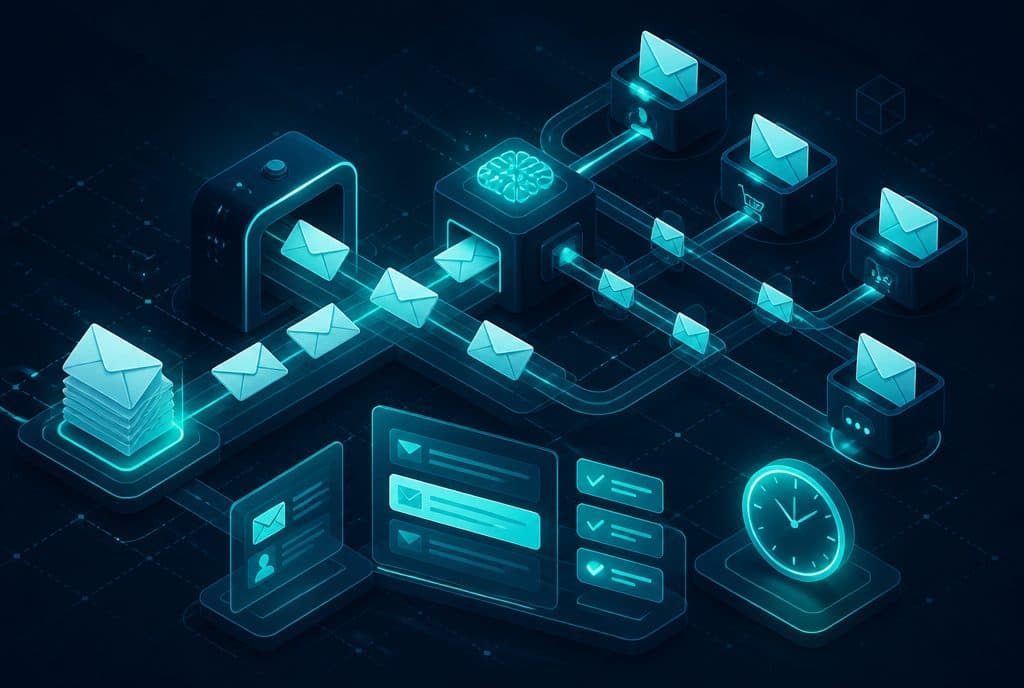
Email management automation is a system that categorizes every incoming message by type and urgency, drafts a response tailored to the business's style, routes it to the right person, and extracts data such as lead name, request type, and phone number directly into the CRM—without manual typing. Follow-ups are sent on time, no inquiry falls through the cracks, and the team is freed up for work that requires human judgment. At Automaziot AI we build such systems for Israeli businesses based on n8n and language models.
A small or medium-sized Israeli business receives dozens to hundreds of emails a day: lead inquiries, support questions, quote requests, supplier updates, complaints, and routine approvals. Usually, the owners and team spend hours filtering, drafting, and routing—work that is necessary but does not add direct value. This is exactly where automation comes in.
What is Email Management Automation?
Email management automation is a system that combines an AI agent with automation tools to manage the business inbox: categorizing incoming messages, drafting replies in the business's style, routing each message to the appropriate person, extracting data to the CRM, and sending timely follow-ups—all while maintaining human approval for sensitive inquiries.
What Can the System Actually Do?
| Capability | What Happens |
|---|---|
| Message Categorization | Every incoming email is automatically categorized: new lead, support request, supplier inquiry, customer complaint, price quote |
| Drafting Replies | The agent prepares a response tailored to the style and content, including details extracted from the original email |
| Routing to the Right Person | Invoice email ← finance department; support request ← customer service rep; hot lead ← sales manager |
| Data Extraction to CRM | Name, phone, company, request type—automatically entered into the lead record in the CRM |
| Automatic Follow-up | A lead that hasn't received a response within X hours gets a follow-up email; a closed deal receives a satisfaction survey |
| Human Approval for Sensitive Cases | Price quotes, contracts, and complaints—a draft is sent for your approval before being sent out |
How Does It Work in Practice?
Step 1 — Reception and Categorization
Every email that enters the inbox goes to the AI agent. The agent reads the subject line, sender, and content, and categorizes it: Is it a new lead? A support request? A supplier inquiry? A complaint? The categorization determines what happens next.
Step 2 — Data Extraction
From lead messages, the agent extracts the relevant data: name, phone, company, product of interest, main question—and enters them directly into the CRM as a new lead record. No manual typing, no forgetting.
Step 3 — Drafting a Response
The agent prepares a draft reply email in the style of the business. For routine inquiries (acknowledgment of receipt, answer to a common question), the draft can be sent automatically. For inquiries requiring judgment—the draft is sent to the responsible person for approval.
Step 4 — Routing to the Right Person
Based on predefined rules, every message reaches the right person or queue. The representative receives the original message + the draft + the lead data—all in one place, not scattered.
Step 5 — Follow-up and Tracking
An email that hasn't been answered within a defined time triggers a reminder to the team or an automatic follow-up to the customer. A lead entered into the CRM receives a predefined follow-up sequence—even if you forgot.
On Sensitive Inquiries: Human Approves, Agent Drafts
It is important to clarify: an AI agent for email management is not a "bot that blasts everything without control." The right approach is:
- Routine inquiries (acknowledgment of receipt, answer to a common question, first follow-up)—sent automatically.
- Sensitive inquiries (price quote, contract, complaint, dissatisfaction)—the agent drafts, a human approves.
These boundaries are defined during the characterization phase, before any system goes live. This way, the team controls the outcome but doesn't have to draft from scratch.
Which Businesses Is This Suitable For?
Any business managing a professional inbox with dozens of messages a day can benefit from this automation. We have seen clear value in:
- Service providers (CPAs, lawyers, consultants, contractors)—quote requests, document requests, and status updates recur constantly.
- Clinics and medical practices—appointment confirmations, pre-treatment questions, reminders.
- Commerce and service businesses—product questions, complaints, shipping updates.
- Agencies and consultants—managing follow-up sequences with incoming leads.
If your team spends many hours a day filtering, forwarding, and drafting repetitive emails—this is the right starting point.
Connection to the CRM: Not Just Email
Managing emails alone is only part of the picture. The real value comes when the automation is connected to the CRM: every lead generated from an email immediately enters the sales pipeline, receives an appropriate tag, and the follow-up sequence begins—without anyone needing to remember to enter it. Someone who was sent a price quote and hasn't responded within three days triggers an automatic reminder to follow up with the client.
This is exactly the difference between an "answered email" and a "managed lead." See also: Automated Lead Management.
Privacy Protection Law — What You Need to Know
Processing the content of customer emails involves personal data. In Israel, the relevant requirement is the Privacy Protection Law—not the European GDPR. In practice, this means:
- The purpose of using the data must be defined and justified.
- Access to email content is restricted to authorized personnel only.
- Data extracted to the CRM must be secured and protected.
When we build email management automation, we build these components as an integral part of the system—not as an optional add-on.
How to Get Started?
- Characterization (Mapping) — We map out the types of emails arriving at the business, the desired routing rules, and the boundaries: what is sent automatically and what waits for approval.
- Building — We set up the automation workflow in n8n, connecting it to the inbox, the AI agent, and the CRM.
- Style Definition — The agent is trained on the business's writing style: formal, friendly, concise, detailed—as you prefer.
- Controlled Run — A week or two where a human approves everything to ensure the agent categorizes and drafts correctly.
- Expansion — Once the system proves itself on basic cases, we add more scenarios.
Our approach is modular and controlled: not "everything is automated from day one," but rather building gradual trust between the team and the tool.
Want to see if email management automation fits your processes? Contact us and we'll do a quick characterization together—no obligation.
Summary
Manual email management in a business that receives dozens of inquiries a day is one of the most common bottlenecks: the team spends time on repetitive work, leads go cold due to delayed responses, and inquiries fall through the cracks. Email management automation—with an AI agent that categorizes, drafts, and extracts data—solves exactly these pain points while maintaining human control over key decisions.
For those wanting to start: the recommendation is to first map out the most repetitive inquiries, choose one clear scenario, and let the system prove itself before expanding. See also: What is an AI Agent for Business?—the tool behind the automation.