Speech-to-Text (voice transcription) is a technology that converts speech into written text in real time—using artificial intelligence models that listen to audio, identify words, and generate a text document. For a business, this means that every phone call, meeting recording, voice typing by a field representative, or WhatsApp voice note automatically becomes text that can be searched, stored in the CRM, and used for summarization, follow-up, and training. In 2026, the accuracy of Hebrew transcription models has reached a level that makes them a practical, rather than just a cool, business tool. This guide explains exactly how it works, what use cases it fits, and what is important to check before implementing.
What is Speech-to-Text?
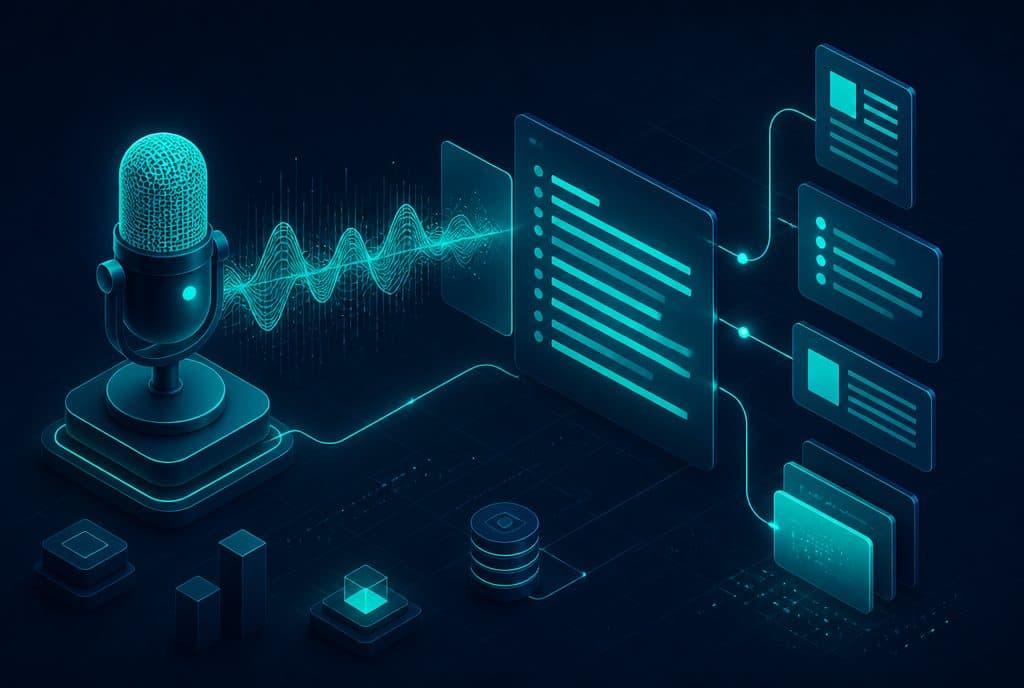
Speech-to-Text (also known as STT, voice transcription, or Automatic Speech Recognition—ASR) is a mechanism that adds a voice recognition step between audio and text: the system receives an audio file or a live voice stream, processes it through a language model trained on billions of voice samples, and produces written text—usually within seconds. The final product is searchable text that can be read, searched, sent, summarized, and entered into the CRM without any human typing it manually.
How Does Voice Transcription Work Behind the Scenes?
The process includes three main stages:
- Audio Processing—The audio is divided into short sequences (frames), normalized for volume and background noise, and represented as a numerical vector.
- Acoustic-Linguistic Recognition—An artificial intelligence model (in most modern solutions—a transformer) maps the vectors to words, while considering the context: what was said before and what is likely to come next.
- Text Output—The text is returned with punctuation marks (in some engines), timestamps for each word, and sometimes speaker diarization (identifying who spoke—representative / customer).
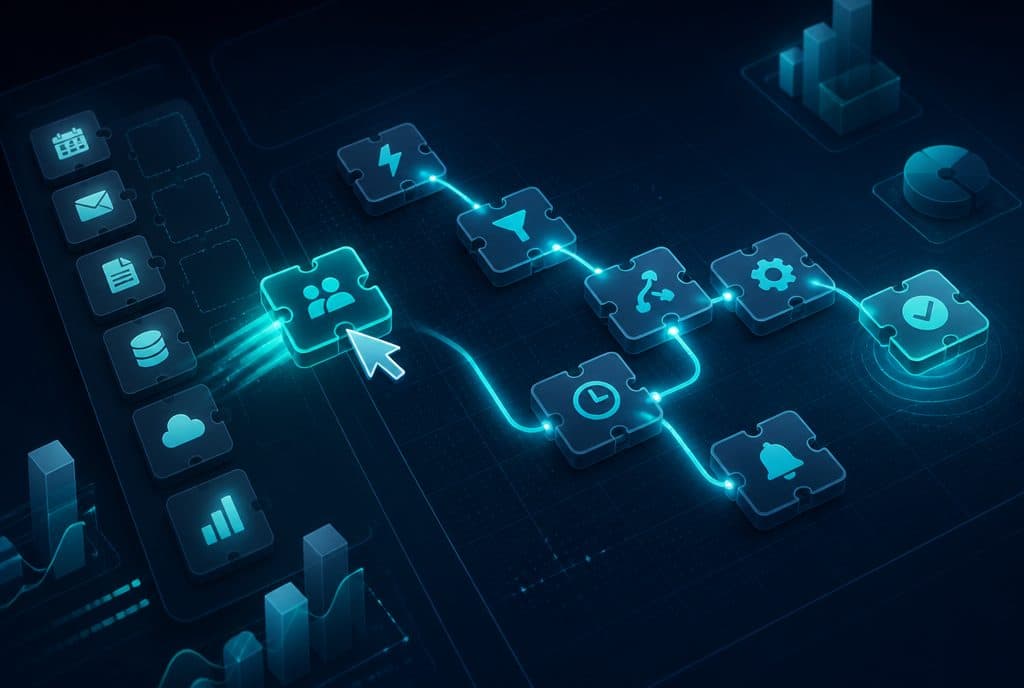
The common solutions in business use: Whisper (OpenAI, open-source, reasonable Hebrew), Deepgram (Cloud API, one of the highest accuracies in English, decent Hebrew), and Google Speech-to-Text (Cloud, full Hebrew support). Additionally, tools like n8n allow connecting any of these engines to business automation without complex code.
Business Use Cases: Capabilities Table
| Use Case | What is Transcribed | What is Generated |
|---|---|---|
| Phone Call Transcription | Service / sales call recording | Full text + speaker diarization + timestamps |
| Meeting Summarization | Zoom / Teams / physical meeting recording | Key points, tasks, decisions |
| Dictation for Field Reps | Representative records a voice note while driving | CRM record updated without typing |
| WhatsApp Transcription | Customers' voice messages | Text that the representative reads in a second |
| Voice Agent | Phone call with a voice AI agent | Transcription + processing + automatic voice response |
| Call Training & Analysis | Recording archive | Insights on pain points, recurring questions, representative performance |
Business Use Cases in Detail
1. Phone Call Transcription—From "Just Another Call" to an "Information Asset"
Without transcription, a sales call vanishes the moment it ends. With transcription: the representative automatically receives a summary, the CRM record is updated, and a sales manager can filter all calls where the customer mentioned "price"—and identify a pattern. This is not just convenience; it is turning every call into actionable data.
Please note: Consent must be obtained before recording (see the consent section below).
2. Dictation for Field Reps—A CRM That Updates Itself
A representative who visited a customer and made 7 visits in one day will not remember to update the CRM for each one. With transcription: on the way back to the car, they record "We talked about a proposal for 15 workstations, the customer is interested, follow up next week"—and by the time they arrive at the office, the record is already in the CRM, categorized and with a follow-up date. Business automation allows building this flow without complex development.
3. Transcription of WhatsApp Voice Messages
A voice message on WhatsApp sometimes lasts two minutes. For a busy representative, every such message is equivalent to a lost lead. With automatic transcription: a voice message arrives, gets transcribed, and the text appears alongside the recording—the representative reads it in a single second and decides if it is a hot lead requiring an immediate response.
4. Voice AI Agent—Transcription as Infrastructure
The voice AI agent works in a loop: hearing → transcription → processing → voice response. Without fast and accurate transcription, the agent cannot understand what the customer asked. In 2026, the combination of Whisper / Deepgram with Large Language Models (LLMs) enables an automated phone conversation that sounds natural and answers accurately.
Hebrew and Accuracy—What to Expect
Hebrew is a complex language for transcription: unique business names, industry-specific terms, and diverse accents (long-time residents, new immigrants, Arabic speakers with Hebrew as a second language)—all challenge recognition engines.
What works well: Clear speech, high-quality recording, standard business terminology, standard vocalized Hebrew. Whisper and Deepgram achieve high accuracy under these conditions.
What is challenging: Proper nouns unique to the business (customer name, product name), slang, heavy accents, background noise. The common solution: vocabulary list—a customized list of words for the business fed into the engine to improve accuracy on your key terms.
Practical advice: Before implementing transcription in a critical process (such as transcribing sales calls that enter the CRM), run a pilot of 20-30 calls, review common errors, and build a vocabulary list accordingly.
Consent to Recording—Israeli Privacy Protection Law
In Israel, the Privacy Protection Law requires obtaining consent before recording a call. The common format: an automatic voice message at the beginning of every call—"This call may be recorded for service improvement and quality assurance purposes"—and an option for the customer to request not to be recorded.
3 rules for maintaining compliance:
- Add an automatic consent message before any recorded call.
- Define a clear retention policy—how long recordings are kept and why.
- Do not share recordings / transcriptions with external parties without a defined legal basis.
How to Get Started?
The recommended approach—as with any business automation—is to start from a single, clear pain point:
- Most common: Transcribing WhatsApp voice messages → fastest to implement, immediate noticeable result.
- Greatest ROI: Transcribing phone calls → CRM integration + call analysis.
- Most complex (but most powerful): Voice AI Agent → transcription + processing + automatic response.
Once transcription works on one scenario, it is very easy to expand: add intent recognition, automatic summarization, WhatsApp follow-up—all through the same infrastructure.
Want to understand if voice transcription fits your processes? Talk to us and we will build a specific scenario together—what can be transcribed, how it connects to the CRM, and how long it takes.
Related Links
- Voice AI Agent—Automated Phone Answering for Businesses
- Business Automation—Connecting Systems and Workflows
- Automatic Meeting Summarization with AI
Summary
Speech-to-Text is an infrastructural tool—not a standalone product, but a layer that turns voice into actionable data. For Israeli businesses that receive inquiries by phone and WhatsApp, have field representatives, or want to train and analyze calls—voice transcription saves hours of manual typing, preserves information that would otherwise be lost, and completes the work of the voice agent. Hebrew accuracy has reached a level in 2026 that makes the technology practical—with attention paid to building a customized vocabulary list for the business and arranging recording consent according to the Israeli Privacy Protection Law. The right starting point: one scenario, small volume, measuring accuracy—and then expanding.