A WhatsApp bot for beauty businesses is an automated system that receives customer inquiries on WhatsApp, displays the treatment menu, allows booking an appointment with a specific hairstylist or beautician, sends a reminder before the visit, and requests confirmation—all without a manual phone call. Beauty salons, hair salons, and cosmetics businesses receive inquiries around the clock—and the right automation ensures that no appointment is lost and no customer disappears when you can't answer.
How Automation Helps a Beauty Salon
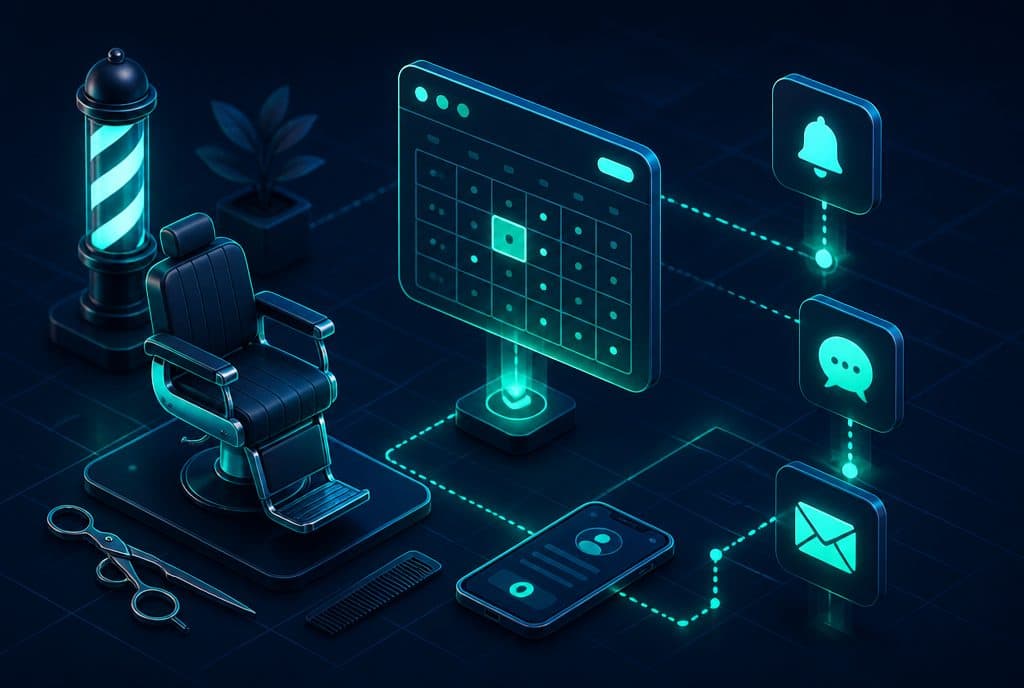
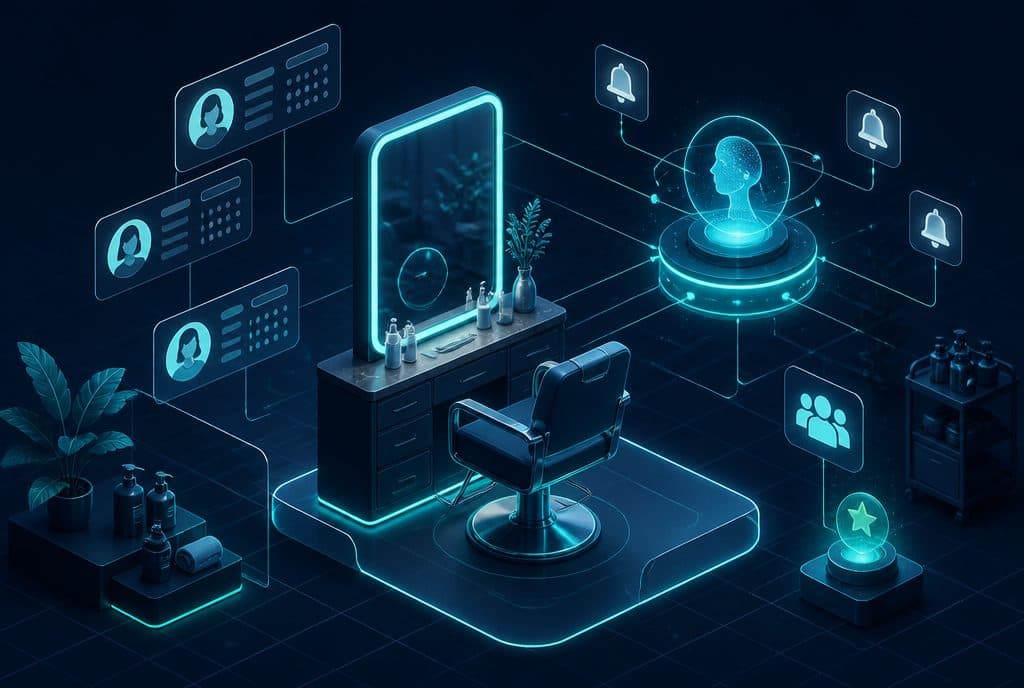
Beauty salon automation is a system connected to WhatsApp, the salon's calendar, and the customer list—performing everything the reception desk does manually: scheduling appointments, sending reminders, confirmations, cancellations, and maximizing open slots. The customer messages on WhatsApp as usual, and the bot responds in natural language and books the meeting—without a phone call, without waiting, and without manual scheduling.
Which Processes Can Be Streamlined?
| Process | What the Automation Does |
|---|---|
| Booking an appointment | Displays availability, captures the selection, and registers it in the calendar in real time |
| Pre-appointment reminder | Sends a message 24 hours (and/or two hours) before—and requests confirmation |
| Cancellation and backfilling | Receives a cancellation, offers the slot to a customer on the waiting list |
| Automated upsell | After booking, offers add-ons—hair treatment, manicure, extensions |
| Lead capture | A customer who writes on Instagram/Facebook/website is automatically redirected to WhatsApp |
| Return reminder | A customer who hasn't returned for several weeks receives a friendly message with an offer |
What Happens Without Automation
A busy beauty salon works like this: The customer messages on WhatsApp at 8:00 PM. The salon owner is in the middle of a treatment. The message remains unread until morning. In the morning, there are ten messages, and two of those clients have already booked with a competitor.
Automation breaks this loop: The bot responds instantly, even on Friday night or holidays, allowing the customer to book at a time convenient for them—not just when it's convenient for the business.
The second problem is no-shows. A forgotten appointment is lost revenue. When someone fails to show up for a one-hour appointment, the business loses the income from the treatment and the opportunity to fill that slot. An automated reminder with a confirmation request—"Are you coming tomorrow at 2:00 PM?"—allows you to identify in advance who won't make it and offer the slot to someone else.
Three Practical Scenarios
Scenario 1 — A new client who found the salon on Instagram
The client clicks "Send Message" on the Instagram profile. She is redirected to WhatsApp and sends, "Hi, I'm interested in a hair treatment." The bot responds instantly: "We're glad you reached out! What treatment are you interested in—coloring, straightening, an evening hairstyle, or something else?" The conversation continues, the bot displays availability, the client chooses a time, receives a confirmation and reminder—and arrives.
Scenario 2 — An existing client who cancels
A client receives a message the day before: "Hi Moti, tomorrow at 11:00 AM with Yossi. Are you coming?" Moti replies, "Can't make it, sorry." The bot updates the calendar, deletes the appointment, and immediately sends a message to Avraham from the waiting list: "Hi Avraham, a slot opened up tomorrow at 11:00 AM with Yossi—would you like it?" If Avraham confirms, the slot is filled. If not—the bot continues down the list.
Scenario 3 — Upsell after booking
A client booked hair highlights. After confirmation, the bot sends: "By the way, while the color is setting, you can add a keratin treatment for ₪80 instead of ₪150—would you like to add it?" Some clients accept, some don't—and no one feels pushed into anything, because the offer arrived right after they already committed.
How the Calendar and Other Systems Are Connected
The bot doesn't work alone—it is connected to:
- Google Calendar / Calendly / or your existing booking system—reads availability in real time and writes appointments directly.
- Customer list / simple CRM—saves every customer's details (name, number, visit history) and allows sending targeted messages.
- n8n (the automation platform we work with)—connects all systems: WhatsApp, calendar, message lists, and reminder delivery.
The integration is carried out through the official WhatsApp Business API, which enables reliable, legitimate conversations without the risk of number blocking.
How to Get Started — Three Steps
Step 1: Characterization & Mapping
Together, we will map out the types of inquiries you receive—bookings, cancellations, pricing questions, product inquiries. We will decide what the bot answers and what gets handed over to human hands. This step takes a single call of about an hour.
Step 2: Building and Implementation
We build the bot, connect it to the calendar, and define all procedures—reminders, confirmations, cancellations, upsells. In Automated Appointment Scheduling, you will find full details on setting up the system. In WhatsApp Bot for Business—about the API and how the conversations work.
Step 3: Launch and Optimization
A guided first week—we check that everything works, fine-tune the phrasing, and add scenarios we hadn't thought of. After that, the system runs on its own.
What You Need to Know Before Getting Started
Regarding the Privacy Protection Law: Every message sent to a customer includes an opt-out option. Customer data is saved and managed in accordance with the Israeli Privacy Protection Law—not GDPR, but the relevant local law.
Regarding the WhatsApp Business API: There is a difference between regular WhatsApp Business (the mobile app) and the official API we work with. The API allows full automation, multiple parallel conversations, and approved message templates. The API is the right path for any growing business.
Regarding results: We won't promise numbers we cannot verify—every business is different. What we can promise: inquiries won't fall between the cracks, and forgotten appointments will receive a reminder and confirmation request before it's too late.
Frequently Asked Questions
Does the bot speak natural Hebrew? Yes. The phrasing is pre-defined in your business's style—it can be friendly, matter-of-fact, warm, or professional. The customer won't feel like they are talking to a robot.
What happens with last-minute cancellations? The bot updates the calendar in real time and activates a waiting list if you have set one up. Early cancellation capture = opportunity to fill the slot.
Can Instagram be connected as well? Yes. Leads from Instagram Direct Messages can be automatically redirected to WhatsApp, where the bot continues the conversation.
How much does it cost?
| Component | Price (one-time setup, ex-VAT) |
|---|---|
| AI booking agent — simple | ILS 8,000 |
| Calendar link and meeting booking | ILS 2,000 |
| Appointment reminders and confirmations | ILS 1,750 |
| Automatic follow-up sequence | ILS 2,500 |
| WhatsApp Business API setup | ILS 700 |
A complete starting point — a WhatsApp AI agent including the business number, server and agent control room — is from ILS 10,200; an agent with a management system (CRM) from ILS 18,200, a multi-agent system from ILS 25,350. There is no monthly fee; third-party costs (server, messages, AI) of about ILS 100–500 a month are paid directly to the providers. The full component price list: pricing page.
Summary
A beauty salon, hair salon, or cosmetics studio operates in a market where the customer expects a fast response—and if they don't get it, they move on to a competitor. A WhatsApp Bot for Business and Automated Appointment Scheduling together solve exactly this: incoming inquiries receive an immediate response, booked appointments get reminders, and cancelled slots are refilled. See also: Appointment Scheduling Automation for Loyalty Clubs.
Want to see how this works in practice for your salon? Contact us and we will build a precise characterization together—with no obligation.