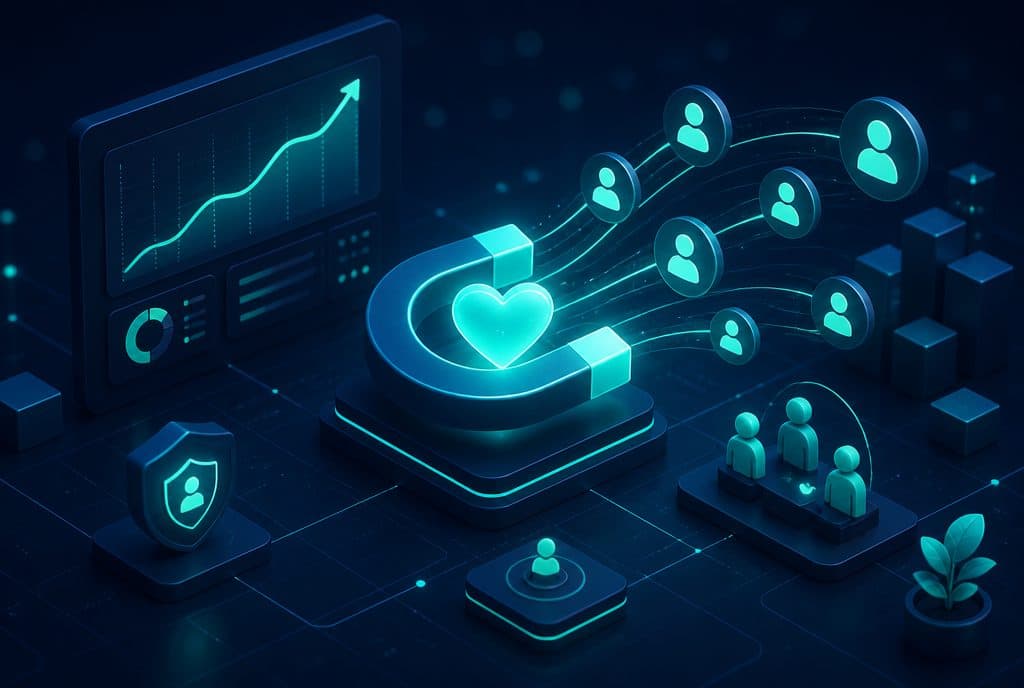
Customer retention automation is a system that identifies a customer at risk of churning and automatically triggers a tailored outreach — a contract renewal, a win-back campaign, a satisfaction check-in, or a loyalty message — before they go to a competitor. For a small-to-medium Israeli business managing dozens to hundreds of clients, this is the difference between a client who quietly renews and a client who disappears without you understanding why. Automaziot AI builds retention systems for Israeli businesses that want to keep the clients they already have, not just acquire new ones.
What is Customer Retention Automation?
Customer retention automation is a system connected to the business's CRM and communication channels. It tracks customer activity, identifies signals of disengagement or churn — such as inactivity, an approaching renewal date, or a negative support ticket — and automatically triggers a tailored flow: a reminder, a win-back, a check-in, or a new value proposition. The difference from a manual reminder is that the system operates 24/7, for each customer individually, at the right time, without any employee needing to remember.
Why Customers Churn — and Why Automation Helps
Most churn does not stem from deep dissatisfaction. It happens simply because the customer stopped hearing from you. The contract expired and there was no renewal, the product ran out and there was no offer to continue, or there was a small issue that wasn't addressed — and suddenly they looked for an alternative.
The problem is that in a business with dozens of clients, it is difficult to track everyone manually. Excel spreadsheets get overlooked, sales reps are busy acquiring new clients, and you only discover a departed client after the fact. Automation solves exactly this pain point: the system remembers every client, tracks their key dates, and acts at the right time — even when your team is busy.
Types of Automations: What You Can Implement
| Automation Type | When Triggered | Action |
|---|---|---|
| Renewal Reminder | X days before contract/subscription expiry | Personal WhatsApp/Email with a renewal offer |
| Win-back | After X days of inactivity | A value offer, discount, or invitation to return |
| Satisfaction Check-in | X days after purchase/service | A short question — detects an issue before it escalates |
| Re-engagement | After a prolonged period without contact | A nostalgia message, product update, or relevant content |
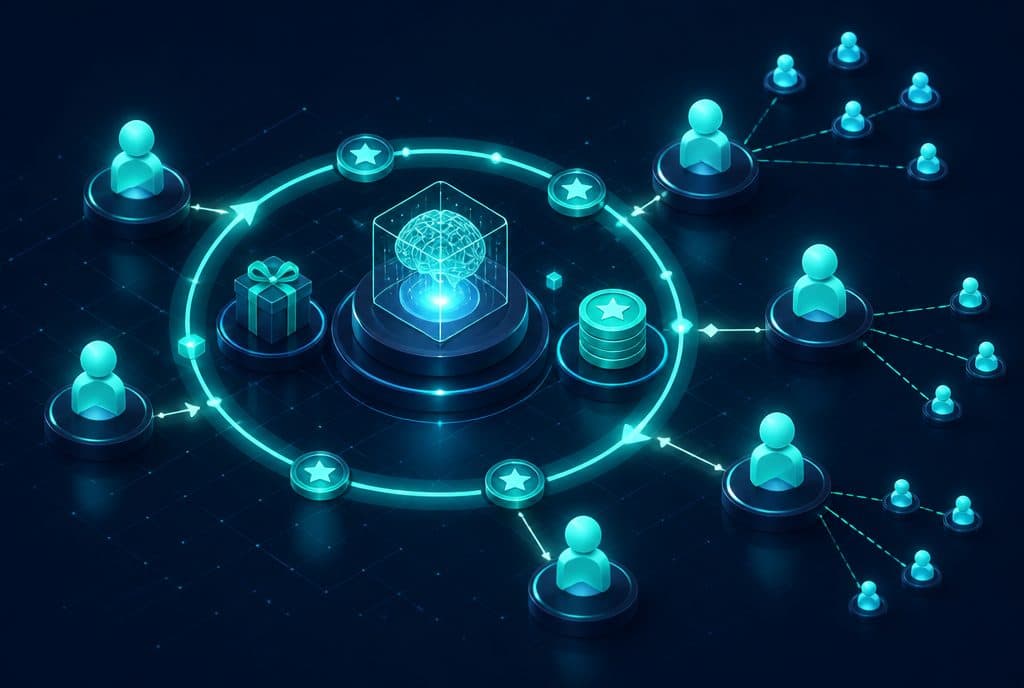
| Loyalty / Upgrade | After X months of activity | An upgrade offer, VIP program, or refer-a-friend |
| Automated NPS | At a fixed time of the year | Score question + processing responses into segments |
Each flow works with the parameters you define in advance — what the trigger is, what the channel is, what the wording is, and what happens if the customer does not respond.
How It Works in Practice: The Retention Architecture
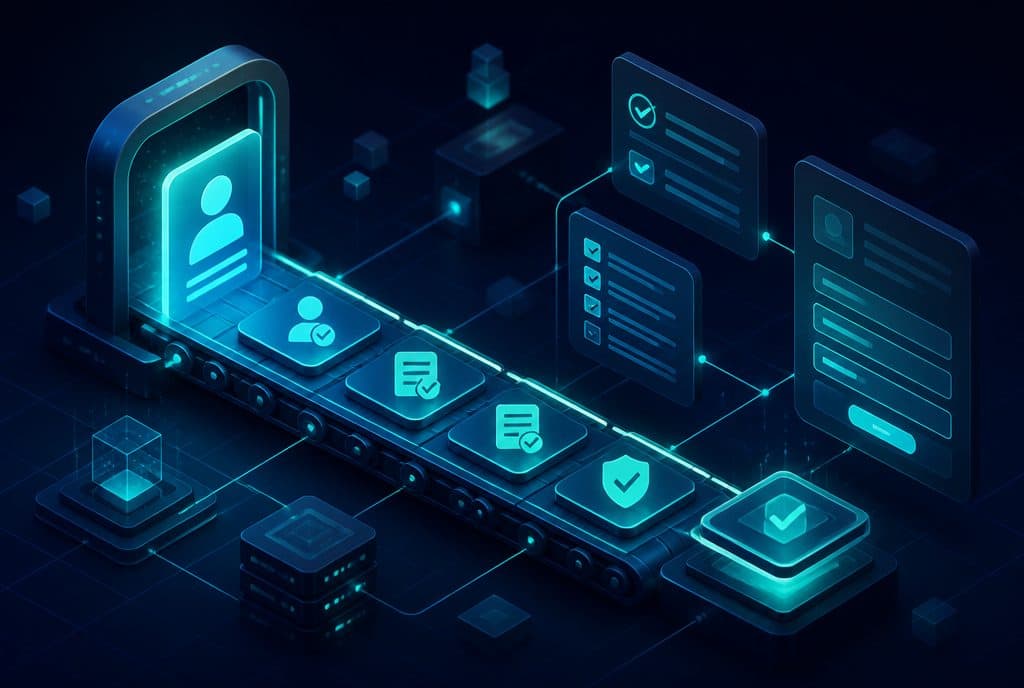
Step 1: Mapping Signals in the CRM
The system is connected to your CRM (and in many cases, to a Google Sheets spreadsheet if you haven't transitioned to a full CRM yet). Every customer receives tracking fields: renewal date, last purchase date, number of support tickets, and last NPS score.
Step 2: Churn Risk Scoring
n8n runs a daily check on all customers — who is approaching renewal, who has been inactive past a defined threshold, and who submitted a complaint and didn't receive a response. At-risk customers are entered into a list for immediate action.
Step 3: Automated Outreach
Depending on the signal, the system sends a personalized message via WhatsApp, email, or both — written in your business's style, featuring the customer's name, relevant details, and a clear value proposition. The message doesn't sound like a template — it sounds as if you sent it yourself.
Step 4: Tracking and Response
If the customer responds — replies, clicks a link, or opens a chat — the system updates the CRM and routes them to a human representative when necessary. If they don't respond, a follow-up is sent after X days. Everything is documented.
Customer Retention vs. Customer Acquisition: The Right Proportion
Many Israeli businesses spend a large budget on advertising to acquire new customers, while investing very little in keeping the ones they already have. The problem: a customer who has already purchased knows you, trusts you, and the cost of retaining them is significantly lower than the cost of acquiring a new one. By adding retention automation, you can operate on both fronts simultaneously — without adding headcount.
How to Get Started — Four Practical Steps
1. Map your customer lifecycle What is the typical path? When does the renewal moment arrive, and when is the customer at risk? For most businesses, identifying 2-3 critical points is enough: before expiry, after inactivity, and after a support ticket.
2. Choose the first flow Don't try to implement everything at once. Start with the most obvious flow — usually contract renewal reminders. That's where the timing is most predictable, the trigger is clearest, and measuring success is easiest.
3. Write copy in your business's voice The copy is what determines whether the message looks genuine or robotic. We build it together — what your tone is, what words you use, what is always said, and what is never said.
4. Connect systems and test n8n connects your CRM, WhatsApp Business API, and/or email, and runs a pilot on a small group before rolling it out to all customers.
Retention, Privacy Protection Laws, and the WhatsApp Business API
It is important to note: reaching out to existing customers through a channel they have already used to contact you (for example, a WhatsApp number or email they provided) is generally permitted under Israeli privacy protection laws, as long as consent was given and a clear opt-out option is provided. When reaching out to dormant customers for the first time, it is highly recommended to ensure the opt-in is valid. We address these points during our scoping consultation and ensure the system complies with legal requirements.
What Retention Automation Cannot Do Alone
Automation can identify risk and reach out at the right time. But if there is a fundamental issue with the product, service, or relationship — the automated outreach will only accelerate the decision to leave. Therefore, a good retention system must also include a path to a human representative when the customer indicates there is a problem — rather than continuing to send automated messages to an angry client.
This is also why we always define a clear rule: what the automation handles, and what gets escalated to a human.
Want to stop losing customers you didn't even notice were leaving? Talk to us and let's build your first retention flow together — from scoping to launch.
Relevant Links
- Sales and Customer Service Automation — Deep dive into tools for managing the customer lifecycle
- Business Automation with n8n — How we build connected flows across all systems
- Follow-up and Lead Automation — Retention doesn't start only after the purchase — a guide to follow-ups from day one
Summary
A customer who leaves doesn't always leave because they are unhappy — sometimes they simply didn't hear from you at the right time. Customer retention automation is the way to close this gap: a system that identifies the right customer, at the right time, and sends an outreach that sounds human — even when your team is busy with something else entirely. Our recommendation: start with one clear point in the customer lifecycle — usually contract renewal — launch the first flow, and measure. From there, expand.