Customer Journey Automation is the use of AI and system integrations to manage every stage of a customer's path—from the moment they send an initial inquiry until after a deal is closed and a relationship is built—without a representative needing to remember what to send, when to call, or what happened in the previous conversation. In small and medium-sized Israeli businesses working with WhatsApp, forms, and meetings, this type of automation stops "losing" leads along the way—and frees up the team to do what truly requires a human.
In this article, we will go step-by-step through the full journey: what each stage includes, what automation suits it, and what happens "behind the scenes" technically. Finally, we will explain where to start in a way that both brings quick results and builds a proper foundation for the future.
What is Customer Journey Automation?
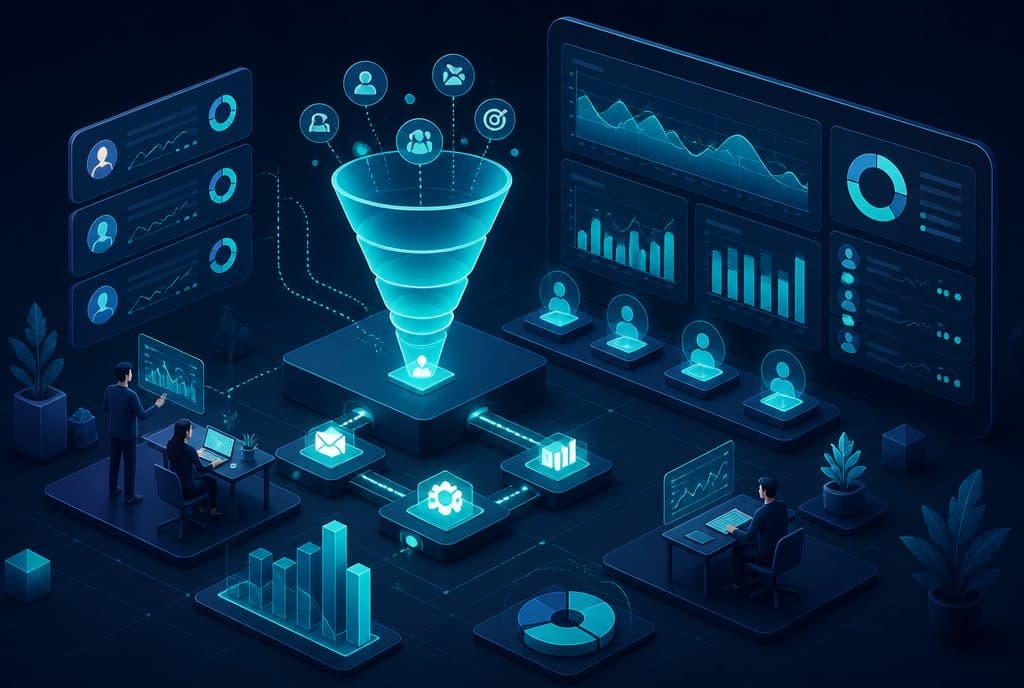
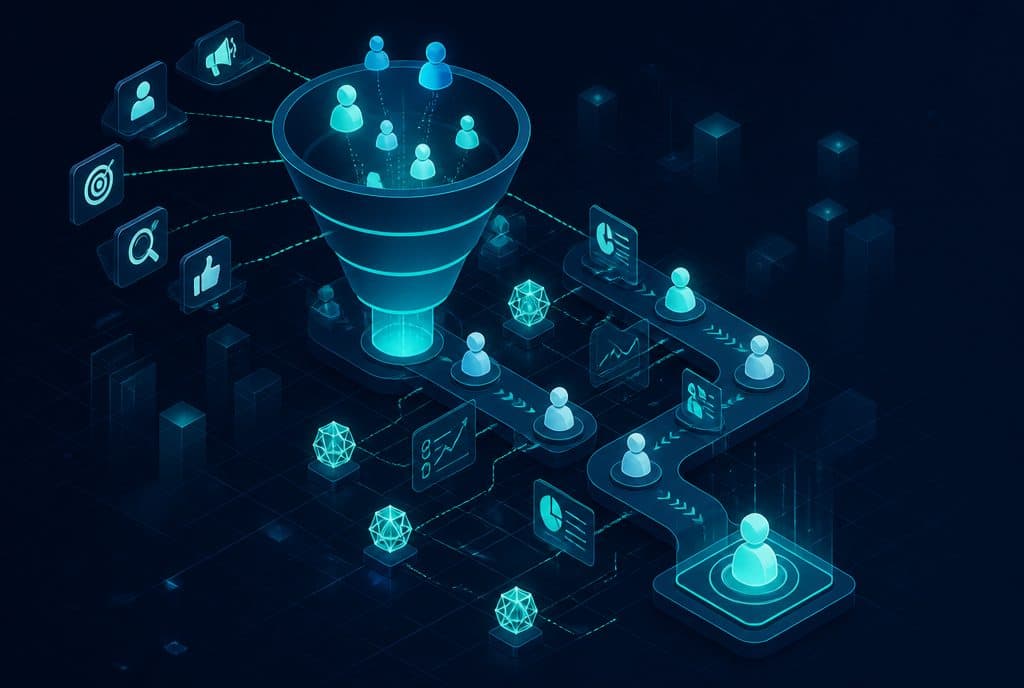
Customer Journey Automation is a framework in which every stage of a customer's path—capture, qualification, nurturing, meeting, closing, onboarding, and retention—is triggered automatically based on the customer's own actions, without a representative needing to remember to perform every action manually. The AI maintains the connection, knows where the lead is located, and provides them with the right information at the right time—in natural Hebrew, on whichever channel they operate.
The Six Stages of the Journey—and What is Automated in Each
| Stage | What Happens | What AI Does |
|---|---|---|
| 1. Lead Capture | Customer encounters an ad / form / WhatsApp | Responds within seconds, asks initial qualification question, writes to CRM |
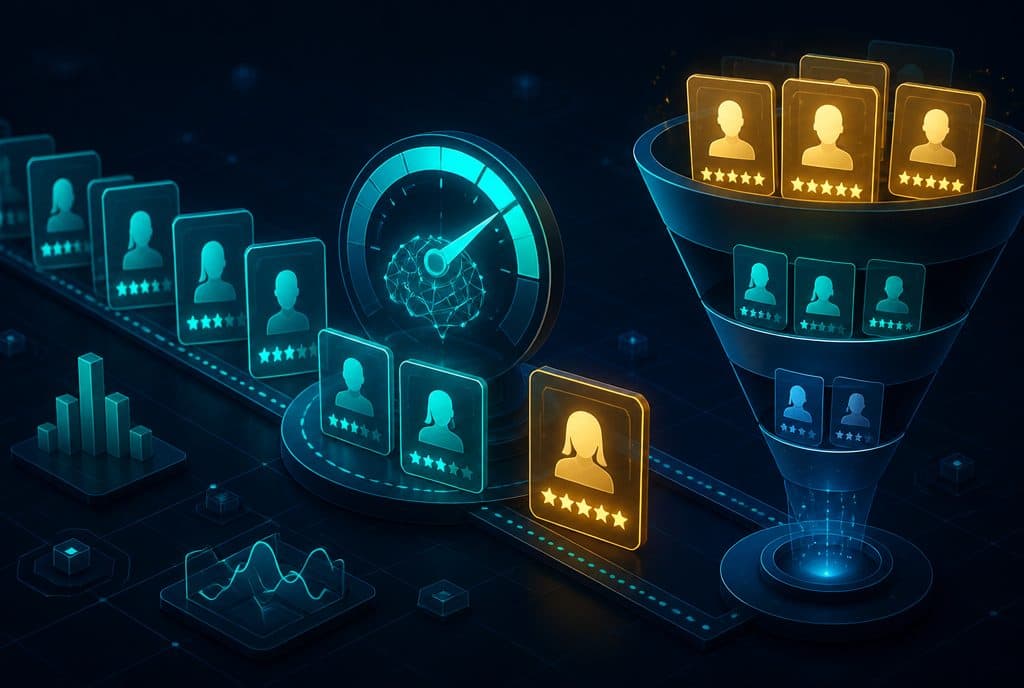
| 2. Qualification | Clarifying need, budget, timeline | Structured questions in natural conversation; scores the lead; hands off "hot" to representative |
| 3. Nurture | Not ready now? Keeping in touch | Automated sequence: relevant content, reminders at calculated intervals |
| 4. Close | Meeting, proposal, contract | Automated calendar scheduling, sending materials, meeting reminder, follow-up after |
| 5. Onboarding | Customer paid—now what? | Welcome message, sending materials, scheduling kick-off, tasks for the team |
| 6. Retention | Active customer | Satisfaction checks, targeted newsletter, service expansion offers |
How It Works—Behind the Scenes
The mechanism is built from three layers working together:
Layer 1—The Entry Channel
The customer sends a message on WhatsApp, fills out a form, or clicks on an ad that leads straight to a conversation. The moment the inquiry arrives, the system knows where it came from (advertising, organic, referral)—and begins building the profile.
Layer 2—An AI Agent Managing the Conversation
An AI Agent manages the initial conversation in natural Hebrew. It doesn't read from a rigid script—it understands natural language, asks structured questions, and analyzes the answers. Depending on the responses: a lead with high purchase intent is guided through a specific process and meeting scheduling; a lead that is still researching enters a nurturing sequence.
Layer 3—n8n as the Connecting Body
n8n is the platform that connects everything—from the CRM to the calendar to WhatsApp. Every action by the agent is documented and triggers the next step: writing to the CRM, opening a task for a representative, sending an email, creating an event in Google Calendar. Everything is asynchronous, without a representative needing to know something happened.
Example: A Service Business Journey in Israel
Let's say you have a business consulting service. This is what the journey looks like after automation:
- Sunday, 22:00—A customer sees an ad on Facebook and sends a message on WhatsApp.
- Within 30 seconds—An AI agent replies in Hebrew, asks about the need and what stage they are in.
- 22:05—The lead replies. The agent identifies high purchase intent, offers two meeting slots, and waits for a selection.
- 22:07—The customer chooses. The meeting is added to both calendars, and a reminder is sent.
- Monday, 10:00—Before the meeting, an automated message is sent with a Zoom link and a summary of what to expect.
- After the meeting—Automated follow-up the next day with an open-ended question; if they don't reply within 48 hours—a second reminder.
- You closed the deal—CRM is updated, a welcome greeting is sent, and a checklist of onboarding tasks is opened for the team.
The representative performed minimal manual actions—the journey runs on its own.
What is Not Automated
It is important to say this clearly: The meeting itself, the actual sales call, and building trust—these are reserved for humans. Automation does not replace the moment a business owner explains their value and hears the customer's true need. What it does do—is ensure that this meeting happens with the right customer, who arrives prepared and qualified, and that in the meantime, they haven't "fallen" through the cracks.
How to Start—A Modular Approach
The most common mistake is trying to streamline everything at once. This is cumbersome, expensive, and often left unfinished. The correct approach:
Stage A—Characterization (Week 1): Mapping the stage where the most leads are currently "lost". Usually, this is: slow initial response, forgotten follow-up, or meeting scheduling that takes two days of back-and-forth.
Stage B—Targeted Automation (Weeks 2-3): Start with the most painful stage and build automation for it alone. For example: immediate response and meeting scheduling. Verify that it works, measure.
Stage C—Expansion (Week 4+): Add the nurturing stage, then the onboarding stage, and then retention. Every addition is connected to what is already working, not starting from scratch.
With Automated Lead Management connected to Business Automation, every stage is built for expansion—not a "quick fix" that stops working as the business grows.
Questions We Hear
"We don't have a CRM—is it still possible?" Yes. Some of the simple automations work with a Google Sheet as a starting point, or we implement a lightweight CRM as part of the project.
"Our business is not big enough" Automation is worthwhile from a minimum of 20-30 new inquiries per month. Below that, manual management is usually more efficient.
"What about the Privacy Protection Law?" All the automations we build comply with the Israeli Privacy Protection Law: we provide an opt-out option, do not save sensitive information unnecessarily, and empower the customer to request data deletion.
Read More on the Subject
- Automated Lead Management—How Not to Lose a Single Lead
- Lead Management with AI
- Business Automation with n8n
Do you have a business that receives inquiries and want to build a customer journey that works on its own? Talk to us—we will map out together the stage that is most worthwhile to streamline first, and build a practical plan.
Summary
An automated customer journey is not a "fun tech" project—it is a growth mechanism: every lead receives an immediate response, is not forgotten along the way, and arrives at the meeting prepared. For small and medium-sized Israeli businesses whose representatives are busy and distracted, this type of automation stops losing revenue you have already paid to acquire—and returns you to what you are good at: serving customers, not chasing them.