Recording studios and podcast services that use automation manage session scheduling, project intake, guest coordination, status updates, and post-delivery follow-ups—without the team getting scattered over manual messages. The client sends an inquiry, the agent checks availability, sends a confirmation with all the details, reminds them before arrival, and asks for feedback after the file is received. Everything is documented in the CRM and nothing falls between the cracks.
How Does Automation Help a Recording Studio?
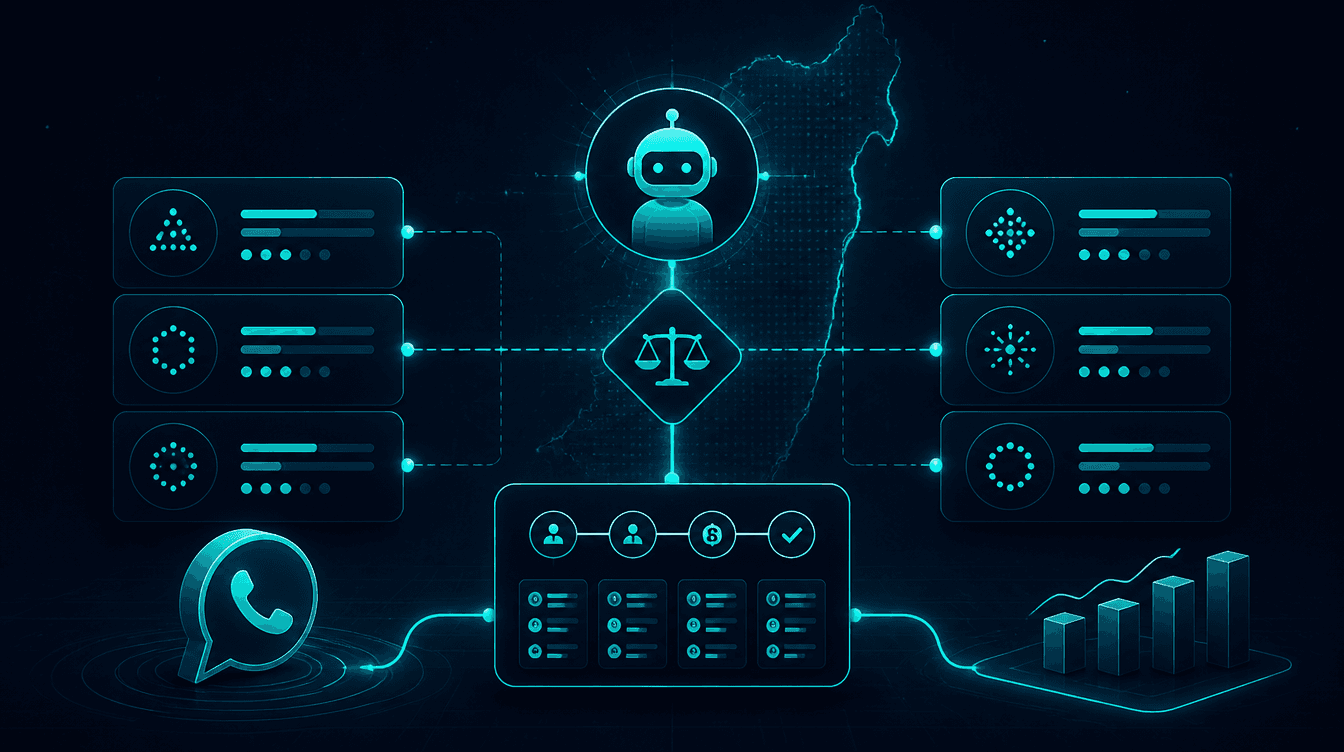
An AI agent for a recording studio captures inquiries from any channel (WhatsApp, website, Instagram), checks calendar availability, confirms the session with all the necessary details, sends automatic reminders before arrival, and updates the client on the project status throughout all production stages—without the team having to trigger each step manually. Every inquiry, confirmation, and update is documented in the CRM and accessible at any moment.
The Real Challenge of Managing a Recording Studio and Podcast Service
Recording studios and podcast producers in Israel engage in creative work—voice recording, audio editing, mixing, mastering, and episode preparation. But behind every project lies a heavy load of coordination: a client asking about availability, a guest confused about the hour, a file that needs to be sent, feedback that hasn't returned yet.
The problem is not a lack of professionalism—it is a lack of time. When the studio owner is busy recording, they cannot simultaneously answer WhatsApp, update a client on status, and send a link to a file. The result: delayed responses, clients feeling neglected, and administrative work that steals hours away from professional tasks.
Automation does not replace production—it manages everything around it.
Automation Capabilities for a Recording Studio
| Process | What the Automation Does |
|---|---|
| New Inquiry Intake | Captures inquiries from WhatsApp, website, or social networks and opens a record in the CRM |
| Availability Check | Checks the calendar and sends time options for client approval |
| Booking Confirmation | Sends a confirmation with date, time, price, and preparation details |
| Pre-session Reminders | Automatically delivers reminders 24 and 2 hours before arrival |
| New Project Intake | Asks targeted questions (type of recording, target audience, timeline, reference files) |
| Guest Coordination | Sends the guest meeting details, Zoom/in-studio link, and technical requirements |
| Status Updates | Notifies the client at every milestone—session completed, editing in progress, file sent |
| File Delivery | Sends a secure download link with instructions and expiration date |
| Post-delivery Follow-up | Checks that the client received the file, asks for feedback, and suggests follow-up services |
| Invoice Management | Prepares a receipt/invoice and updates the CRM with the received payment |
Real-World Scenarios
Scenario 1 — Weekly Podcast Production
A team managing a business podcast series needs to coordinate at least one guest every week. Before automation: a chain of messages, emails, and scheduling errors. After: the guest receives a WhatsApp message with a link to choose a time, an automatic confirmation with the Zoom link and preparation tips, and a reminder two hours prior. The team gets a clean calendar and time to work on the content itself.
Scenario 2 — Audiobook and Script Recording Studio
An audio producer who records audiobooks and role-playing game scripts sometimes receives several projects simultaneously from multiple publishers. Each project is a separate entity—different actors, different reference documents, different timelines. A project intake automation asks targeted questions as soon as the request comes in, creates a project folder in Google Drive, adds events to the calendar, and sends interim updates to the client on progress. The producer doesn't manage spreadsheets—they record.
Scenario 3 — Podcast Editing Service for Solopreneurs
An independent podcast editor handling 8 regular clients needs to receive raw files, send back the finished product, and collect payment every week. An n8n-based automation sends the client a reminder to upload the raw file, receives a notification when the file is uploaded to Drive, sends an update that editing has started, and delivers the final file with a payment request—without the editor sending a single manual message.
Capabilities Table by Service Type
| Service Type | Processes Suitable for Automation |
|---|---|
| Recording Studio (Music, Dubbing, Audiobooks) | Session scheduling, reminders, file delivery |
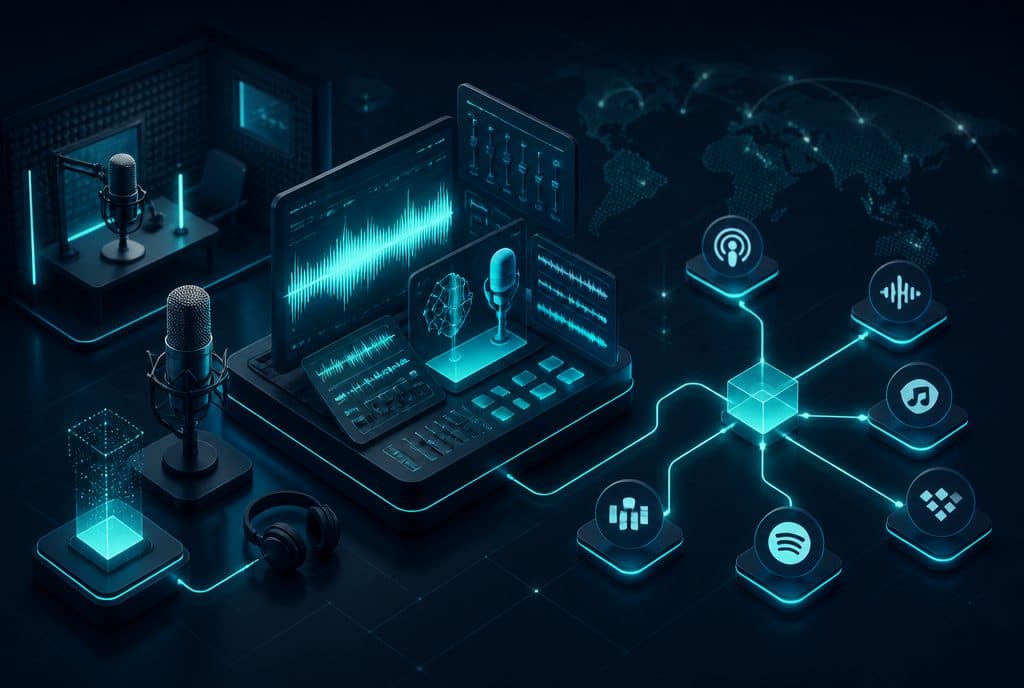
| Podcast Production | Guest coordination, episode logistics, distribution |
| Audio Editing for Others | Raw file intake, status updates, delivery, billing |
| Voiceover Training | Lesson scheduling, material delivery, progress tracking |
| Podcast as a Service (PaaS) | Client intake, calendar management, monthly reports |
Privacy Protection Law and Recording Studios
When using automation that handles client data (name, phone number, recording content, contracts), it is important to comply with the Israeli Privacy Protection Law. In practice, this means not keeping data unnecessarily, maintaining clear consent for marketing communications, and allowing clients to request the deletion of their details. Properly built automation systems include clear parameters regarding what is saved, for how long, and where.
How to Get Started?
The right approach is not to build everything in one day—but to identify the first bottleneck.
Step 1 — Mapping: Write down every process that repeats itself this week. How many "Do you have an opening at X?" messages did you receive? How many times did you manually send arrival details?
Step 2 — Defining the First Scenario: Choose one process—usually session scheduling or file delivery—and map it out: what the client sends, what you reply, and what gets updated in the CRM.
Step 3 — Building and Testing: Build a workflow on n8n, connect it to the CRM and calendar, and run tests on real (not fictional) inquiries.
Step 4 — Expansion: Once the first scenario works stably, move on to the next one.
Want to understand what is right for your studio? Check out our automated lead management to handle incoming inquiries, and automated scheduling to manage sessions. For those who want to read more about the possibilities—automation for video and content production covers similar processes with the same approach.
How much does it cost?
| Component | Price (one-time setup, ex-VAT) |
|---|---|
| WhatsApp AI sales agent | ILS 9,000 |
| Lead intake from Facebook / Instagram / website | ILS 2,000 |
| Connection to an existing system (CRM / Sheets / Monday) | ILS 2,500 |
| Automatic follow-up sequence | ILS 2,500 |
| WhatsApp Business API setup | ILS 700 |
A complete starting point — a WhatsApp AI agent including the business number, server and agent control room — is from ILS 10,200; an agent with a management system (CRM) from ILS 18,200, a multi-agent system from ILS 25,350. There is no monthly fee; third-party costs (server, messages, AI) of about ILS 100–500 a month are paid directly to the providers. The full component price list: pricing page.
Summary
Recording studios and podcast services are businesses that sell professional time—and every hour spent on manual coordination is an hour not spent on the recording itself. Automation based on AI agents and n8n allows a studio—small or large—to manage the entire customer lifecycle: from the first inquiry to the post-delivery follow-up, without anyone on the team needing to remember to send a message. The creative product remains in human hands. The logistics move to the agent.
Want to see how this works for your studio? Talk to us and we will map out the first scenario that fits your workflows.